Microcopy: The Small Words with Big Impact
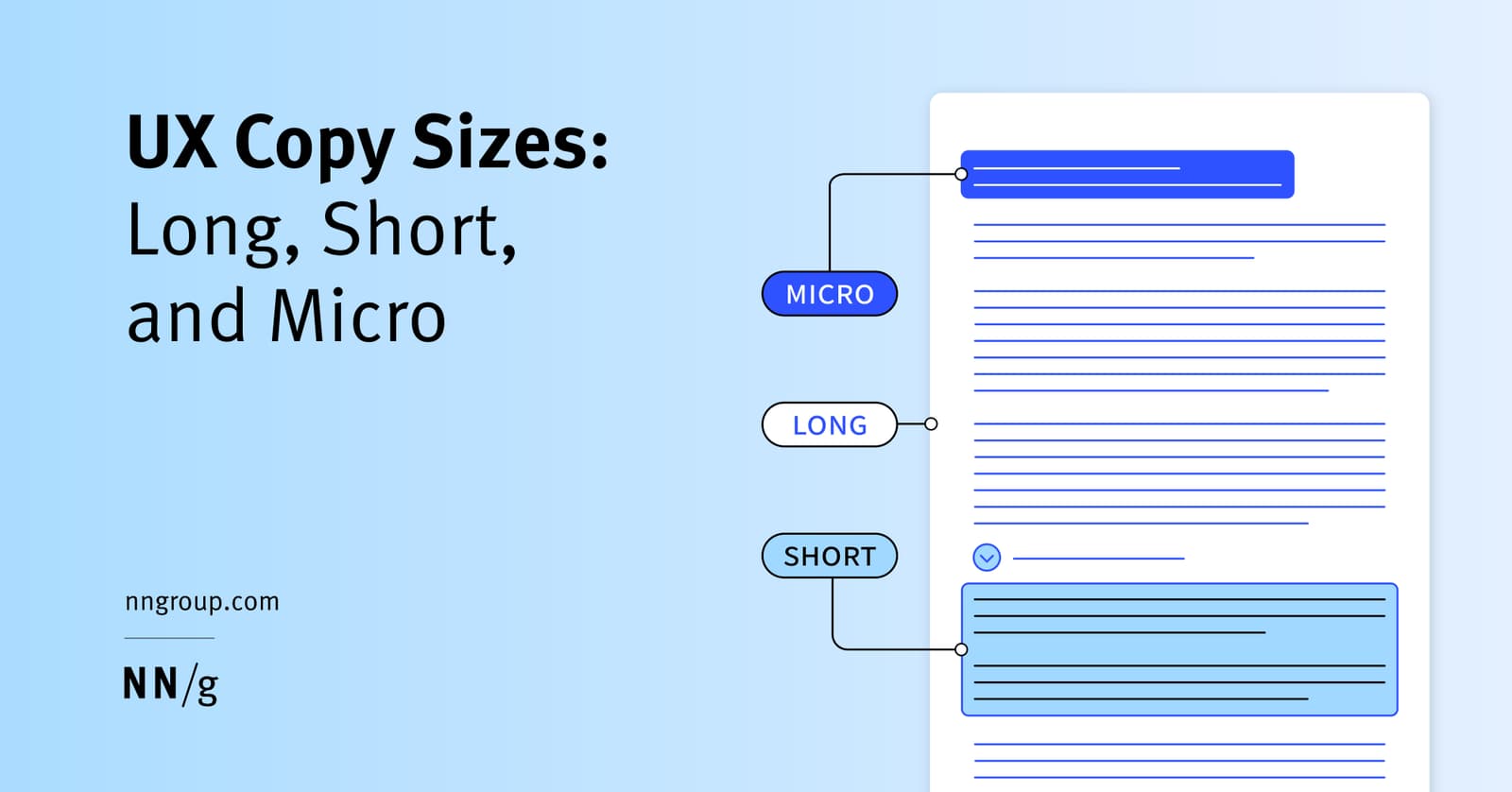
Microcopy is the small, functional text that guides users through an interface. It's the button labels, error messages, and tooltips that help users complete tasks.
WHY IT EXISTS As user attention spans shorten, large blocks of text can be intimidating and ignored. Users need clear, immediate guidance at decision points in an application. Microcopy was created to solve the problem of user confusion and hesitation by providing just-in-time instructions and feedback, directly within the user interface.
THE MENTAL MODEL Think of microcopy as the helpful signage in a physical store. A large banner for "Electronics" is like long-form content. A sign for the "Laptops" aisle is short-form. But the tiny text on a button that says "Add to Cart," the placeholder text in a search bar that says "Search products...," or an error message that says "Invalid password" is all microcopy. It provides critical, contextual information exactly at the moment of action.
HOW IT WORKS Microcopy is the smallest unit of copy, which is any text in an interface written by the organization. It consists of short, highly contextual words or phrases embedded directly into UI components. Its purpose is purely functional: to clarify, instruct, or provide feedback. Common examples include button labels, form field placeholders, error messages, tooltips, loading screen text, and confirmation messages.
WHEN TO USE IT Use microcopy to reduce ambiguity and guide users through a task. It is essential for interactive elements like forms, buttons, and navigation. Use it to label actions, explain input requirements (e.g., "Password must be 8+ characters"), confirm success (e.g., "Item added to your cart"), and explain errors. Any place a user might pause and wonder "What should I do next?" is a candidate for microcopy.
WHEN NOT TO USE IT Do not use microcopy to explain complex topics, policies, or multi-step processes. That is the job of short-form or long-form copy. Forcing detailed explanations into a tiny tooltip or error message will overwhelm the user and defeat the purpose of providing quick, scannable guidance. If you need more than a sentence, you likely need a different copy format.
ONE CANONICAL EXAMPLE A user registration form. The button label says "Create Account" instead of a generic "Submit." The password field shows placeholder text: "8+ characters, 1 number." If the user enters a weak password, a red message appears below the field: "Password must include at least one number." This combination of instructional and validation microcopy guides the user to success without friction.
Read the original → nngroup.com
Get five bites like this every day.
Tezvyn delivers a daily feed of 60-second tech bites with quizzes to lock in what you learn.