Everything in React & Next.js, page 5
How do you create a /dashboard route in Next.js App Router?
Tests App Router file-system routing and the page.js convention. Good answer: create app/dashboard/page.js with a default export, note that only page.js creates an addressable route, and layouts do not.

MSW vs mocking fetch or axios directly in Jest tests
MSW intercepts HTTP via Service Workers and Node, staying client-agnostic; direct fetch or axios mocks couple tests to specific libraries.
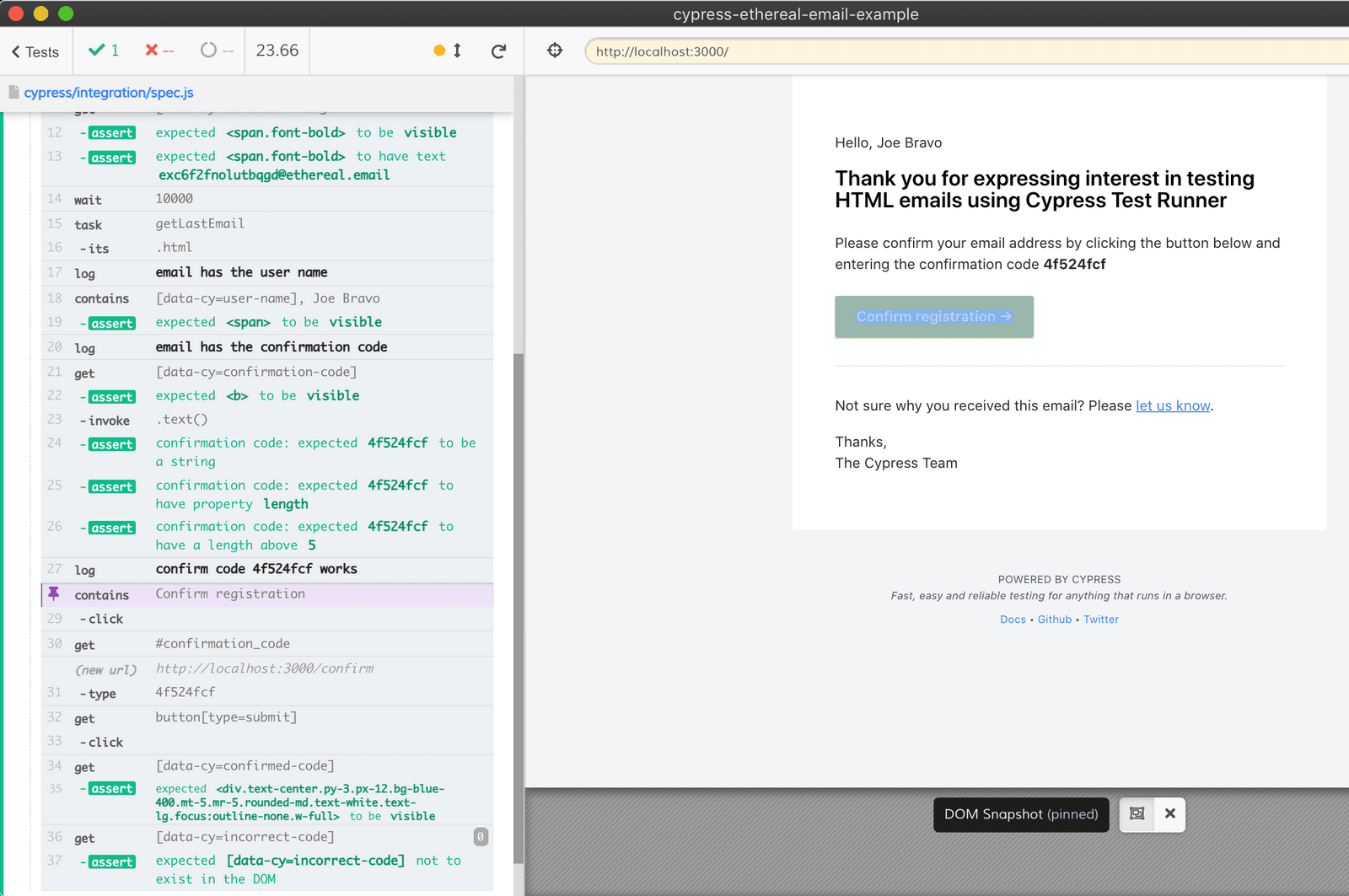
Cypress auth strategies: UI login vs programmatic session
Tests your grasp of Cypress test isolation and speed tradeoffs. A strong answer contrasts slow UI login (ideal for the auth flow itself) against programmatic auth via cy.request or cy.session (fast setup for protected routes).
How do you balance unit, integration, and end-to-end tests in Next.js?
This tests allocation of test types across Next.js boundaries. Propose 70 percent unit tests for utilities, 20 percent integration tests for data fetching, and 10 percent end-to-end tests for critical flows, weighing cost and confidence.

Difference between jest.fn, jest.spyOn, and jest.mock in React
Tests whether you distinguish Jest's three mocking scopes. Good answers: jest.fn for standalone callbacks; jest.spyOn to observe existing methods; jest.mock to swap entire modules. Red flag: using them interchangeably or saying spyOn replaces modules.
How do you unit test a custom React hook like useCounter?
This tests whether you know hooks must run inside a component and that renderHook provides that scaffold. A strong answer names renderHook and act, explains result.current access, and warns against calling hooks directly.
Test a React component fetching async data on mount
Whether you can assert on asynchronous DOM updates without race conditions. Mock the API, render, then use findBy or waitFor to assert on loading and loaded states. Red flag: using getBy right after render or forgetting to await async queries.
What are fireEvent and user-event, and why prefer user-event?
FireEvent triggers single DOM events; user-event simulates full interactions with focus checks. Prefer user-event.

How would you unit test a React title component?
This tests React Testing Library's user-centric approach and Jest basics. A strong answer renders the component, queries the h1 by role or text, and asserts it is in the document. A red flag is using Enzyme shallow rendering or testing internal state.
How does React Testing Library's guiding principle influence query choice?
This tests whether you prioritize user-visible attributes over implementation details when selecting queries. A strong answer ranks getByRole, label, and text above testId because users interact with meaning, not data attributes.
What is state hydration in Next.js SSR with Redux or Zustand?
Hydration attaches listeners to server HTML; serialize state to an escaped script tag; boot client store before React or markup is discarded.
Explain atomic state management and how it differs from Redux
This tests bottom-up vs top-down architecture. Good response contrasts atom graphs with Redux's monolithic store, notes atoms avoid extra rerenders sans selectors, and flags granular subscriptions.
How would you handle an async API call in Redux Toolkit versus Zustand?
Tests structured async state machines versus lightweight patterns. A strong answer contrasts createAsyncThunk's pending/fulfilled/rejected lifecycles with Zustand's direct set() in async functions, noting Redux's traceability trade-off.
How do you select a single property and prevent extra re-renders?
Tests selector granularity and reference equality in subscriptions. Great answer: return a primitive via a focused selector; for objects, memoize with createSelector or pass shallowEqual. Red flag: reaching for useMemo or React.memo before fixing the selector.
How do Redux actions, reducers, and click-to-render data flow work?
Tests Redux unidirectional flow and immutability. Strong answer: actions are plain event objects, reducers are pure functions returning new state, and flow goes dispatch to store to UI. Red flag: actions mutating state or reducers with side effects.
When would you choose Redux or Zustand over React's built-in hooks?
Choose global state when many components share rapidly changing state, logic is complex, or updates must be traceable.
Explain list virtualization and when it beats React.memo
This tests whether you know React.memo skips re-renders but leaves off-screen nodes in the DOM. A strong answer describes virtualization mounting only visible items to cut memory use. A red flag is claiming memoization fixes jank or saves memory for big lists.

How would you avoid new functions per list item without useCallback?
Tests stable handler patterns for large lists. Answer: define one handler outside the map, attach it to every item, and read the id from a data-id attribute via currentTarget.dataset.id. Or use event delegation on the parent. Red flag: useCallback in loop.

React Profiler long render duration: causes and next steps?
Tests interpreting actualDuration vs baseDuration. Outline: close values on updates mean broken memoization—add memo or useMemo; high baseDuration alone means an inherently slow subtree. Red flag: proposing fixes before comparing these two Profiler metrics.
How does Next.js routing auto-implement code splitting?
Tests route-based code splitting versus manual setup. Strong answers note each page/route becomes its own chunk automatically, while client-only apps need explicit React.lazy and Suspense.
We are hiring for this. Every open role lists the topics its interview covers, so you can prepare for the real thing rather than guessing.
See open roles