Everything in Mobile Dev, page 13
Provider package versus raw InheritedWidget
It removes boilerplate, adds lifecycle disposal and scoped reads, and exposes select for granular rebuilds.
Per-tab navigation stacks with StatefulShellRoute
StatefulShellRoute keeps a separate Navigator and preserved state per branch, with a shared shell scaffold.
LayoutBuilder versus MediaQuery for responsive widgets
MediaQuery reports the whole window; LayoutBuilder gives the parent's actual constraints.
Classic BLoC with Streams and Sinks
Classic BLoC separates UI from business logic by exposing inputs as Sinks and outputs as Streams. The widget pushes events into sinks, the BLoC processes them, and emits new state on streams that the UI rebuilds from, keeping logic testable and…
Android Becomes an Intelligence System: I/O 2026 Recap
Google’s I/O 2026 Android recap introduced AppFunctions experiments, Gemini Nano 4 previews and tools for hybrid AI. Check each feature’s availability and device requirements before using it in production.
Kotlin 2.4.0 Ships Stable Context Parameters and UUID API
Kotlin 2.4.0 ships stable context parameters, a built-in UUID API, and Java 26 support. Context parameters replace manual dependency threading through call chains.
Android CLI 1.0 Stable Unlocks Headless CI
Android CLI 1.0 went stable at I/O, exposing project scaffolding and device management commands that run without Android Studio. The release finally lets teams script full build pipelines on headless agents and remote dev boxes.
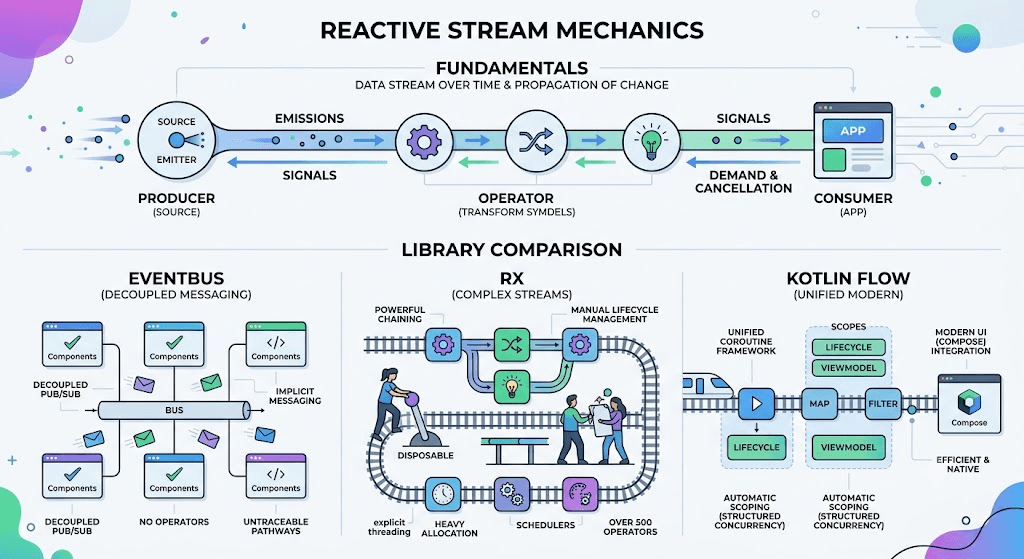
Unify Android EventBus and RxJava with Kotlin Flow
Mixing EventBus, RxJava, and Kotlin Flow in Android codebases creates memory leaks and GC pressure from stream wrapping. Operator translation and lifecycle mismatches drive engineering debt.

I/O 2026 Standardizes AI Server-Driven UI for Android
I/O 2026 made A2UI, Remote Compose, and AppFunctions first-class Android primitives, validating AI server-driven UIs. KMP plus Compose Multiplatform renders cross-platform from one codebase.
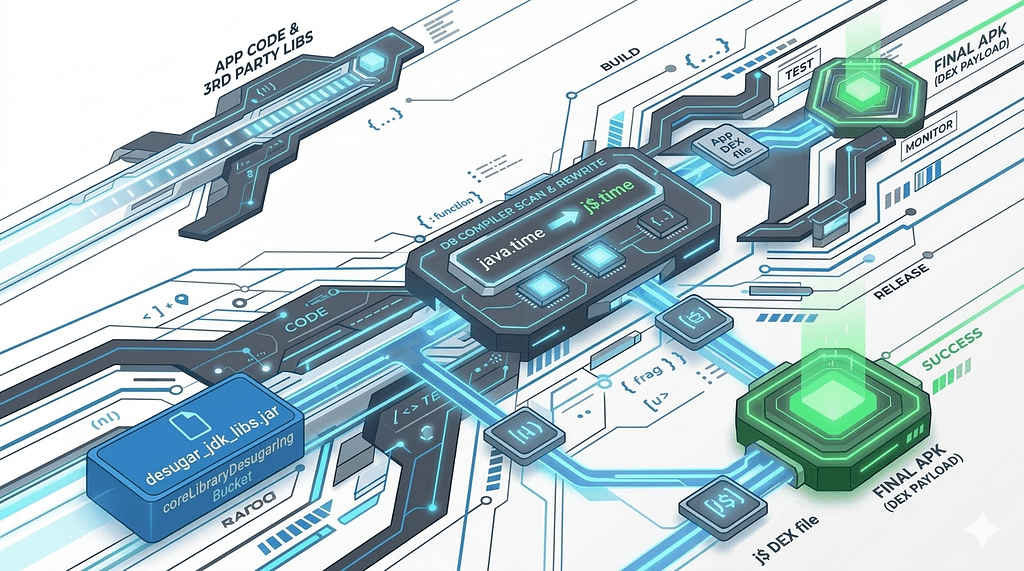
isCoreLibraryDesugaringEnabled Nears End of Life
isCoreLibraryDesugaringEnabled and desugar_jdk_libs 2.1.3 are being phased out as Google modularizes Android system updates, ending the j$ namespace workaround for java.time on legacy devices.
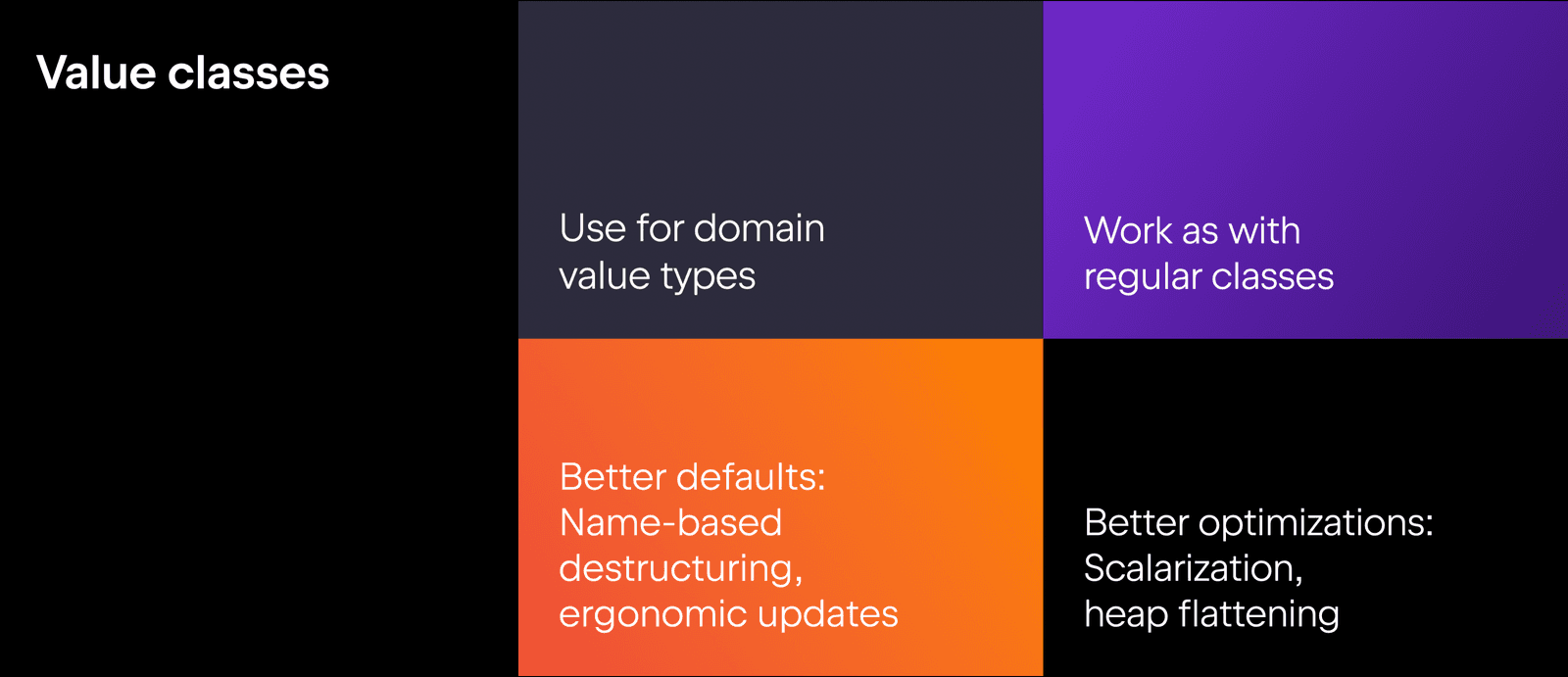
Kotlin 2.4.0 Preview, Unified Toolchain, and LSP Alpha Land
Kotlin 2.4.0 stabilizes context parameters and explicit backing fields. A new Kotlin Toolchain unifies build, test, and agent workflows under one command, while the Language Server hits Alpha.
Koog 1.0 Stabilizes Kotlin AI Agent Framework
Koog 1.0 locks APIs for one year in JetBrains' Kotlin AI agent framework, adding local Android LiteRT inference and OpenTelemetry. JVM teams can build production agents without breaking changes. Adopt stable core first, then add beta features as needed.
Kotlin 2.4.0 ships Swift package support and Java 26
Kotlin 2.4.0 adds Swift package dependencies for Native, Java 26 for JVM, and WebAssembly Component Model. Multiplatform teams can consume Swift libraries directly and target newer Java. Upgrade via IntelliJ IDEA, Android Studio, or Gradle.

How does WorkManager guarantee task execution across reboots and process death?
Tests your understanding of WorkManager's durability under process death. Strong answer: Room database persists requests; JobScheduler or AlarmManager executes them; BroadcastReceiver reschedules on reboot.
Architect periodic and on-demand sync with WorkManager
Tests combining periodic and push WorkManager requests safely. Outline: one Worker class, PeriodicWorkRequest hourly and OneTimeWorkRequest on push, with ExistingWorkPolicy.KEEP plus constraints. Red flag: two Workers, no deduplication, or ForegroundService.
How would you implement a constrained photo upload with WorkManager?
Tests knowledge of WorkManager constraints and retry policies for deferrable background uploads. A strong answer names OneTimeWorkRequest with Constraints for charging and unmetered network, plus BackoffPolicy for retry.
How do you implement OAuth2 token refresh with Retrofit Authenticator?
Implement authenticate() with a blocking refresh, new Request with new token, Mutex for parallel 401s.
Create a custom View from scratch that draws a shape
This tests Android View measurement and drawing contracts. A strong answer covers: onMeasure resolves dimensions against parent MeasureSpec; onDraw renders with Canvas and Paint; constructors parse attributes.
Roles of minifyEnabled and shrinkResources and common pitfalls
Tests R8 code shrinking vs resource stripping and runtime risks. Outline: minifyEnabled shrinks code; shrinkResources removes unused assets and requires minifyEnabled; dynamic access like getIdentifier() crashes; keep resources with tools:keep or keep.xml.
Chain WorkManager tasks and pass a file URI between workers.
This tests WorkManager chaining and data passing. A strong answer chains Download, Unzip, and Process with WorkContinuation, passes URI via outputData, and reads it with inputData. A red flag is suggesting global state, SharedPreferences, or thread blocking.
We are hiring for this. Every open role lists the topics its interview covers, so you can prepare for the real thing rather than guessing.
See open roles