Everything in Frontend Dev, page 13
What is a SvelteKit adapter and how do adapter-static and adapter-node differ?
Tests your grasp of SvelteKit's deployment abstraction. A strong answer outlines how adapters compile the app for a target platform, contrasting adapter-static's CDN-ready HTML with adapter-node's server-side request handler for Node environments.

Describe two key Angular CLI production build optimizations
Tests whether you know architect targets and concrete production optimizations. Strong answers name two of: dead code elimination and minification, hashed filenames for cache busting, or disabled source maps.

Explain Vite dependency pre-bundling, startup speed, and CommonJS handling
This tests whether you understand Vite's ESM-first dev server constraints. Pre-bundling converts CJS/UMD to ESM and collapses multi-file ESM deps into single modules to stop 600+ request waterfalls.
How do you configure Angular CLI dev server proxying?
Tests Angular CLI proxying to bypass CORS locally. Good answer: create proxy.conf.json with target and path, register it in angular.json serve options as proxyConfig, then restart ng serve.
How does src/routes determine routing in SvelteKit?
Src/routes mirrors URLs, folders become paths, [slug] creates dynamic params, and +page.svelte renders pages.
Why does create-vue ask about Pinia and Vitest during scaffolding?
Tests knowledge of Vue's lean core and modular tooling. Good answers note that create-vue conditionally installs deps, scaffolds folders like src/stores or tests/, and pre-configures Vite so you skip manual wiring.
ng serve purpose and fundamental difference from ng build
Ng serve compiles in memory and serves via a dev server with live reload, while ng build writes output to dist/.

Svelte compiler downsides vs Vue and Angular runtime
Tests compile-time versus runtime trade-offs in large apps. Strong answers address dynamic component limits, plugin friction, build scalability, and migration cost. Red flag: claiming Svelte has no runtime or that dynamic components are impossible.
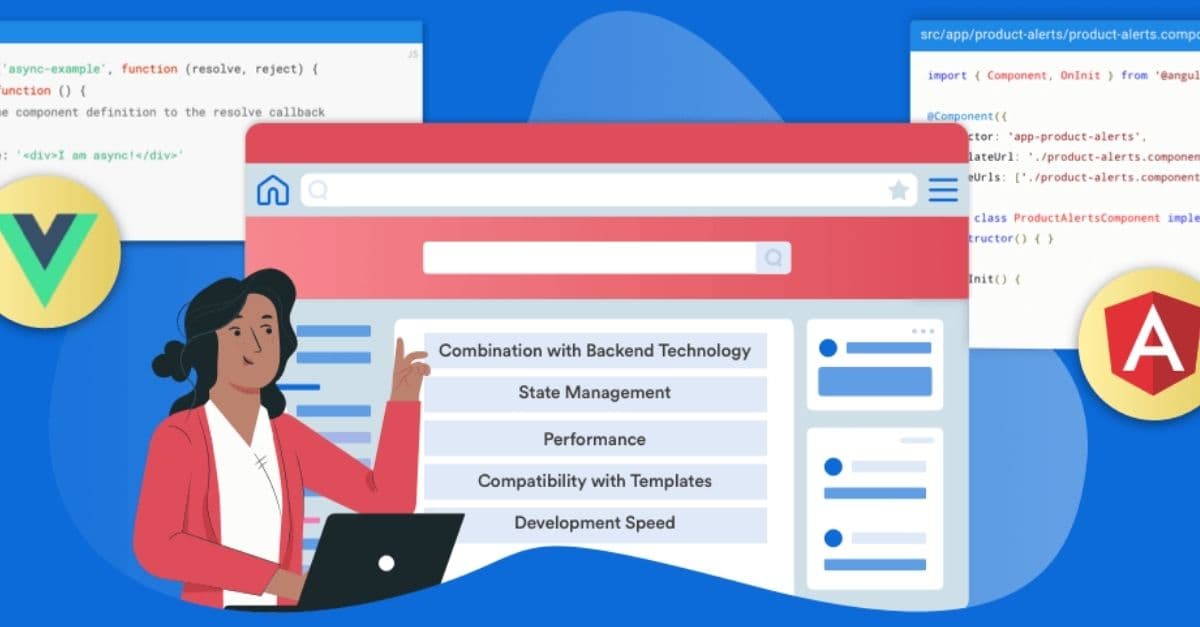
How would Angular vs Vue philosophies influence your large-scale architecture choice?
Tests mapping philosophy to team scale. Contrast Angular's opinionated batteries-included tooling and two-way binding with Vue's progressive incremental adoption and Composition API; pick Angular for standards or Vue for flexibility.
How does Svelte update the DOM without a Virtual DOM?
This tests compile-time versus runtime framework architecture. A strong answer says Svelte compiles components into imperative JS that surgically updates the DOM when reactive state changes. A red flag is claiming it uses a hidden VDOM or dirty checking.
Why is DI central to Angular architecture versus Vue's module system?
Tests architectural grasp of inversion of control. Angular DI enables hierarchical injectors, tree-shakable providers, and runtime substitution without direct imports unlike Vue modules. Red flag: calling DI mere convenience or claiming Vue matches Angular DI.
Compare and contrast Vue 3 and Svelte reactivity systems
Tests runtime versus compile-time trade-offs. Contrast Vue 3 Proxy interception with Svelte compile-time assignment transforms. Vue tracks dependencies dynamically during effects; Svelte resolves them at build. Red flag: claiming both use runtime Proxies.
What is the primary end-user benefit of Svelte's compiler-first approach?
Tests if you connect compiler architecture to user-facing performance. Strong answer: build-time work shrinks bundles and reduces browser overhead for faster loads on slow devices. Red flag: answering with developer ergonomics instead of runtime performance.
What out-of-the-box Angular features require manual setup in Vue or Svelte?
Tests whether you understand framework scope tradeoffs. A strong answer cites first-party routing, forms, dependency injection, and Signals, then contrasts them with Vue or Svelte's add-on ecosystem.
Explain Vue as a progressive framework and build-step differences
Tests incremental adoptability. Strong answers define progressive as layer-by-layer adoption, describe script-tag HTML enhancement, and contrast it with compiled SFC SPA toolchains. Red flag: calling Vue lightweight rather than incrementally adoptable.
Virtual DOM Diffing: Minimal DOM Surgery
Virtual DOM diffing finds the smallest real DOM ops to sync a lightweight tree with new state. Frameworks batch rapid UI changes instead of repainting everything. The footgun is treating the diff as free; missing keys in lists force expensive reconciliation.
Angular JIT: Runtime Template Compilation
Angular JIT ships the compiler to the browser and builds components on the fly. It speeds up development rebuilds but pushes compilation cost to runtime. The footgun is deploying it to production, bloating bundles and hiding template errors until runtime.
Testing SvelteKit load Functions
A SvelteKit load function consumes a request event and returns page data. Unit test it by mocking the event object in Vitest, not by mounting the page. Never test it through component rendering, because load runs before the component initializes.
Apollo Client: GraphQL as Reactive State
Apollo Client turns your GraphQL API into reactive state that components read like a local cache. It shines when multiple views share overlapping data, but teams often footgun by sending one massive query instead of letting the cache normalize fragments.
Observable: Angular's Push-Based Data Stream
An Observable is a lazy push collection that emits values over time. Angular uses it for HTTP and events, letting components react instead of polling. Forgetting to unsubscribe leaks memory and keeps destroyed components alive.
We are hiring for this. Every open role lists the topics its interview covers, so you can prepare for the real thing rather than guessing.
See open roles