Android App Development: Core Languages and Tools
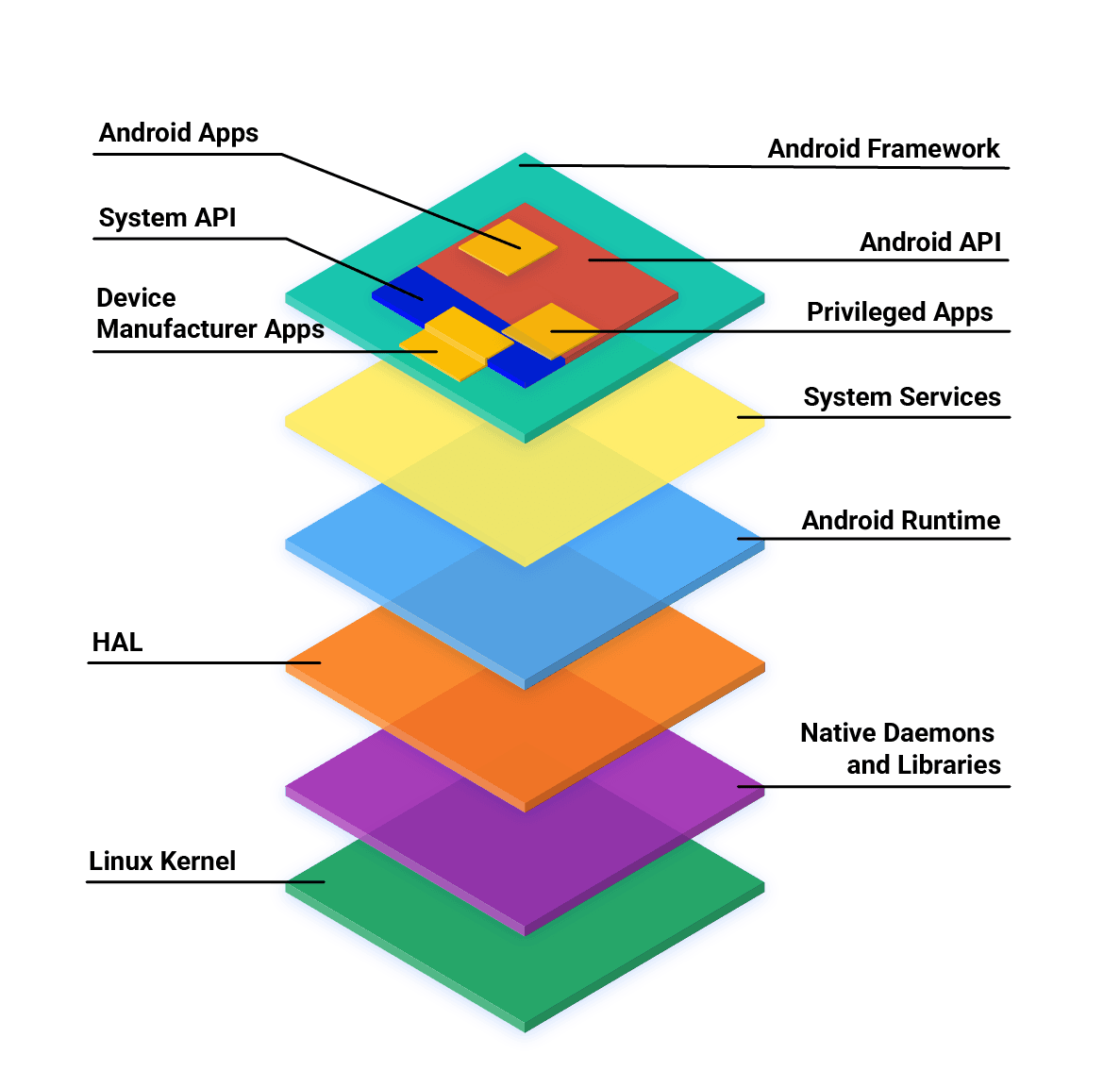
Android apps are primarily built with Kotlin, Java, and C++ using the official SDK. While other languages are possible, they often need 'glue' code to work and may have restricted API access. The main footgun is assuming any language has first-class support.
Why it exists
To provide a standardized process and toolset for creating applications that run on the vast ecosystem of Android mobile devices. This ensures a level of consistency and compatibility for developers targeting the platform, which has been evolving since its first SDK release in 2008.
The mental model
Think of Android development as a city with three main, officially supported gates: Kotlin, Java, and C++. You can enter through these gates easily using the official SDK. You can try to climb the walls using other languages like Go or JavaScript, but it requires special tools and you may not have access to all parts of the city, meaning the full Android API.
How it works
Developers use the Android Software Development Kit (SDK) to create applications. The primary languages, Kotlin and Java, are JVM (Java Virtual Machine) languages, and their code runs within this environment on the device. For non-JVM languages such as C, C++, Go, or assembly, a layer of JVM language code is required to act as a bridge. This 'glue' code allows the non-JVM code to interact with the Android system, but this support can be restricted. Third-party tools and development environments have expanded these options over time.
When to use it
Use the official stack (Kotlin, Java, C++) for most native Android app development. This path provides the most direct access to the full range of Android APIs, the best performance, and the largest amount of community support and documentation. The official distribution mechanism, Google Play, is also optimized for apps built this way.
When not to use it
If your primary goal is to write a single codebase that runs on both Android and other platforms like iOS, you might investigate cross-platform tools. Using non-standard languages is also not ideal if your application requires deep, unrestricted access to the native Android API, as support may be limited.
One canonical example
A developer writes an application using Kotlin and the Android SDK. To get feedback before a full launch, they use Google Play to distribute a pre-release version to a group of testers. After testing, they use the same platform for a staged, gradual release to the public, minimizing the impact of any unforeseen issues.
Interview question
What is the main benefit of developing an Android app using Kotlin or Java with the official SDK?
- a.It allows the app to run without any JVM layer, improving raw performance.
- b.It provides the most direct and complete access to all native Android system APIs.Correct
- c.It simplifies the process of making the app compatible with iOS devices.
- d.It automatically optimizes the app for distribution on platforms other than Google Play.
Why? this is the answer
The card states that using the official stack (Kotlin, Java, C++) "provides the most direct access to the full range of Android APIs." Option A is incorrect because Kotlin and Java are JVM languages and their code runs within the JVM environment, not without it.
Just read this? Test yourself on what you have been reading.
Read the original → en.wikipedia.org
Put your scrolling time to good use
Learn one idea, try a quiz and save useful cards for revision. Tezvyn makes it easy to learn and stay current in your tech field, a few minutes at a time.
The iPhone app is on the way
We are building it. Until it lands, nothing here is held back from you: every interview card, your saved cards, streaks and the job board all work in Safari, plus hundreds of free practice quizzes of thirty questions each. Sign in and it all carries over to the app the day it arrives.
Want it as an icon? Tap Share at the bottom of Safari, then Add to Home Screen. It opens full screen and the cards you have read stay available offline.
We are hiring for this. Open roles that interview on android — each one lists the topics its interview covers.
See open roles