Angular's Default Change Detection with Zone.js
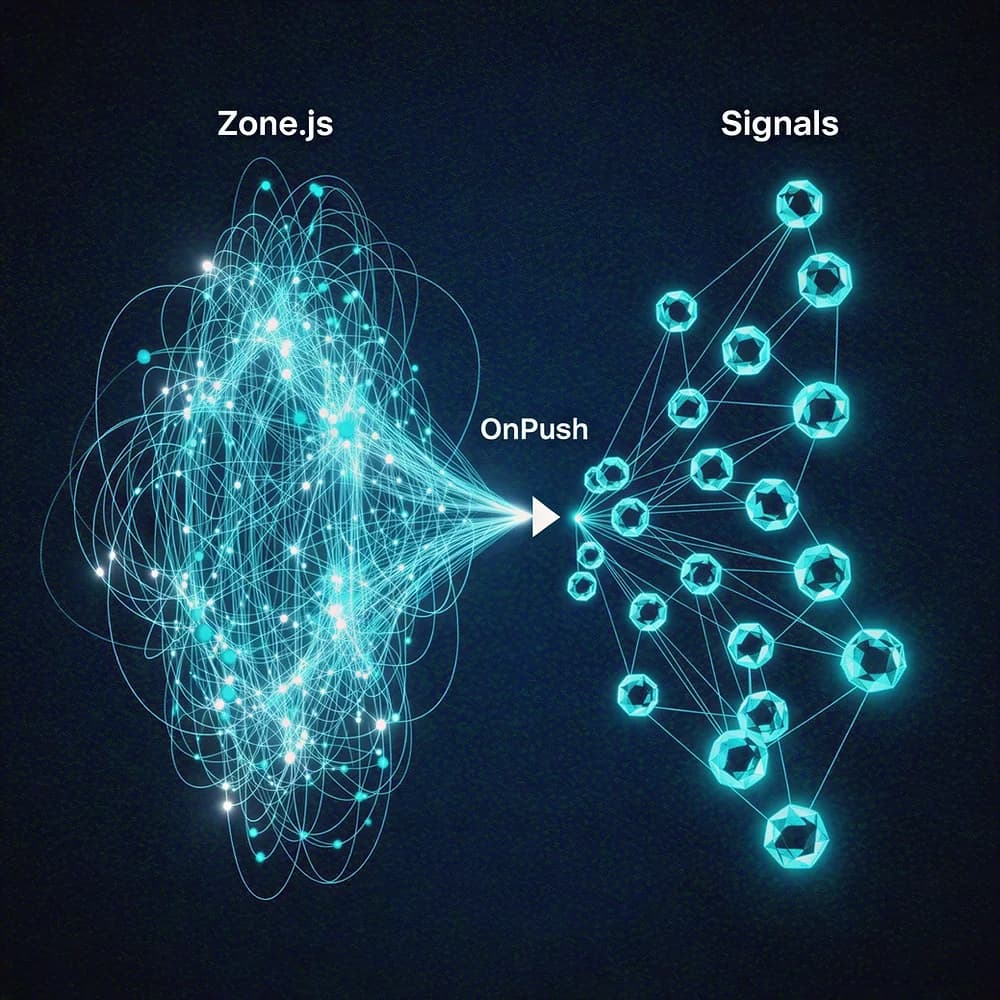
Zone.js tells Angular to re-check your entire app whenever any async event finishes. This is Angular's default magic: a variable updates after an HTTP call, and the UI just works. The footgun? This "check everything" approach is expensive in large apps.
Why it exists
Applications need a way to automatically reflect data changes in the UI. Manually triggering updates for every state change is error-prone and tedious. Zone.js was adopted by Angular to solve this by observing the common triggers for state changes: asynchronous operations.
The mental model
Think of Zone.js as a building-wide alarm system. It wires itself into every potential source of an event: every click handler, every timer, every network request. When any of these events completes, the alarm sounds. Angular, hearing the alarm, doesn't know where the event came from, so it dispatches a team to check every single room (component) from top to bottom to see if anything has changed.
How it works
Zone.js works by "monkey-patching" nearly all asynchronous APIs in the browser, such as setTimeout, Promise.then, and event listeners. When your Angular application starts, it runs inside a special "Angular zone." When any of these patched async operations completes, the zone notifies Angular that something happened. In response, Angular initiates its default change detection cycle: it walks the entire component tree from the root downwards. For every component, it re-evaluates all template expressions and compares their current values to their previous values. If a value has changed, Angular updates the corresponding part of the DOM.
When to use it
This is Angular's default behavior, making it suitable for smaller applications or for rapid prototyping. The main advantage is simplicity. You can update a component's property from anywhere—an event handler, a timer, an HTTP response—and trust that the UI will update automatically without any extra code.
When not to use it
Avoid relying on the default strategy in large or performance-sensitive applications. The "check everything" approach becomes a major bottleneck as your component tree grows. A single button click can trigger checks across hundreds of components, most of which are unaffected, leading to UI lag. This is the primary reason developers adopt the OnPush change detection strategy.
One canonical example
A component has a button that, when clicked, fetches user data from an API. The click handler calls a service that returns an Observable. When the data arrives, a property on the component is updated. Because the underlying network request is patched by Zone.js, its completion notifies Angular. Angular then runs change detection, sees the component's property has changed, and updates the DOM to display the new user data, all automatically.
Interview question
What is the main performance drawback of Angular's default change detection using Zone.js in large applications?
- a.It requires developers to manually optimize change detection for every component.
- b.It re-evaluates all template expressions across the entire component tree after any asynchronous operation completes.Correct
- c.It frequently re-renders the entire DOM, regardless of actual data changes.
- d.It only triggers change detection for components directly involved in the async event.
Why? this is the answer
The card explicitly states that Zone.js's notification causes Angular to 'walks the entire component tree from the root downwards' and 're-evaluates all template expressions,' which becomes a bottleneck in large applications. Option C is a consequence, but the 'checking everything' is the core issue.
Just read this? Test yourself on what you have been reading.
Read the original → ojas-deshpande.com
- #angular
- #change detection
- #zone.js
- #performance
Put your scrolling time to good use
Learn one idea, try a quiz and save useful cards for revision. Tezvyn makes it easy to learn and stay current in your tech field, a few minutes at a time.
The iPhone app is on the way
We are building it. Until it lands, nothing here is held back from you: every interview card, your saved cards, streaks and the job board all work in Safari, plus hundreds of free practice quizzes of thirty questions each. Sign in and it all carries over to the app the day it arrives.
Want it as an icon? Tap Share at the bottom of Safari, then Add to Home Screen. It opens full screen and the cards you have read stay available offline.
We are hiring for this. Open roles that interview on angular — each one lists the topics its interview covers.
See open roles