color-mix(): CSS's Native Color Blender
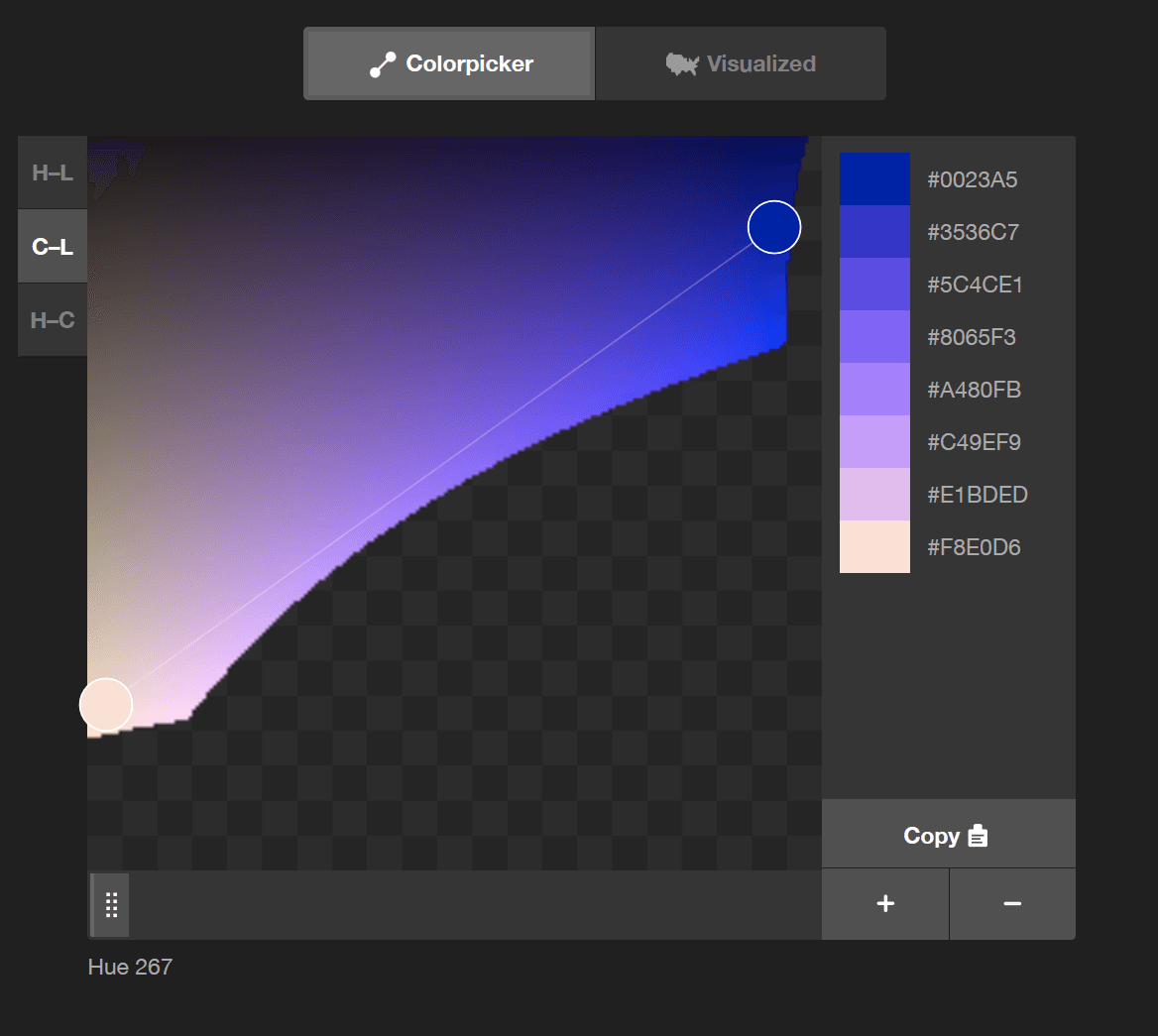
color-mix() lets you blend two colors directly in CSS, like mixing paint. Use it to generate theme variations, like hover states, from a base color. The chosen color space (e.g., srgb, oklch) dramatically changes the result, so always specify it.
Why it exists
Before color-mix(), creating variations of a base color, like a slightly lighter blue for a hover state, required CSS preprocessors like Sass or hardcoding multiple color values. This made dynamic theming difficult and tied styling logic to build tools. color-mix() brings this capability directly into the browser, enabling more flexible and maintainable design systems.
The mental model
Think of color-mix() as a digital paint mixer. You provide two colors and specify the proportion of each. For example, "take this primary blue, mix in 20% white, and give me the result." The key difference from physical paint is that you also choose the "mixing room"—the color space—which fundamentally affects how the colors combine.
How it works
The function syntax is color-mix(in <colorspace>, <color1> <percentage?>, <color2> <percentage?>). For example, color-mix(in srgb, blue, white 30%) means "mix blue and white in the srgb color space, with the final color being 30% white and, by implication, 70% blue." If no percentages are given, it defaults to a 50/50 mix. If only one percentage is given, the other is inferred. The default color space if unspecified is oklab.
When to use it
Use color-mix() for creating systematic color palettes in a design system. It's perfect for generating interactive states (hover, active, focus) from a single source color. It's also useful for creating tints (mixing with white), shades (mixing with black), and tones (mixing with gray) on the fly, directly in your CSS.
When not to use it
Avoid color-mix() if you need to support older browsers, as it's a modern CSS feature. For complex color manipulations beyond simple blending, dedicated color libraries might still be more powerful. It's for deriving colors from existing ones, not for generating complex palettes from mathematical principles.
One canonical example
To create a UI theme, you can define a single brand color and derive all variants. For instance: --brand-blue: #007bff; --button-bg: var(--brand-blue); --button-hover-bg: color-mix(in oklch, var(--brand-blue), white 15%); --button-disabled-bg: color-mix(in oklch, var(--brand-blue), gray 40%);. This makes the entire theme responsive to a single change in the brand color variable.
Interview question
What aspect of color-mix() fundamentally alters how colors combine, even with the same input colors and proportions?
- a.The specific color space declared (e.g., srgb, oklch).Correct
- b.The browser's default color rendering profile.
- c.The order in which the two colors are listed.
- d.Whether percentages are explicitly defined for both colors.
Why? this is the answer
The card explicitly states that "The chosen color space... dramatically changes the result" and "fundamentally affects how the colors combine." Option C is incorrect because the order of colors primarily affects implied percentages, not the mixing method itself.
Just read this? Test yourself on what you have been reading.
Read the original → w3.org
- #css
- #design systems
- #color
Put your scrolling time to good use
Learn one idea, try a quiz and save useful cards for revision. Tezvyn makes it easy to learn and stay current in your tech field, a few minutes at a time.
The iPhone app is on the way
We are building it. Until it lands, nothing here is held back from you: every interview card, your saved cards, streaks and the job board all work in Safari, plus hundreds of free practice quizzes of thirty questions each. Sign in and it all carries over to the app the day it arrives.
Want it as an icon? Tap Share at the bottom of Safari, then Add to Home Screen. It opens full screen and the cards you have read stay available offline.
We are hiring for this. Open roles that interview on css — each one lists the topics its interview covers.
See open roles