Expo: The New Default for React Native
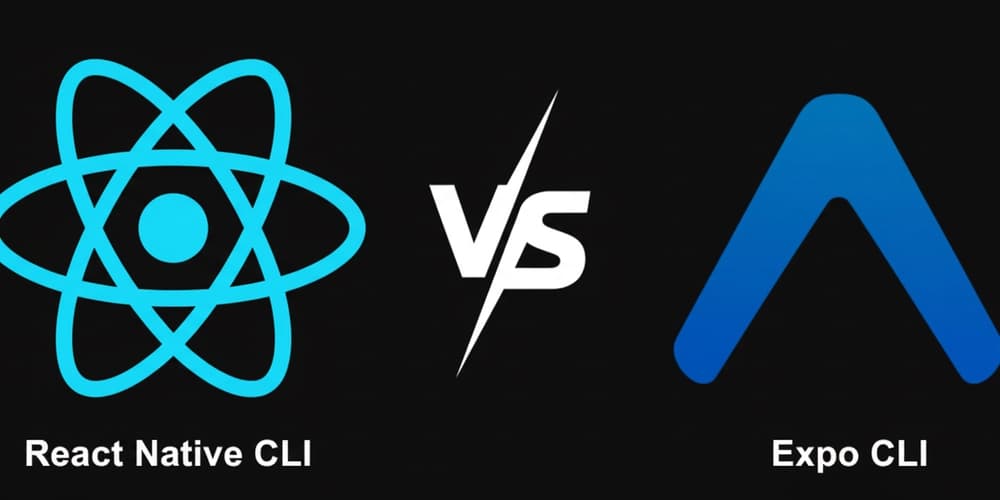
Expo is the modern, production-ready default for React Native, not just a tool for prototypes. Use it for new apps to get smoother upgrades, cloud builds, and over-the-air updates out of the box.
Why it exists
React Native provides the core UI library, but building, deploying, and maintaining a mobile app requires a lot more tooling. Developers needed a way to manage this complexity—like builds, updates, and native APIs—without building an entire framework from scratch for every project.
The mental model
Think of the bare React Native CLI as buying raw ingredients and an empty kitchen. You have total control but must build everything yourself, from the oven (CI/CD) to the delivery service (OTA updates). Expo is a high-end meal-kit service with a professional kitchen; you get pre-vetted ingredients (SDKs) and powerful appliances (cloud builds, OTA updates), but can still add your own custom spices (native code).
How it works
Expo is a framework and a set of services built on top of React Native. The old limitation, where using custom native code required permanently "ejecting" from the managed workflow, is gone. The modern command, expo prebuild, generates standard native Android and iOS project folders. This allows you to add any custom native modules you need while still benefiting from Expo's tooling, like its maintained SDKs, EAS (Expo Application Services) for cloud builds, and OTA updates. The bare React Native CLI, in contrast, starts you with these native folders from day one, making you responsible for all configuration, linking, and maintenance.
When to use it
The official React Native documentation recommends starting with Expo for almost all new projects. It is the default choice for teams who want to ship features faster and reduce maintenance burdens. Use Expo to get managed CI/CD, seamless over-the-air updates, and significantly easier version upgrades out of the box.
When not to use it
Only choose the bare React Native CLI from the start if you have highly specialized native requirements that you know for a fact cannot be met within Expo's ecosystem. This path should only be taken if your team has deep native expertise and is prepared to manage the entire build, deployment, and upgrade pipeline manually.
One canonical example
A team builds an app using Expo. A critical bug is found after launch. Instead of submitting a new build and waiting days for app store review, they use Expo's OTA (Over-the-Air) updates to push the JavaScript fix directly to users' devices in minutes. A team using the bare CLI without a custom OTA solution would be stuck waiting for the standard review process.
Interview question
Which of these is a key benefit of choosing Expo for a new React Native project, particularly for app maintenance?
- a.It guarantees a smaller final app bundle size compared to a bare React Native setup.
- b.It restricts native module usage to only those officially supported by Expo for stability.
- c.It enables rapid deployment of critical bug fixes to users without app store review.Correct
- d.It provides direct, unabstracted access to all underlying native platform APIs.
Why? this is the answer
The card explicitly states that Expo's Over-the-Air (OTA) updates allow critical bug fixes to be pushed directly to users' devices in minutes, bypassing app store review. Option B describes an outdated limitation, as modern Expo with 'expo prebuild' supports custom native modules.
Just read this? Test yourself on what you have been reading.
Read the original → dev.to
- #react native
- #expo
- #mobile development
- #javascript
Put your scrolling time to good use
Learn one idea, try a quiz and save useful cards for revision. Tezvyn makes it easy to learn and stay current in your tech field, a few minutes at a time.
The iPhone app is on the way
We are building it. Until it lands, nothing here is held back from you: every interview card, your saved cards, streaks and the job board all work in Safari, plus hundreds of free practice quizzes of thirty questions each. Sign in and it all carries over to the app the day it arrives.
Want it as an icon? Tap Share at the bottom of Safari, then Add to Home Screen. It opens full screen and the cards you have read stay available offline.
We are hiring for this. Open roles that interview on react native — each one lists the topics its interview covers.
See open roles