How do you convert dense documentation into a spoken video script?
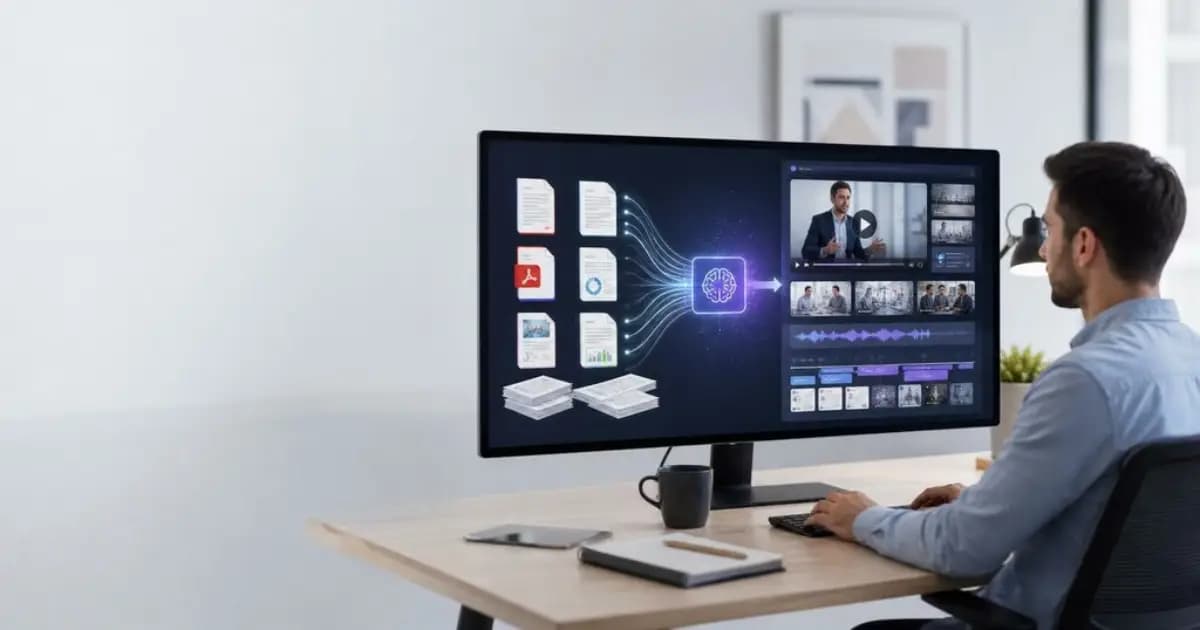
Auditory versus visual processing.
shorter sentences, inline context instead of footnotes, conversational second-person voice, verbal signposts, and visual cues.
What's really being asked
This question evaluates whether you understand that reading and listening use different cognitive channels. Written text is spatial and skimmable; audio is linear and ephemeral. The interviewer wants to see that you can translate dense technical prose into a spoken narrative that accounts for ear-processing limits, attention decay, and the need for visual reinforcement in a video format.
The full answer
First, sentence-level compression: break long compound sentences into shorter declarative units because listeners cannot re-read a clause. Second, inline context: replace footnotes, cross-references, and appendices with spoken parentheticals or drop them entirely, since a viewer cannot flip to page seven. Third, voice shift: move from passive third-person documentation to active second-person address, using a conversational or educational tone rather than formal academic style. Fourth, structural signposting: add explicit verbal transitions like first, next, and the result, creating a sequential narrative flow that compensates for the lack of visual headings. Fifth, visual integration: embed direction cues for on-screen text highlights, demos, or supporting imagery so the script and visuals reinforce each other rather than duplicating verbatim text.
The mistakes people make
A major red flag is suggesting the narrator read the document verbatim. Another is proposing to simply trim paragraphs without restructuring for auditory cognitive load. Candidates also stumble by ignoring the video medium entirely, for example by failing to mention tone adjustment or visual pacing. Treating the script as a blog post read aloud signals a weak grasp of multimodal communication.
What usually comes next
The interviewer may ask how you would handle a document longer than ten pages, which according to best practice should be broken into multiple shorter videos. They might also ask how you would adapt highly data-dense sections, where the correct approach is restructuring raw numbers into narrative highlights rather than narrating spreadsheet rows. You could also be asked to compare formal versus conversational tone choices for different audiences.
A concrete example
Imagine converting a ten-page API authentication guide. Instead of opening with a dense paragraph on OAuth 2.0 theory, the script starts with a direct hook: You need to authenticate every request, and there are three ways to do it. Each method gets its own thirty-second segment with a verbal transition, a one-sentence conceptual explanation, and a direction cue for an on-screen code highlight. Footnotes about deprecated versions are removed rather than narrated, and cross-references to the error-codes appendix are replaced with a single inline sentence: If you see a 401, your token has expired.
Interview question
Why should footnotes and cross-references be replaced with inline parentheticals in a spoken video script?
- a.Because viewers usually watch without sound and cannot hear the references
- b.Because inline parentheticals shorten the script to fit the allotted runtime
- c.Because footnotes are always too technical for a general video audience
- d.Because listeners cannot jump to supplemental sections during linear audio playbackCorrect
Why? this is the answer
The card explains that audio is linear and ephemeral, so viewers cannot flip to another page or section as they can with spatial text. Distractor B is tempting because editing for length matters, but the primary reason is cognitive accessibility during linear playback, not word count reduction.
Just read this? Test yourself on what you have been reading.
Read the original → techsprohub.com
- #content
- #copywriting
- #technical writing
- #scriptwriting
- #communication
Put your scrolling time to good use
Learn one idea, try a quiz and save useful cards for revision. Tezvyn makes it easy to learn and stay current in your tech field, a few minutes at a time.
The iPhone app is on the way
We are building it. Until it lands, nothing here is held back from you: every interview card, your saved cards, streaks and the job board all work in Safari, plus hundreds of free practice quizzes of thirty questions each. Sign in and it all carries over to the app the day it arrives.
Want it as an icon? Tap Share at the bottom of Safari, then Add to Home Screen. It opens full screen and the cards you have read stay available offline.
We are hiring for this. Open roles that interview on content — each one lists the topics its interview covers.
See open roles