How do you design a low-cognitive-load wizard and implement it technically?
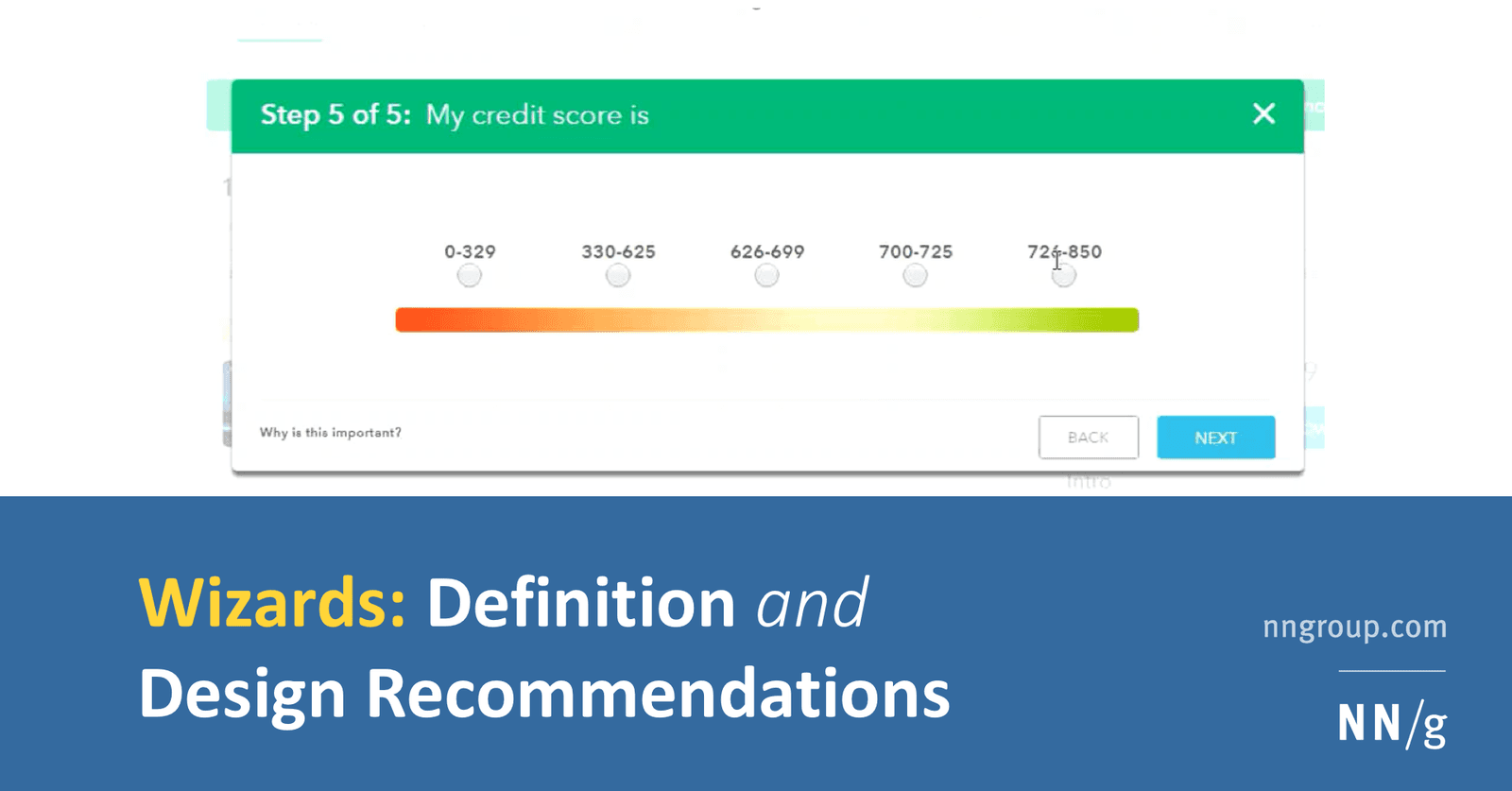
pairing progressive disclosure with solid architecture. A strong answer hits step validation, URL-synced navigation, and isolated step components.
one monolithic form using only local useState without validation boundaries.
What's really being asked
This question tests whether you can translate UX research into a durable technical design. Interviewers want to see that you understand why wizards reduce cognitive load and that you can prevent that load from creeping back in through poor architecture. Specifically they are looking for awareness of progressive disclosure, validation guardrails, and state isolation.
The full answer
A strong response hits four areas in order. First, it cites progressive disclosure: each step should show only the fields required for that decision point, which keeps the user from scanning irrelevant information and reduces errors. Second, it demands step-level validation: users should not be allowed to proceed while a step contains errors, because fixing errors retroactively across many steps is painful. Third, it addresses state management: recommend a central state machine or at least URL-synced state so that branching logic, back-button behavior, and partial persistence are explicit rather than implicit. Fourth, it describes component structure: each step should be an isolated component that receives draft state and returns validated updates, while a thin orchestrator handles navigation and progress indication.
The mistakes people make
The biggest red flag is suggesting one monolithic form component with a single local state object and a big switch statement for rendering steps. This collapses under branching logic, makes validation messy, and offers no clean way to persist partial progress. Another warning sign is ignoring the back button or browser history; if your wizard lives in a modal and breaks the expected navigation model, you have recreated the complexity you were trying to hide. Also, treating wizards as pure UI without server alignment is risky: if the backend requires certain fields together, your step boundaries should respect that.
What usually comes next
Interviewers often push deeper by asking how you would handle conditional branching when a later answer invalidates an earlier step. They may also ask about autosave and recovery, or how to make the wizard accessible to screen readers across step transitions. Be ready to discuss optimistic UI, dirty-state tracking, and whether to keep wizard state in the URL query string or a global store.
A concrete example
Imagine a tax-filing wizard with five steps. Instead of one massive component, you create a state machine with five states and explicit transitions. Each step component owns its schema and validation. The orchestrator commits valid step data to a draft object in a global store and updates the URL to step=two so the back button works natively. If the user selects self-employed in step two, the machine routes to a custom step three and skips the standard employer step. Because each screen shows fewer fields, users make fewer mistakes and finish faster.
Interview question
Which implementation pattern best preserves a wizard's low cognitive load while keeping branching logic and back-button behavior maintainable?
- a.One monolithic form component that stores all fields in a single local useState object and renders steps with a switch statement.
- b.Isolated step components that each own their validation, orchestrated by a state machine that syncs the current step to the URL and commits valid drafts to a central store.Correct
- c.A modal-based wizard that keeps state in a local object and advances steps via internal methods without URL synchronization.
- d.Separate route components per step that share a global draft store and run validation only on the final review screen.
Why? this is the answer
C is correct because it pairs progressive disclosure with isolated validation, URL-synced navigation, and explicit state management exactly as the card recommends. A is the most tempting distractor because consolidating state feels simpler, but it collapses under branching logic and creates messy validation boundaries.
Just read this? Test yourself on what you have been reading.
Read the original → nngroup.com
- #ui design
- #frontend architecture
- #state management
- #wizard
- #progressive disclosure
Put your scrolling time to good use
Learn one idea, try a quiz and save useful cards for revision. Tezvyn makes it easy to learn and stay current in your tech field, a few minutes at a time.
The iPhone app is on the way
We are building it. Until it lands, nothing here is held back from you: every interview card, your saved cards, streaks and the job board all work in Safari, plus hundreds of free practice quizzes of thirty questions each. Sign in and it all carries over to the app the day it arrives.
Want it as an icon? Tap Share at the bottom of Safari, then Add to Home Screen. It opens full screen and the cards you have read stay available offline.
We are hiring for this. Open roles that interview on ui design — each one lists the topics its interview covers.
See open roles