How do you group FastAPI endpoints under tags and describe groups?
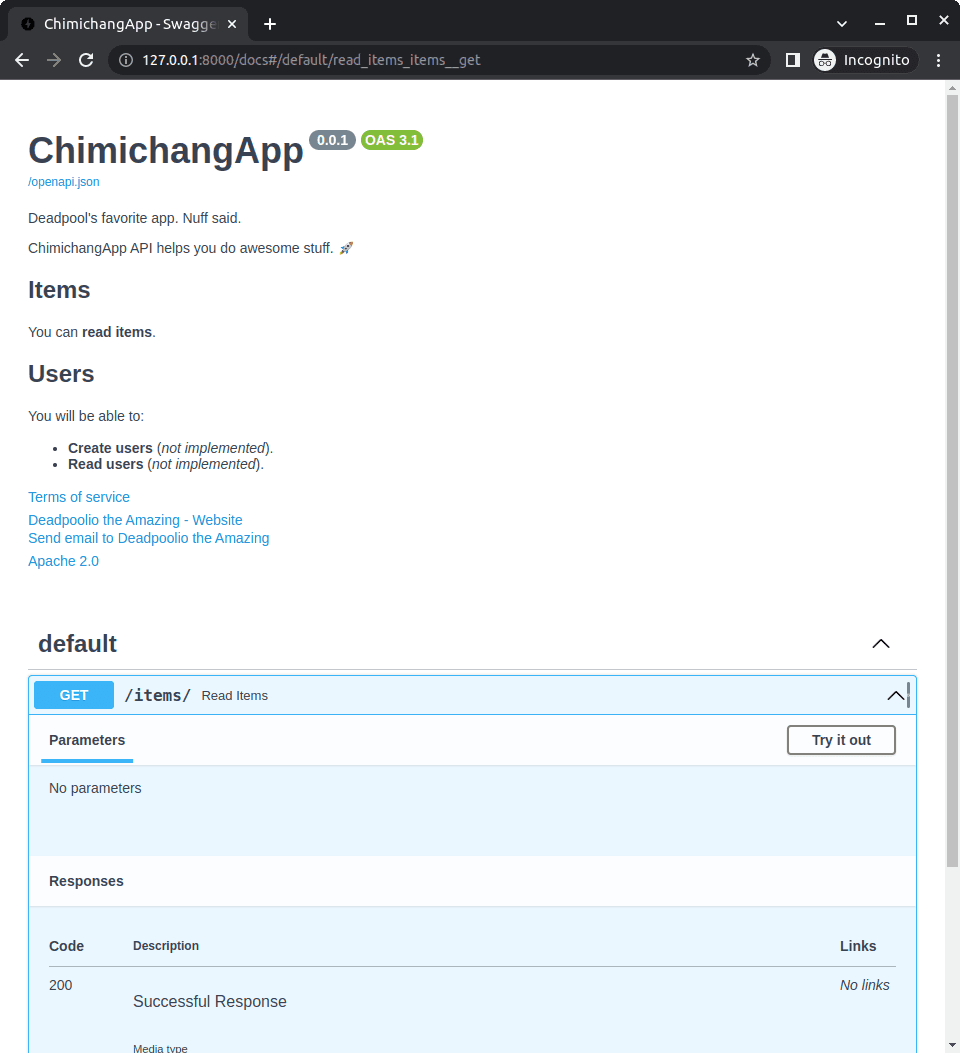
Tests FastAPI's two-step tag system: decorators label routes, and openapi_tags supplies group descriptions. Good answers cover tagging paths with tags=["users"], then defining metadata in FastAPI(openapi_tags=[...]) with matching names.
What's really being asked
This question checks if you know the difference between labeling individual routes and declaring metadata for the groups that appear in Swagger UI or ReDoc. It also tests whether you use FastAPI's native hooks or hack the OpenAPI schema manually.
A GOOD ANSWER COVERS four things in order. First, explain that individual endpoints receive a tags list in the path operation decorator, for example @app.get("/users/", tags=["users"]). Second, state that tag descriptions and external docs are configured at the application level through the openapi_tags argument in the FastAPI constructor. Third, describe the structure of openapi_tags as a list of dictionaries, where each dict contains name, description, and optionally externalDocs, and the name must exactly match the strings used in the endpoint tags. Fourth, mention that the docs UI will automatically pick up this metadata and render the group heading with its description.
The mistakes people make
A major red flag is trying to pass a dict or description into the decorator tags parameter, which only accepts a list of strings. Another mistake is overriding app.openapi() manually just to inject tag metadata, which adds maintenance burden when FastAPI already exposes the openapi_tags hook. Some candidates also confuse API-level metadata like title and description with tag-level metadata.
What usually comes next
An interviewer might ask how to control the display order of tags in the docs, which is done by ordering the dictionaries inside the openapi_tags list. They might also ask how to add external documentation links to a tag, which uses the externalDocs dict with url and description keys inside the same tag metadata structure. You could also be asked how to hide certain endpoints from the docs while keeping them in the application, which is a separate concern handled by include_in_schema=False.
A concrete example
Imagine a FastAPI app with user and item endpoints. You would write @app.get("/users/", tags=["users"]) and @app.get("/items/", tags=["items"]). Then instantiate the app as FastAPI(openapi_tags=[{"name": "users", "description": "Operations for user management"}, {"name": "items", "description": "Product inventory operations"}]). When you open /docs, Swagger UI shows collapsible sections labeled Users and Items, each with its own description paragraph above the endpoint list.
Interview question
An endpoint is decorated with tags=["users"]. Where do you define the description that appears above the Users section in Swagger UI?
- a.Supply an openapi_tags list to the FastAPI constructor containing a dict with matching name and descriptionCorrect
- b.Pass a dictionary with name and description into the endpoint decorator's tags parameter
- c.Set the description field on the endpoint's Pydantic response model
- d.Override the app's openapi method to inject the tag metadata after defining routes
Why? this is the answer
FastAPI uses the openapi_tags argument in the constructor to declare tag metadata, and the name field must exactly match the string used in the route decorator. Option B is wrong because the decorator's tags parameter only accepts a list of strings, not dictionaries.
Just read this? Test yourself on what you have been reading.
Read the original → fastapi.tiangolo.com
- #fastapi
- #openapi
- #api-documentation
- #swagger
- #metadata
Put your scrolling time to good use
Learn one idea, try a quiz and save useful cards for revision. Tezvyn makes it easy to learn and stay current in your tech field, a few minutes at a time.
The iPhone app is on the way
We are building it. Until it lands, nothing here is held back from you: every interview card, your saved cards, streaks and the job board all work in Safari, plus hundreds of free practice quizzes of thirty questions each. Sign in and it all carries over to the app the day it arrives.
Want it as an icon? Tap Share at the bottom of Safari, then Add to Home Screen. It opens full screen and the cards you have read stay available offline.
We are hiring for this. Open roles that interview on fastapi — each one lists the topics its interview covers.
See open roles