How do you mark a FastAPI endpoint as deprecated?
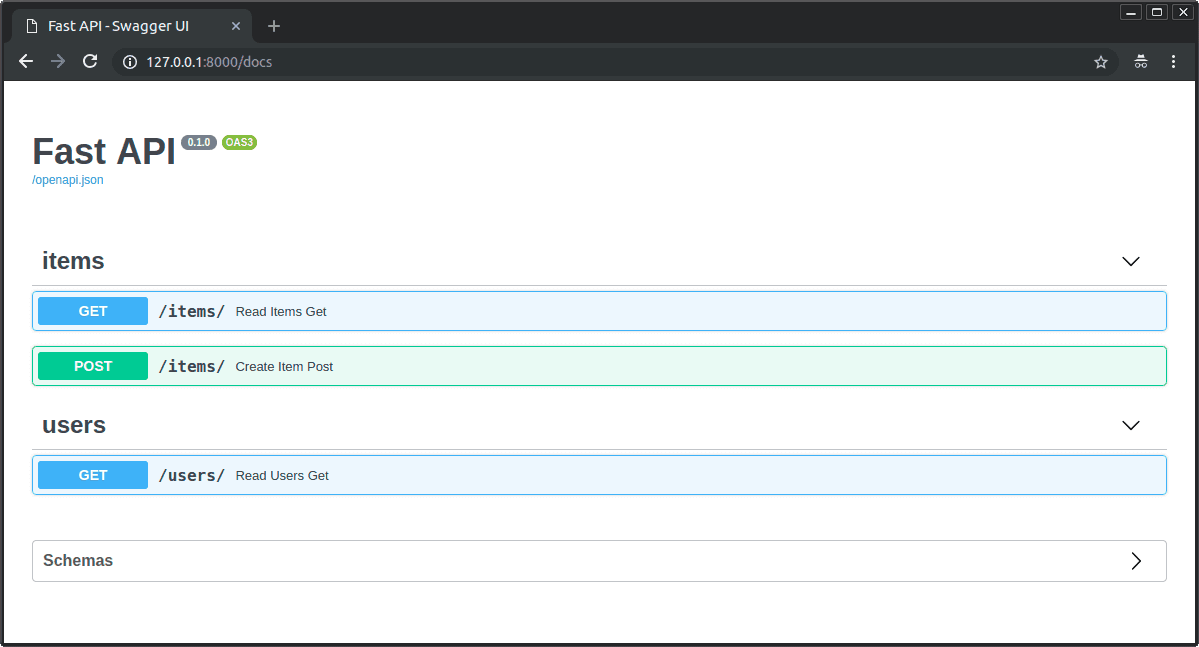
Mark a FastAPI route with deprecated=True on its path operation decorator. FastAPI emits the OpenAPI deprecated flag, which Swagger UI can display; this metadata does not remove or disable the route.
Put deprecated=True on the path operation decorator. FastAPI writes the OpenAPI deprecated flag for that operation, and Swagger UI can render the route as deprecated.
Example
from fastapi import FastAPI

app = FastAPI()

@app.get('/users/by-id', deprecated=True)
async def get_user_by_id(user_id: int):
    return {'user_id': user_id}
Watch out for
This changes generated API metadata; it does not block requests, remove the route, or create a sunset date. A docstring may become the operation description, but it does not set the deprecated flag.
Interview question
How do you correctly mark a FastAPI endpoint as deprecated so Swagger UI displays it struck through?
- a.Pass deprecated=True directly to the path operation decorator such as @app.get(..., deprecated=True)Correct
- b.Add deprecated=True to the Pydantic Field definitions in the endpoint's request or response model
- c.Write a deprecation warning inside the function docstring for Swagger UI to parse
- d.Mutate the raw OpenAPI dictionary after startup using app.openapi() to set the route flag manually
Why? this is the answer
FastAPI reads deprecated=True from the path operation decorator and writes the deprecated field into the generated OpenAPI operation, which Swagger UI can render with a strikethrough. A docstring may appear as the operation description, but it does not set the deprecated flag for tools or replace the decorator argument.
Keep this idea fresh
Try a few questions or explore another bite in Python & FastAPI.
Read the original → fastapi.tiangolo.com
- #fastapi
- #openapi
- #swagger
- #api-design
- #python
Put your scrolling time to good use
Learn one idea, try a quiz and save useful cards for revision. Tezvyn makes it easy to learn and stay current in your tech field, a few minutes at a time.
The iPhone app is on the way
We are building it. Until it lands, nothing here is held back from you: every interview card, your saved cards, streaks and the job board all work in Safari, plus hundreds of free practice quizzes of thirty questions each. Sign in and it all carries over to the app the day it arrives.
Want it as an icon? Tap Share at the bottom of Safari, then Add to Home Screen. It opens full screen and the cards you have read stay available offline.
We are hiring for this. Open roles that interview on fastapi — each one lists the topics its interview covers.
See open roles