Perfetto: See Your Whole System on One Timeline
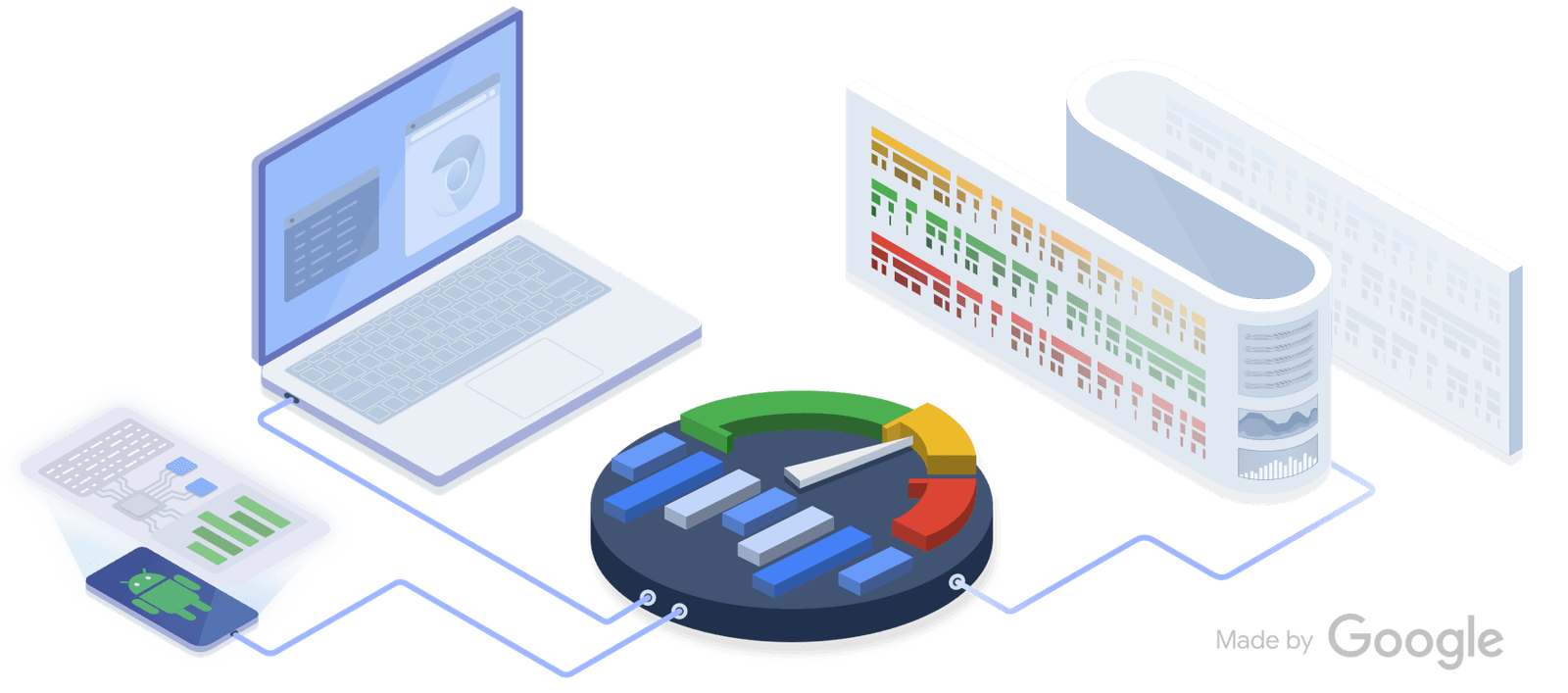
Perfetto is a flight recorder for your system, capturing kernel and app events on a single timeline. Use it to diagnose complex issues like jank by correlating app behavior with system activity.
Why it exists
Before Perfetto, diagnosing system-wide performance issues on Android required multiple, disconnected tools like systrace and ftrace. This made it difficult to correlate app behavior with underlying system activity. Perfetto was created to provide a single, unified, high-performance framework for capturing and analyzing data from the kernel all the way up to the application layer on a single timeline.
The mental model
Think of Perfetto as a high-fidelity flight recorder for your entire system. It records detailed, time-stamped events from the Linux kernel (like CPU scheduling), system services, and your own application code. It then presents all this data on an interactive timeline, letting you see exactly how different parts of the system interact and affect each other, revealing cause-and-effect relationships that are otherwise invisible.
How it works
Perfetto runs as a set of system services on Android (since Android 9) and Linux. You configure a tracing session to enable specific data sources, such as kernel ftrace events, CPU profilers, memory counters, or custom trace points in your app. It collects this data into a highly efficient binary protobuf format. The resulting trace file can be loaded into the web-based Perfetto UI for visualization or analyzed programmatically using a SQL interface, which can handle traces up to tens of GBs.
When to use it
Use Perfetto to debug complex, system-level performance problems. It is ideal for investigating UI jank by correlating your app's rendering work with CPU core scheduling, diagnosing battery drain by seeing which processes are waking the CPU, or understanding slow app startup by tracing every step from process creation to the first frame.
When not to use it
For simple, single-threaded logic debugging within your app, a standard debugger or simple logger is often faster and more direct. Perfetto is designed for performance analysis and understanding interactions between components; it's overkill for finding a logic bug in an isolated function.
One canonical example
An engineer is debugging UI jank. They add custom trace points around their app's layout and drawing logic. After capturing a trace, they see their app's trace events on the same timeline as the CPU scheduler events. They discover their main thread is being preempted by a lower-priority background process, causing it to miss its frame deadline. By seeing both app and system events together, they identify the root cause, which would be invisible with an app-only profiler.
Interview question
What is the primary advantage of using Perfetto for complex system performance analysis?
- a.Optimizing the performance of specific database queries or network requests.
- b.Efficiently debugging isolated logic errors within a single application thread.
- c.Correlating application-specific events with kernel and system activity on a unified timeline.Correct
- d.Generating highly compressed trace files in a protobuf format for storage efficiency.
Why? this is the answer
Perfetto's core strength lies in its ability to unify data from the application layer, system services, and the kernel onto a single timeline, allowing users to correlate events and diagnose complex, system-wide performance issues like jank. Option B is incorrect because the card explicitly states Perfetto is overkill for simple, isolated logic debugging.
Just read this? Test yourself on what you have been reading.
Read the original → perfetto.dev
Put your scrolling time to good use
Learn one idea, try a quiz and save useful cards for revision. Tezvyn makes it easy to learn and stay current in your tech field, a few minutes at a time.
The iPhone app is on the way
We are building it. Until it lands, nothing here is held back from you: every interview card, your saved cards, streaks and the job board all work in Safari, plus hundreds of free practice quizzes of thirty questions each. Sign in and it all carries over to the app the day it arrives.
Want it as an icon? Tap Share at the bottom of Safari, then Add to Home Screen. It opens full screen and the cards you have read stay available offline.
We are hiring for this. Open roles that interview on android — each one lists the topics its interview covers.
See open roles