Setup Wizard: Guiding Users Through Complexity
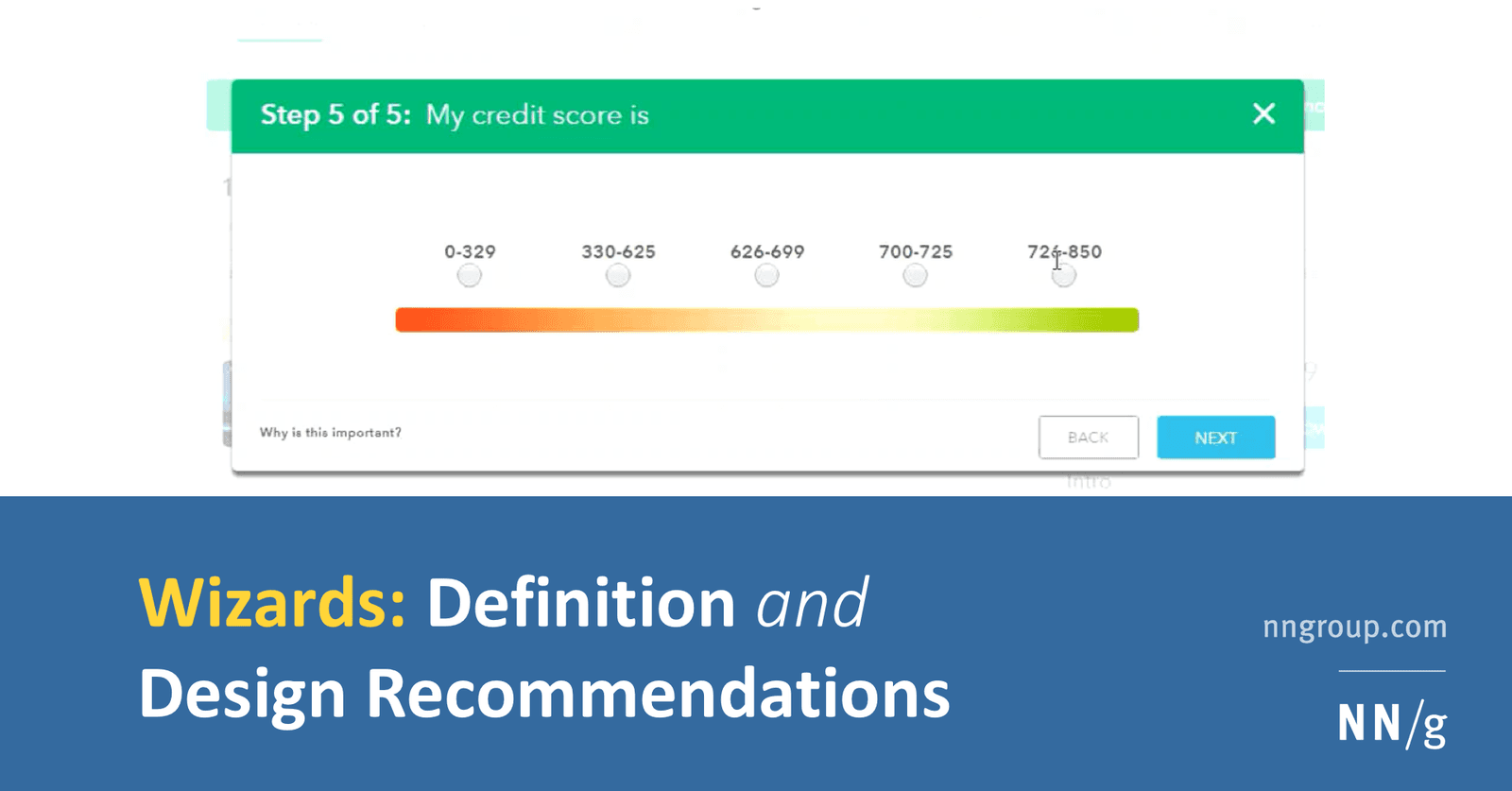
A setup wizard turns a complex form into a simple, step-by-step conversation. It's ideal for infrequent but critical tasks like software installation, where the system determines the next best step. The footgun: A true wizard alters the user's *path*.
Why it exists
Long, complex forms are daunting. Users can feel overwhelmed, overestimate the effort required, and make mistakes by missing fields or filling out irrelevant ones. Wizards were created to break down these complex data-entry tasks into manageable, less error-prone steps.
The mental model
Think of a wizard as a mini-application that takes you by the hand through a sequence of simple forms. The computer controls the flow, asking one question at a time. For the user, it feels like a simple, linear path—click "Next," "Next," "Finish"—even if complex branching logic is happening behind the scenes. This limitation on user freedom is actually liberating when users don't know enough to make a decision or don't care about the specific choices.
How it works
A wizard breaks a large task into multiple, smaller steps, often on separate screens. As the user provides information, the system uses that input to decide which step to show next. For example, asking "Are you an existing customer?" can route the user to either a login screen or a new account creation flow. This is different from a dynamic form, which might show inline error messages but doesn't change the fundamental sequence of fields the user must complete.
When to use it
Use a wizard for processes that are performed only occasionally but are complex or critical. Three common places are: first, initial software installation and configuration; second, multi-step account creation for services like finance or taxes; third, any task where the user lacks the expertise to navigate a complex set of options on their own.
When not to use it
Wizards are not ideal for frequent, expert tasks where users know exactly what they want to do. Forcing an expert through a step-by-step process they perform daily would be slow and frustrating. A standard form that allows for quick, non-linear data entry is better for these power-user scenarios.
One canonical example
TurboTax is a classic example. Instead of presenting a digital replica of a complex paper tax form, it walks the user through a series of questions about their life and finances. Based on the answers, TurboTax guides the user to the relevant sections and calculations, hiding the complexity of the underlying tax code.
Interview question
For which scenario would a setup wizard be the most effective user interface choice?
- a.An infrequent, critical process where users lack expertise and need guided, step-by-step assistance.Correct
- b.A daily data entry form for experienced users needing quick, non-linear input.
- c.A single, long form that dynamically shows or hides fields based on previous input.
- d.A form where users must have complete control over the sequence of information provided.
Why? this is the answer
Setup wizards are ideal for complex, critical tasks performed infrequently, especially when users lack the expertise to navigate options independently, as the system guides them step-by-step. Option B describes a scenario where a wizard would be frustrating for expert users, contradicting its intended use.
Just read this? Test yourself on what you have been reading.
Read the original → nngroup.com
- #ux
- #ui-patterns
- #forms
- #onboarding
Put your scrolling time to good use
Learn one idea, try a quiz and save useful cards for revision. Tezvyn makes it easy to learn and stay current in your tech field, a few minutes at a time.
The iPhone app is on the way
We are building it. Until it lands, nothing here is held back from you: every interview card, your saved cards, streaks and the job board all work in Safari, plus hundreds of free practice quizzes of thirty questions each. Sign in and it all carries over to the app the day it arrives.
Want it as an icon? Tap Share at the bottom of Safari, then Add to Home Screen. It opens full screen and the cards you have read stay available offline.
We are hiring for this. Open roles that interview on ux — each one lists the topics its interview covers.
See open roles