Software Containers: Portable, Isolated Applications
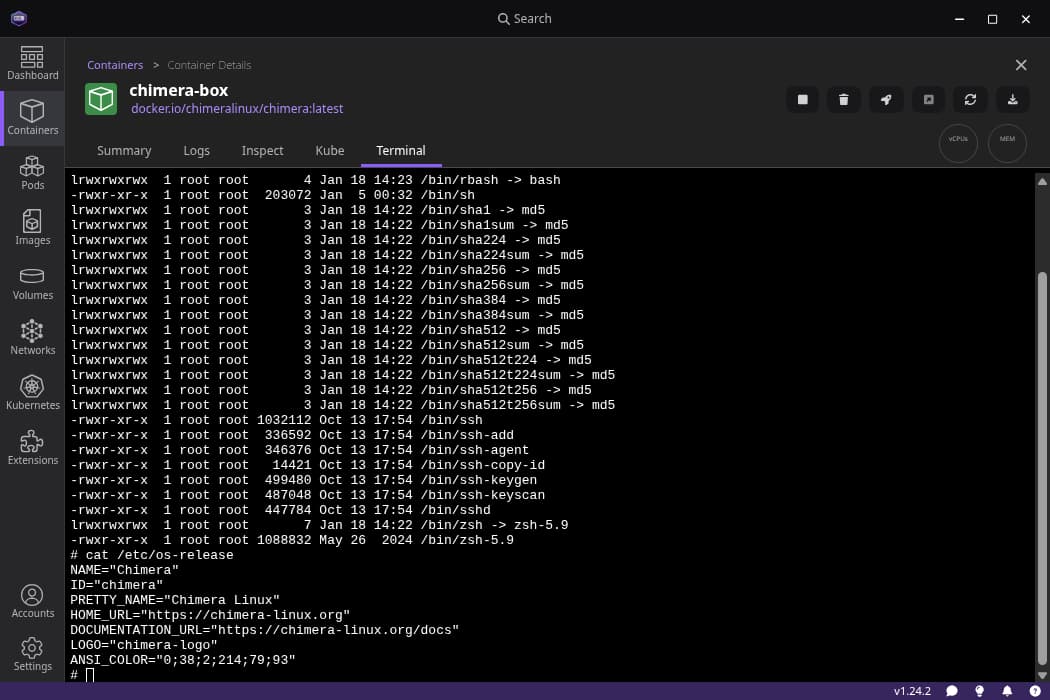
Think of a container as a standardized box for your app, bundling its code and all dependencies. This lets you run it consistently anywhere, from your laptop to the cloud.
Why it exists
Software development has long been plagued by the "it works on my machine" problem. An application might run perfectly for a developer but fail in testing or production because of subtle differences in operating systems, library versions, or system configurations. Containers were created to solve this by packaging an application with all its dependencies into a single, portable unit.
The mental model
Think of a software container like a physical shipping container. It provides a standard, isolated box for its contents—in this case, your application code, its runtime, system tools, and libraries. Just as a shipping container can be moved by any crane, ship, or truck, a software container can be run on any compatible host system, from a developer's laptop to a massive cloud server, without changing what's inside.
How it works
Containers achieve isolation through operating-system-level virtualization. Unlike a virtual machine (VM) that virtualizes an entire hardware stack and runs a full guest OS, a container shares the kernel of its host operating system. It creates an isolated "user space" for the application, making it believe it has the entire OS to itself. This shared-kernel approach makes containers extremely lightweight and fast to start compared to VMs, as they don't have the overhead of booting a separate operating system.
When to use it
Use containers when you need to ensure an application runs consistently across different environments, such as development, testing, and production. They are ideal for building and deploying applications, where each service can be packaged and scaled independently. They simplify dependency management and streamline continuous integration and deployment (CI/CD) pipelines.
When not to use it
Containers are not the right choice when you need to run an application that requires a different operating system kernel than the host. For example, you cannot natively run a Windows-based container on a Linux host. If you require strong security isolation at the hardware level or need to run a completely different OS, a traditional virtual machine is a better fit.
One canonical example
A common use case is containerizing a web application. The container image would bundle the application code, a web server, a specific version of a programming language runtime, and all necessary libraries. This single container can then be given to other developers or deployed to production servers, guaranteeing the exact same software environment everywhere it runs.
Interview question
What is the primary architectural difference that makes software containers more lightweight and faster to start than virtual machines?
- a.They share the operating system kernel of the host machine.Correct
- b.They only package the application's code, excluding all system libraries.
- c.They virtualize the entire hardware stack for optimal resource allocation.
- d.They run directly on bare metal hardware without needing a host operating system.
Why? this is the answer
Containers are lightweight and start quickly because they share the host operating system's kernel, avoiding the overhead of booting a full guest OS. Virtual machines, in contrast, virtualize an entire hardware stack and run a complete, separate operating system, making them heavier.
Just read this? Test yourself on what you have been reading.
Read the original → en.wikipedia.org
- #containers
- #virtualization
- #devops
- #ci/cd
Put your scrolling time to good use
Learn one idea, try a quiz and save useful cards for revision. Tezvyn makes it easy to learn and stay current in your tech field, a few minutes at a time.
The iPhone app is on the way
We are building it. Until it lands, nothing here is held back from you: every interview card, your saved cards, streaks and the job board all work in Safari, plus hundreds of free practice quizzes of thirty questions each. Sign in and it all carries over to the app the day it arrives.
Want it as an icon? Tap Share at the bottom of Safari, then Add to Home Screen. It opens full screen and the cards you have read stay available offline.
We are hiring for this. Open roles that interview on containers — each one lists the topics its interview covers.
See open roles