SvelteKit Adapters: Bridge Your App to Production
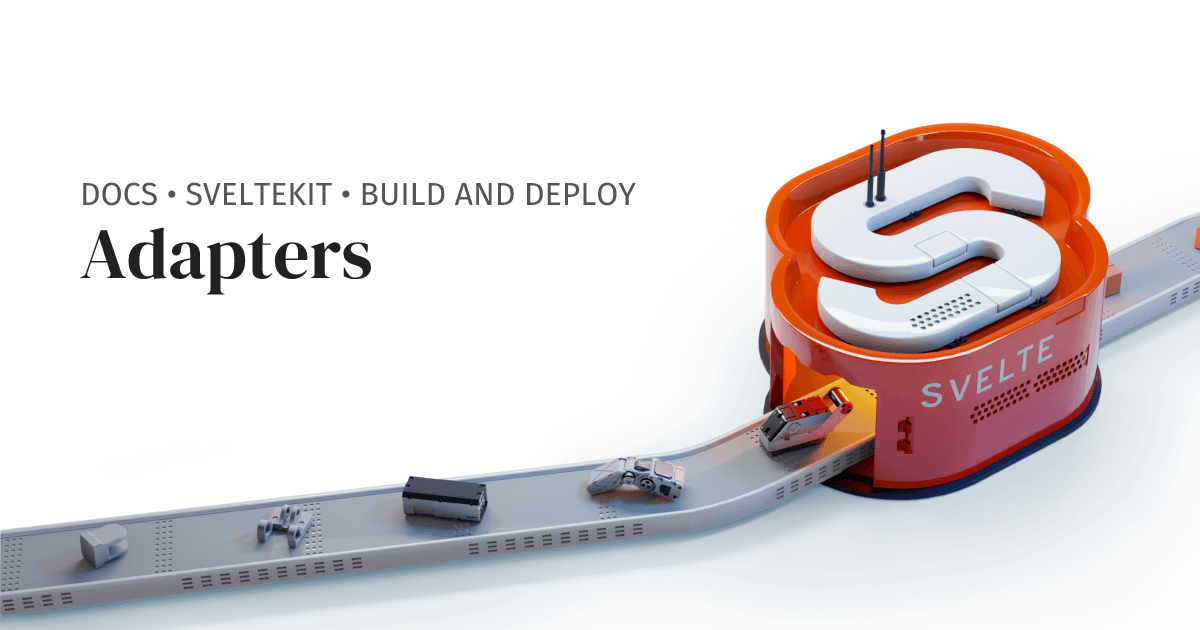
A SvelteKit adapter is a power plug for your app, making your universal build fit a specific deployment target like Vercel or a Node server. You configure it based on your host, like adapter-static for static sites. The footgun is forgetting one entirely.
Why it exists
SvelteKit creates a platform-agnostic application during development. However, production environments like Vercel, Cloudflare, or a simple Node.js server have different requirements for running code. Adapters exist to bridge this gap, translating the generic app into a format the specific host understands.
The mental model
An adapter is a translator for your built SvelteKit app. Your app speaks a universal language, but your deployment target (like Netlify or a Docker container running Node) speaks a specific dialect. The adapter takes the output of vite build and rewrites it into the dialect of your chosen platform, creating the final deployable assets.
How it works
You install an adapter as a dev dependency and configure it in your svelte.config.js file. When you run vite build, SvelteKit first builds your app and then invokes the specified adapter. The adapter processes this build output and generates the final files in the format required by the target platform, such as a standalone Node server or a set of static HTML files.
When to use it
You must use an adapter for any production deployment of a SvelteKit application. The choice of adapter depends entirely on your hosting provider. Official adapters exist for common targets like Node.js (adapter-node), static site hosting (adapter-static), Vercel (adapter-vercel), Netlify (adapter-netlify), and Cloudflare (adapter-cloudflare).
When not to use it
You don't need to think about adapters during local development, as the vite dev server handles everything. Adapters are exclusively for the production build step. There is no scenario where you deploy a SvelteKit app to production without an adapter.
One canonical example
To deploy a SvelteKit app to a standard Node.js server, you first install the adapter: npm install -D @sveltejs/adapter-node. Then, you update your svelte.config.js to use it. After running vite build, SvelteKit will generate a build directory containing a Node.js server that you can run with node build. Some adapters also expose platform-specific context, like Cloudflare's KV stores, via the platform property on the request event.
Interview question
For what primary purpose is a SvelteKit adapter indispensable?
- a.To translate the built application for a specific production hosting environment.Correct
- b.To integrate external APIs or databases into the application.
- c.To enable server-side rendering for better search engine optimization.
- d.During local development to preview the final build output.
Why? this is the answer
SvelteKit adapters are essential for bridging the gap between SvelteKit's platform-agnostic build and the specific requirements of a production hosting environment. The card explicitly states that adapters are not needed during local development, as the vite dev server handles everything.
Just read this? Test yourself on what you have been reading.
Read the original → svelte.dev
- #svelte
- #sveltekit
- #deployment
- #build-tools
Put your scrolling time to good use
Learn one idea, try a quiz and save useful cards for revision. Tezvyn makes it easy to learn and stay current in your tech field, a few minutes at a time.
The iPhone app is on the way
We are building it. Until it lands, nothing here is held back from you: every interview card, your saved cards, streaks and the job board all work in Safari, plus hundreds of free practice quizzes of thirty questions each. Sign in and it all carries over to the app the day it arrives.
Want it as an icon? Tap Share at the bottom of Safari, then Add to Home Screen. It opens full screen and the cards you have read stay available offline.
We are hiring for this. Open roles that interview on svelte — each one lists the topics its interview covers.
See open roles