Teleprompter Scripts: Format for Speaking, Not Reading
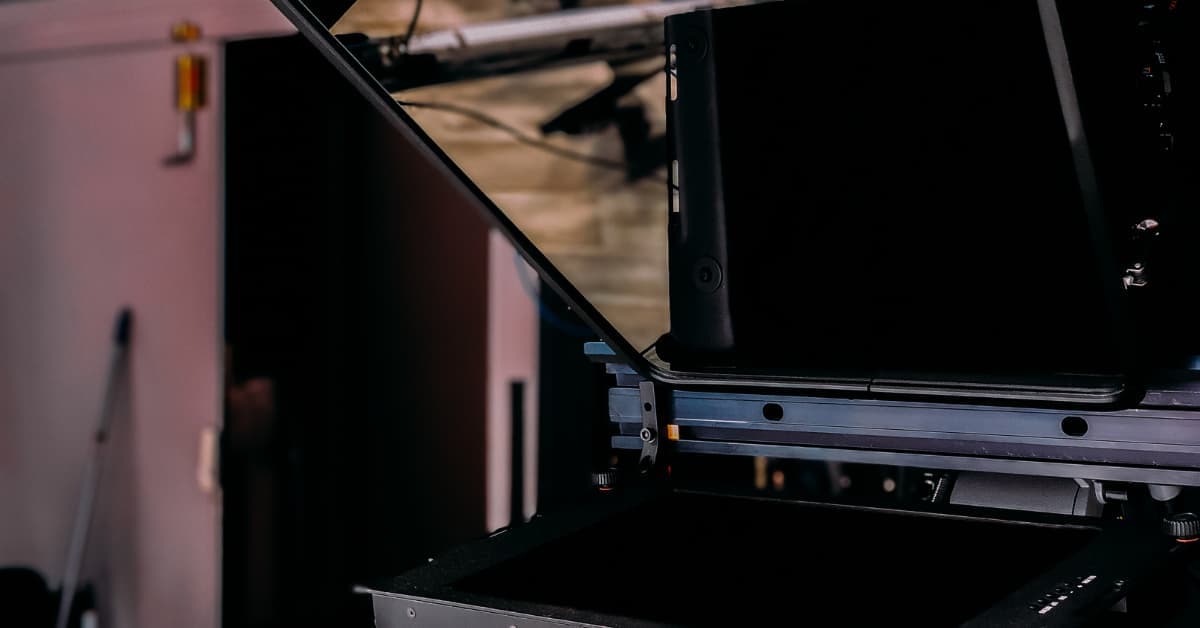
A teleprompter script is a performance guide, not a document. For professional video, use large sans-serif fonts, double spacing, and short sentences to help presenters sound natural. The footgun is writing dense paragraphs, which causes stilted delivery.
Why it exists
Even with a teleprompter, presenters can sound robotic or hesitant. This happens when the script is treated like a document to be read instead of a performance to be delivered. Proper formatting exists to bridge the gap between scripted precision and a natural, conversational tone that builds viewer trust.
The mental model
Think of a teleprompter script as a musical score for the human voice. It's not a wall of text. It's a set of clear, scannable instructions for pacing, pausing, and emphasis, designed to be performed aloud while maintaining eye contact with a camera lens.
How it works
Effective formatting focuses on readability at a distance. First, use large, sans-serif fonts like Arial or Verdana, typically between 36 and 48 points. Second, use generous line spacing—1.5x to 2.0x—to make the text easy to track. Third, write in short, broadcast-style sentences and break up longer thoughts. Use punctuation strategically: commas for natural pauses and em dashes for emphasis. Finally, always read the script aloud during prep to catch awkward phrasing or tongue twisters before they derail a take.
When to use it
Use these formatting rules for any scripted video where the presenter speaks directly to the camera. This is standard practice in corporate communications, educational content, government announcements, and broadcast journalism. It allows the speaker to deliver carefully crafted messaging without breaking eye contact.
When not to use it
This level of scripting is counterproductive for unscripted formats like live interviews, panel discussions, or casual vlogs where authenticity comes from spontaneity. In these cases, a presenter relying on a dense script can appear disengaged and robotic, defeating the purpose of the format.
One canonical example
A poorly formatted script looks like a standard paragraph: "The exponential growth of video communication across all sectors has transformed teleprompters from specialty broadcast equipment to essential tools in virtually every professional studio environment, as organizations recognize that polished delivery directly impacts audience engagement."
A properly formatted script breaks this down for delivery:
Video is exploding across every sector.
That's why teleprompters are now essential tools...
...not just specialty equipment.
Organizations know that a polished delivery...
...is what keeps an audience engaged.
Interview question
What is the primary reason teleprompter scripts are formatted as a "performance guide" rather than a traditional document?
- a.To reduce the overall word count, making the content more concise for viewers.
- b.To ensure the presenter can maintain eye contact and deliver lines with a natural, conversational tone.Correct
- c.To allow for easy last-minute content revisions and team collaboration.
- d.To visually distinguish it from other production documents like shot lists or call sheets.
Why? this is the answer
The card emphasizes that teleprompter scripts are formatted to facilitate natural vocal delivery and maintain eye contact, bridging the gap between scripted precision and a conversational tone. Option C describes a function of document management, not the performance-specific formatting.
Just read this? Test yourself on what you have been reading.
Read the original → ikancorp.com
- #copywriting
- #video production
- #content strategy
- #public speaking
Put your scrolling time to good use
Learn one idea, try a quiz and save useful cards for revision. Tezvyn makes it easy to learn and stay current in your tech field, a few minutes at a time.
The iPhone app is on the way
We are building it. Until it lands, nothing here is held back from you: every interview card, your saved cards, streaks and the job board all work in Safari, plus hundreds of free practice quizzes of thirty questions each. Sign in and it all carries over to the app the day it arrives.
Want it as an icon? Tap Share at the bottom of Safari, then Add to Home Screen. It opens full screen and the cards you have read stay available offline.
We are hiring for this. Open roles that interview on copywriting — each one lists the topics its interview covers.
See open roles