User Flow Diagrams: Mapping the Path to 'Done'
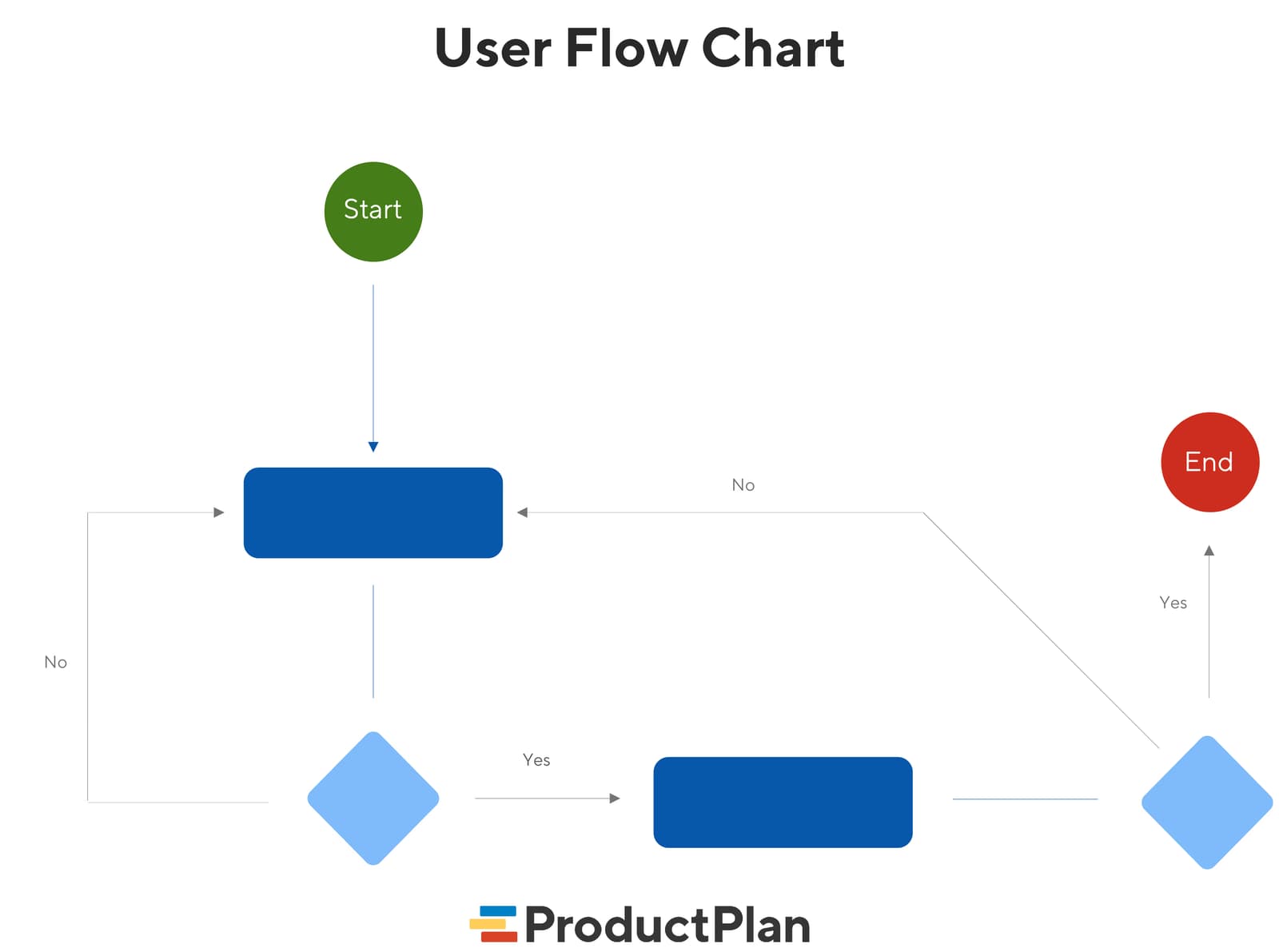
A user flow diagram maps the exact steps a user takes in your app to complete one task. It aligns teams on product goals and gives developers a visual guide, preventing confusion and rework. The footgun: it's not a customer journey, which is far broader.
Why it exists
To prevent building confusing products. Without a clear, shared map of user actions, teams can misinterpret requirements, leading to features that are illogical or frustrating for the user to navigate. User flows provide that shared, visual source of truth before a single line of code is written.
The mental model
Think of a user flow as a recipe for a single dish, not the entire cookbook. It's a visual chart showing the specific path a user takes within your application to achieve one goal, like signing up for a trial or purchasing an item. It's about the 'how' for one specific task.
How it works
A product team creates a diagram of shapes and arrows representing each screen, decision, and action a user takes. The flow starts at a single entry point (like a homepage or an ad link) and follows the user's clicks until they complete their objective. Effective diagrams are limited to one user goal and one entry point to maintain clarity. For example, a user arriving from a Google search needs a different flow than one clicking a direct link to the pricing page.
When to use it
Use user flows early in the design process to ensure the product is intuitive. They are essential for communicating product goals to stakeholders, providing developers with a visual guide to reduce coding errors, and forcing the team to adopt a user-centered perspective. They are also powerful when analyzing product usage data to see how users actually navigate the app, which can reveal more efficient paths you hadn't considered.
When not to use it
A user flow is the wrong tool for mapping a customer's entire relationship with your company. For that, you need a customer journey map, which includes touchpoints outside the product like advertising and customer support. Also, avoid cramming multiple user goals or entry points into a single diagram; this makes it confusing and defeats its purpose of providing a clear, focused path.
One canonical example
An e-commerce checkout process. It starts when a user clicks 'Add to Cart.' The flow then maps these steps: user views the cart, clicks 'Checkout,' enters shipping information, selects a payment method, confirms the order, and finally lands on a 'Thank You' confirmation page. Each step and decision point is visually represented.
Interview question
Which statement best describes the fundamental difference between a user flow diagram and a customer journey map?
- a.A user flow focuses on the technical architecture of a feature, while a customer journey map outlines the user's emotional state.
- b.A user flow maps a single user task within an application, whereas a customer journey map covers all interactions a user has with a company, including external touchpoints.Correct
- c.A user flow is primarily for communicating with developers, while a customer journey map is for presenting to executive stakeholders.
- d.A user flow is created after a product is launched to analyze usage, while a customer journey map is solely for initial product ideation.
Why? this is the answer
The card states a user flow is a 'recipe for a single dish,' mapping one specific task within an application, while a customer journey map covers the 'entire relationship' with a company, including touchpoints outside the product. Option A is incorrect as user flows map user actions, not technical architecture.
Just read this? Test yourself on what you have been reading.
Read the original → productplan.com
- #ui/ux
- #product design
- #diagramming
Put your scrolling time to good use
Learn one idea, try a quiz and save useful cards for revision. Tezvyn makes it easy to learn and stay current in your tech field, a few minutes at a time.
The iPhone app is on the way
We are building it. Until it lands, nothing here is held back from you: every interview card, your saved cards, streaks and the job board all work in Safari, plus hundreds of free practice quizzes of thirty questions each. Sign in and it all carries over to the app the day it arrives.
Want it as an icon? Tap Share at the bottom of Safari, then Add to Home Screen. It opens full screen and the cards you have read stay available offline.
We are hiring for this. Every open role lists the topics its interview covers, so you can prepare for the real thing rather than guessing.
See open roles