Intermediate everything in Backend Dev, page 20

API Pagination: Serving Big Datasets in Chunks
API pagination breaks large result sets into smaller chunks to prevent server overload. It's essential for any endpoint returning many records, like a list of users or products.
API Versioning: Managing Change Without Breaking Clients
API versioning lets you evolve an API without breaking existing clients. It's essential for public APIs or services with multiple frontends that can't update in lockstep. The footgun is delaying versioning, forcing a painful migration on early users.

Mongoose: Schemas are Blueprints, Models are Factories
A Mongoose Schema is the blueprint for your data, defining its shape and types. A Model is the factory that uses this blueprint to create, query, and save documents in MongoDB. The common footgun is trying to query the blueprint instead of the factory.

cookie-parser: From Header String to Usable Object
The cookie-parser middleware translates the raw Cookie header string into a usable req.cookies object. It's used in Express apps to read session IDs or user preferences.

Morgan: One-Line Request Logging for Express
Morgan is a plug-and-play stenographer for your Express app, automatically logging every incoming HTTP request. Use its predefined formats for quick debugging or create custom formats for production access logs.
Helmet.js: Secure Express Apps with HTTP Headers
Helmet.js adds a security layer to Express apps by setting crucial HTTP headers. Use it in any public-facing Node app to prevent common attacks like XSS. The footgun: its default Content-Security-Policy is strict and requires app-specific configuration.

CORS Middleware: Unlocking Cross-Origin Requests in Express
The cors middleware tells browsers which external websites can read your Express API's responses. Use it when a frontend on one domain needs to fetch data from your API on another.

Scaffold an Express App with `express-generator`
The express-generator CLI is a blueprint for new Express apps, instantly creating a standard folder structure and boilerplate files. Use it to skip tedious setup of routes and views.

express.Router: Group Routes into Modular Files
express.Router is a mini-app for your routes. It lets you group related endpoints (e.g., all /users/... routes) into their own file, keeping your main app.js clean. The footgun is forgetting to mount the router in the main app with app.use().

Express Middleware: The Chain of Command for Requests
Express middleware is a chain of functions a request passes through. Each function can inspect, modify, or stop the request, useful for logging, auth, or body parsing.
WHATWG URL API: Safely Parse URLs, Not Strings
Treat URLs as structured objects, not messy strings. The WHATWG URL API parses a URL into components like protocol and path, just like JSON.parse. Use it for incoming requests or outgoing API calls. The footgun is using the legacy url.parse().
path.join() vs. path.resolve(): Concatenation vs. Calculation
path.join() glues path segments together, while path.resolve() calculates an absolute path. Think string building vs. cd commands. Use join for relative paths and resolve for absolute ones.

Promise.all(): Wait for Multiple Promises at Once
Promise.all() runs multiple promises in parallel, resolving only when all have succeeded. It's for when you need data from several API endpoints to render a single component.
Async/Await: Write Non-Blocking Code That Reads Synchronously
async/await lets you write non-blocking code that reads like simple, synchronous logic. It's used for network requests or database queries without freezing your app. The biggest footgun is using await inside a function you forgot to declare as async.
Node.js util.promisify: From Callbacks to Promises
util.promisify converts callback-based functions into Promise-based ones, letting you use async/await with older Node.js APIs. It's a bridge for legacy code following the standard (err, value) callback pattern. The footgun: it fails on non-standard signatures.
Promise .catch(): Handling Rejections
.catch() is the try...catch for promises, intercepting errors (rejections) in a chain. Use it at the end of a promise chain to handle failures from preceding steps, like a failed API call. The footgun: placing it mid-chain can swallow errors.
Promise.then(): Each Call Returns a New Promise
Each .then() call returns a new promise, letting you chain async tasks sequentially. This is key for multi-step operations like API calls. The footgun is attaching multiple .then()s to the original promise, which executes them in parallel, not in sequence.
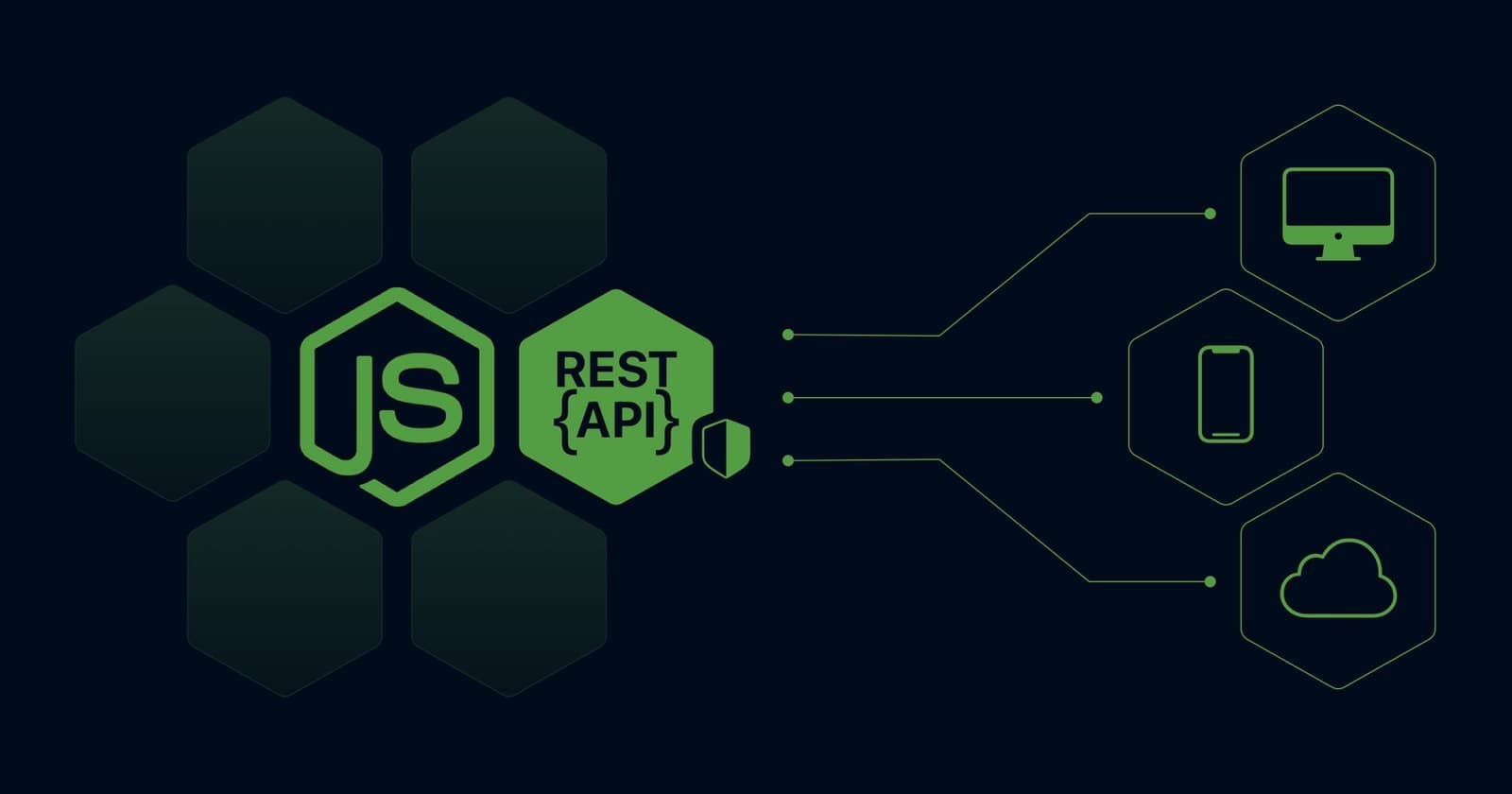
Structuring Express Apps with Layered Architecture
Think of your Express app as a three-story building: a web layer for HTTP traffic, a service layer for business logic, and a data layer for your database. This keeps code organized and testable.
Environment Variables: Config Outside Your Code
Think of a .env file as a Post-it note of secrets for your app, kept separate from your codebase. Use it for API keys or database URLs that change between environments. The biggest mistake is committing your .env file to Git, exposing all your secrets.
ES Modules in Node.js: The Modern `import` System
ES Modules bring the browser's import/export syntax to Node.js, replacing the classic require(). Use ESM for modern projects to get features like top-level await. The main footgun is that you can't use require(), __dirname, or __filename.
We are hiring for this. Every open role lists the topics its interview covers, so you can prepare for the real thing rather than guessing.
See open roles