Easy concepts in Frontend Dev, page 7
NextResponse.json(): The Standard for API Responses in Next.js
NextResponse.json() is the standard way to send JSON from Next.js Route Handlers, like Express's res.json(). Use it in app/api routes to return data; it automatically sets the correct headers.

Semantic HTML: Describe Meaning, Not Just Looks
Semantic HTML uses tags that describe the content's role (e.g., <article>), not just its appearance. This helps screen readers and search engines understand your page, improving accessibility and SEO. The footgun is using <div> for everything.
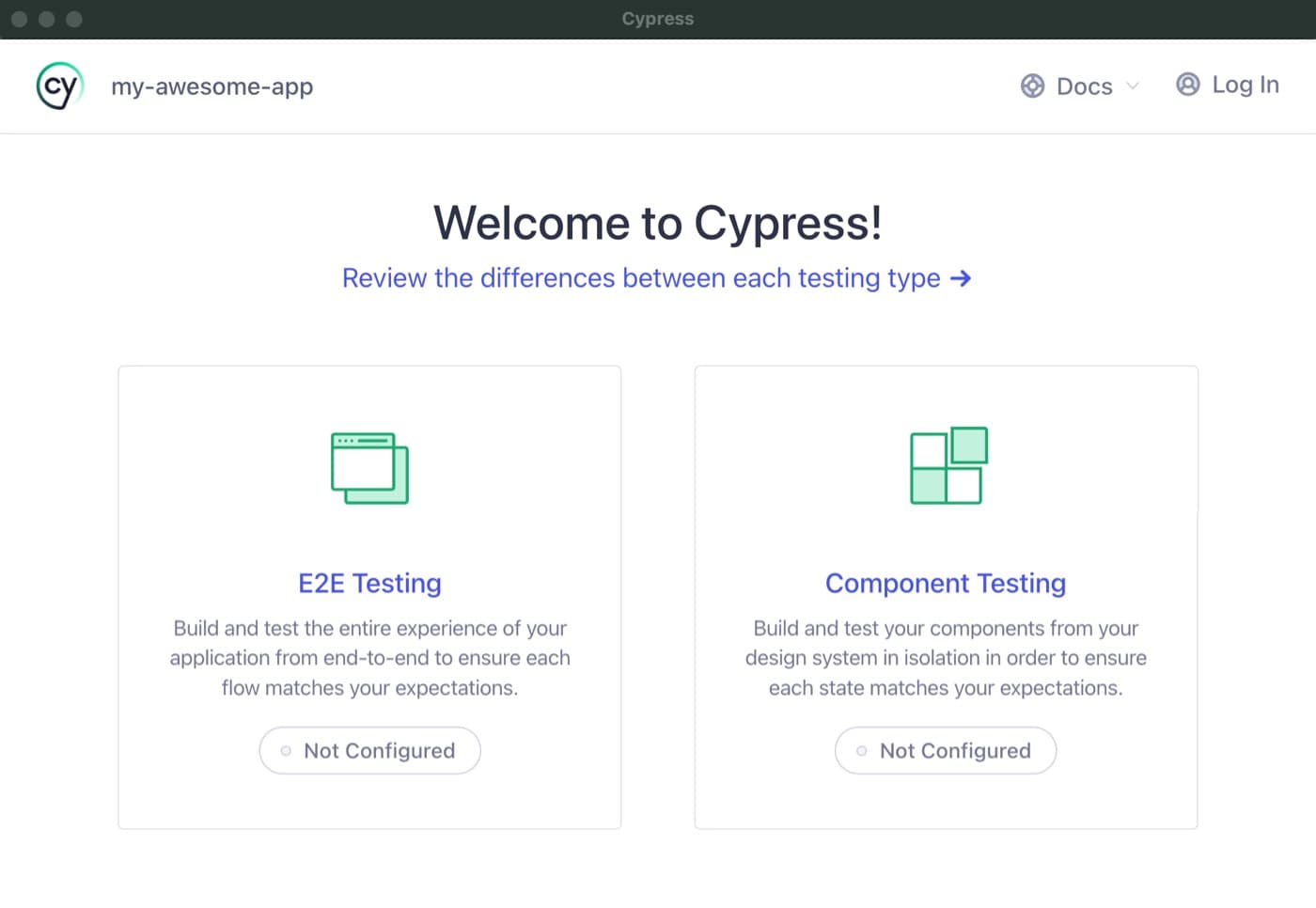
Cypress Component Testing: Test in a Real Browser
Cypress component testing mounts your UI components in a real browser, not a simulated DOM, so you test them exactly as users see them. Use it for faster feedback on individual React, Vue, or Angular components.

Web Workers: Keep Your UI Responsive During Heavy Tasks
A Web Worker is like a background helper, running heavy JavaScript tasks in a separate thread so your UI never freezes. Use it for complex calculations or data fetching. The main footgun: workers cannot directly manipulate the DOM.
Build Accessible Animations with `prefers-reduced-motion`
prefers-reduced-motion lets you respect a user's system-wide request to minimize animations. Use this CSS media query to replace potentially jarring effects like zooms or parallax with simpler fades, preventing discomfort for users with vestibular disorders.
Service Worker Registration: Claiming Your Control Scope
Registering a service worker is like assigning a security guard (your script) to a specific area (the scope) of your site for offline support. The footgun: by default, a worker can only control its own directory, not the whole site.
Vue's Virtual DOM: Efficient UI Updates
Vue keeps a JavaScript copy of the UI (the Virtual DOM) in memory. When data changes, it compares a new virtual tree to the old one and efficiently updates only the changed parts of the real DOM, avoiding costly full re-renders.
Vue Single-File Components (SFCs)
Vue's Single-File Components (SFCs) bundle a component's template, logic, and styles into one .vue file. A build tool compiles this into browser-readable JS and CSS, turning your template into optimized render functions.
HTMLMediaElement: The Remote Control for Browser Media
HTMLMediaElement is the shared "remote control" API for <audio> and <video> tags, letting you programmatically play, pause, and seek. Use it for custom players or syncing animations. Footgun: Browsers often block autoplay, so never assume it will work.
Component Scaffolding: Automate Boilerplate, Enforce Consistency
Component scaffolding automates creating files from templates, ensuring new components start with the correct structure. Instead of copy-pasting, run a command to generate the component, its styles, and tests.
Canvas 2D Context: The API for Drawing on the Web
The Canvas 2D Context is your digital paintbrush and ruler for drawing on a web page. You get this object from a <canvas> element to draw shapes, text, and images for data visualizations or simple games. The key footgun: it's a state machine.
Next.js `next/image`: Stop Shipping Giant Images
The next/image component is an automated image pipeline, not just an <img> tag. It resizes, optimizes, and serves modern formats like WebP, improving load times. The footgun is forgetting to provide width and height, causing layout shifts.
Doc Site Generators: Content-First Websites
A doc site generator turns your Markdown files into a complete, searchable website. Use it for project docs or blogs to focus on writing, not web dev. The footgun is thinking they're only for docs; many are powerful static site generators.
Requesting Camera and Mic Access with getUserMedia
getUserMedia asks for camera/mic access in the browser. It's used for video chats or photo booths and returns a Promise with the media stream. Footgun: The promise can hang forever if the user ignores the prompt, so your app must handle that state.
next/font: Zero Layout Shift Fonts
next/font bundles fonts with your app at build time, serving them from your own domain to eliminate layout shift and extra network requests. It's the standard for any Next.js app. The footgun is using <link> tags, which negates all benefits.
Pre-commit Hooks: Your Code's Quality Gatekeeper
Think of a pre-commit hook as a bouncer for your codebase. It's a script that runs before Git finalizes a commit, checking your changes against project rules. Use it to automatically lint code, run formatters, or check for secrets before they enter history.
Managing Canvas State with save() and restore()
Think of save() and restore() as checkpoints for your canvas. save() pushes the current drawing state (styles, transforms) onto a stack, and restore() pops it back off. Use this to temporarily apply a transformation to just one element.
Optimize Loading with next/script
The next/script component prevents third-party scripts from blocking your page's initial render. Use it for analytics, ads, or chat widgets to improve performance. The footgun is not choosing the laziest strategy possible for non-essential scripts.
Canvas drawImage: Projecting Pixels onto a Canvas
drawImage is a versatile projector for your canvas, letting you place, scale, and even slice images before drawing them. It's used for rendering game sprites from a sprite sheet, displaying video frames, or compositing images.
Server-Side Rendering: Your App's First Paint Matters
Server-Side Rendering (SSR) sends a fully-formed HTML page from the server, not a blank one. This speeds up the first paint and helps SEO. The footgun is assuming it's always faster; it increases server load and can delay interactivity.
We are hiring for this. Every open role lists the topics its interview covers, so you can prepare for the real thing rather than guessing.
See open roles