Easy everything in Frontend Dev, page 9

Set paragraph text blue and background light grey, compare HEX, RGB, HSL
Set color and background-color; HEX is compact, RGB is explicit, HSL is intuitive for lightness/hue.
How do class and ID selectors differ in specificity and use case?
IDs are 1-0-0 and meant for unique elements; classes are 0-1-0 and reusable.
What color wins when an ID and class rule conflict?
Red wins; an ID scores 1-0-0 while a class scores 0-1-0, so the ID rule beats the class rule.
Explain the CSS box model: content-box vs border-box
Tests if you understand how width maps to rendered size. Good answers contrast content-box (350px + 10px border = 370px) with border-box (stays 350px) and note that four width:25% items break under content-box. Red flag: saying border-box includes margin.

Universal Rendering: Server-First, Client-Interactive
Universal Rendering sends a pre-built HTML page from the server for a fast load, then adds interactivity on the client. It's the default in frameworks like Nuxt for better SEO, but the footgun is writing code that crashes on the server by assuming a browser.
Static Site Generation: Pre-built Pages for Speed & Simplicity
Static Site Generation (SSG) pre-builds every page of your site into static HTML files, instead of generating them on-demand. This makes sites incredibly fast and cheap to host on a CDN, perfect for blogs or docs. The footgun: build times grow with site size.
Server-Side Rendering: Your App's First Paint Matters
Server-Side Rendering (SSR) sends a fully-formed HTML page from the server, not a blank one. This speeds up the first paint and helps SEO. The footgun is assuming it's always faster; it increases server load and can delay interactivity.
Vue Single-File Components (SFCs)
Vue's Single-File Components (SFCs) bundle a component's template, logic, and styles into one .vue file. A build tool compiles this into browser-readable JS and CSS, turning your template into optimized render functions.
Vue's Virtual DOM: Efficient UI Updates
Vue keeps a JavaScript copy of the UI (the Virtual DOM) in memory. When data changes, it compares a new virtual tree to the old one and efficiently updates only the changed parts of the real DOM, avoiding costly full re-renders.
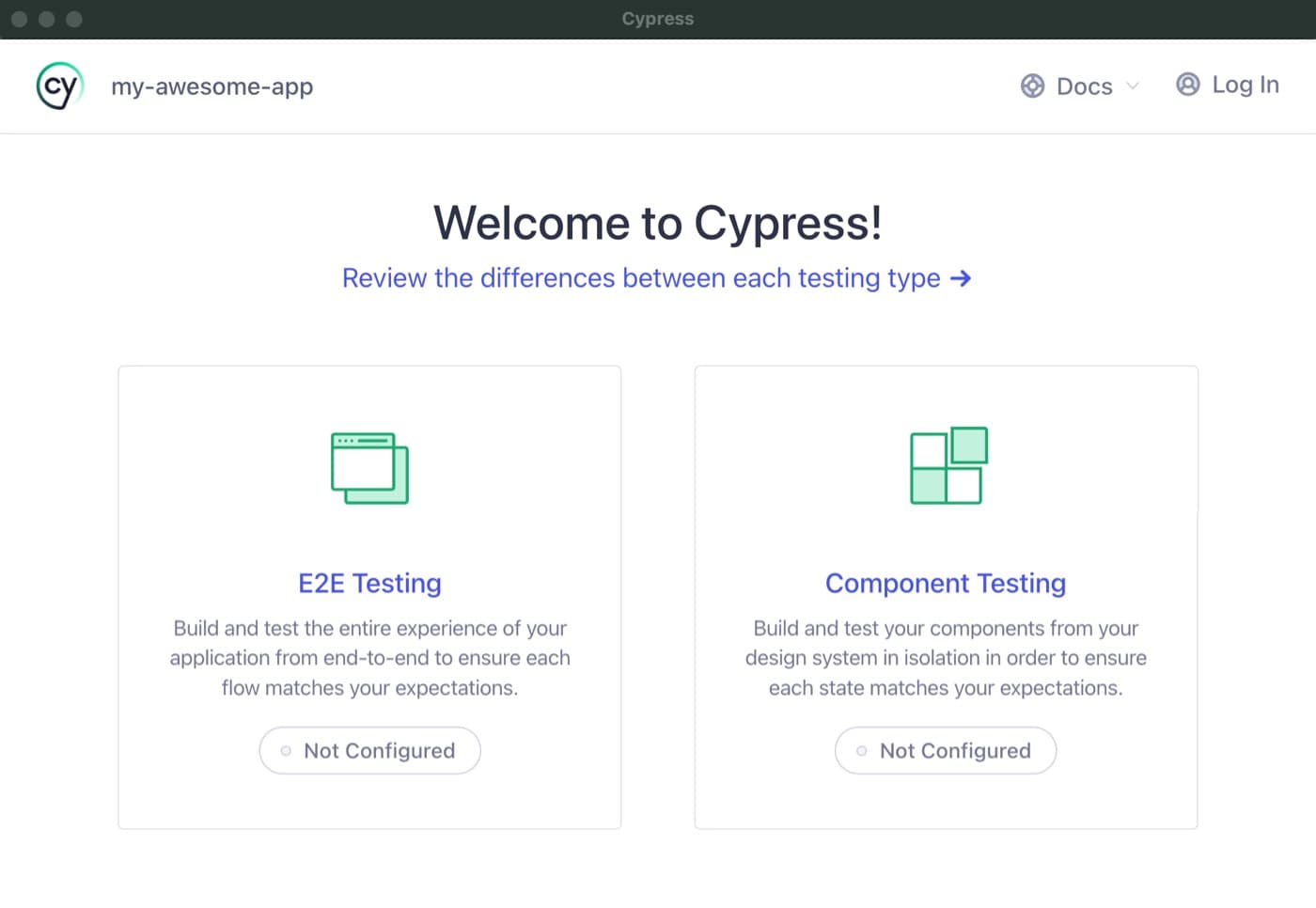
Cypress Component Testing: Test in a Real Browser
Cypress component testing mounts your UI components in a real browser, not a simulated DOM, so you test them exactly as users see them. Use it for faster feedback on individual React, Vue, or Angular components.
Unit Testing Vue Components with Vitest
Think of it as a two-part system: Vue Test Utils mounts your component in a virtual environment, and a runner like Vitest executes the test and reports pass/fail. Use this to verify a component's logic in isolation.

Angular Unit Testing: Jasmine & Karma
Jasmine is your testing script (expect(a).toBe(b)), while Karma is the stage that runs it in a browser. This is Angular's default stack for unit testing components and services to ensure they work in isolation.
Vue's v-once: Render Once, Then Ignore
Use v-once to render a part of your template exactly once. After the initial render, Vue treats it as static content, ignoring future data updates for that element and its children. This is a performance optimization for content that never needs to change.
Angular AOT: Compile Before the Browser
Angular's AOT compiler converts your app into efficient JavaScript during the build process, not in the browser. This means faster rendering and smaller bundles, as the compiler itself isn't shipped.
Vue Custom Directives: For Low-Level DOM Access
Vue custom directives are for low-level DOM access. Use them for tasks like auto-focusing a dynamically inserted input. The footgun is using them for stateful logic or UI structure, where a composable or component is the right tool.
Svelte Actions: Reusable DOM Logic
Svelte Actions let you run code when an element is mounted for direct DOM access. Use them to integrate third-party libraries or add custom events like swipe gestures.
Angular Custom Pipes: Transform Data in Your Templates
An Angular custom pipe is a reusable formatting function for your templates. Use it for common display transformations like currency or date formatting, keeping your component logic clean. Footgun: Avoid slow logic; pipes run often and can kill performance.
Angular Services: Your App's Shared Toolbox
An Angular service is a shared toolbox for your app. Instead of components building their own tools (like an HTTP client), they request a single instance from the dependency injector.
Programmatic Navigation: Changing Routes with Code
Instead of a user clicking a link, you trigger navigation from your JavaScript. This is useful for redirecting after an action, like a successful login. The main footgun: params are ignored if you also provide a path—use a named route instead.
RouterLink: Client-Side Navigation in Angular
RouterLink is Angular's replacement for <a> tags, preventing full page reloads in a Single-Page App. Use it on any element to navigate between views. The common footgun is using a standard <a href="...">, which reloads the page and loses application state.
We are hiring for this. Every open role lists the topics its interview covers, so you can prepare for the real thing rather than guessing.
See open roles