Easy concepts in Mobile Dev, page 8
Truth: Fluent Assertions for Clearer Tests
Truth makes tests read like English: assertThat(actual).is.... It provides clearer assertions than standard JUnit, with far more helpful failure messages, especially for collections. The main footgun is a potential Guava dependency conflict.

Instrumentation Tests: Testing on a Real Android Device
Instrumentation tests are like test-driving your app on a real device or emulator. They verify code that depends on the Android framework, like UI interactions or sensor access.
Archiving a React Native iOS App for Release
Archiving creates a production-ready package for the App Store by bundling your JavaScript and disabling dev menus. This is the final step before submitting to TestFlight or for review.
CocoaPods: Managing Dependencies in Apple Projects
CocoaPods manages third-party libraries in your Swift/Objective-C projects. You list dependencies in a Podfile, run pod install, and it handles the rest. The biggest footgun: always open the .xcworkspace, not the .xcodeproj file after installing.
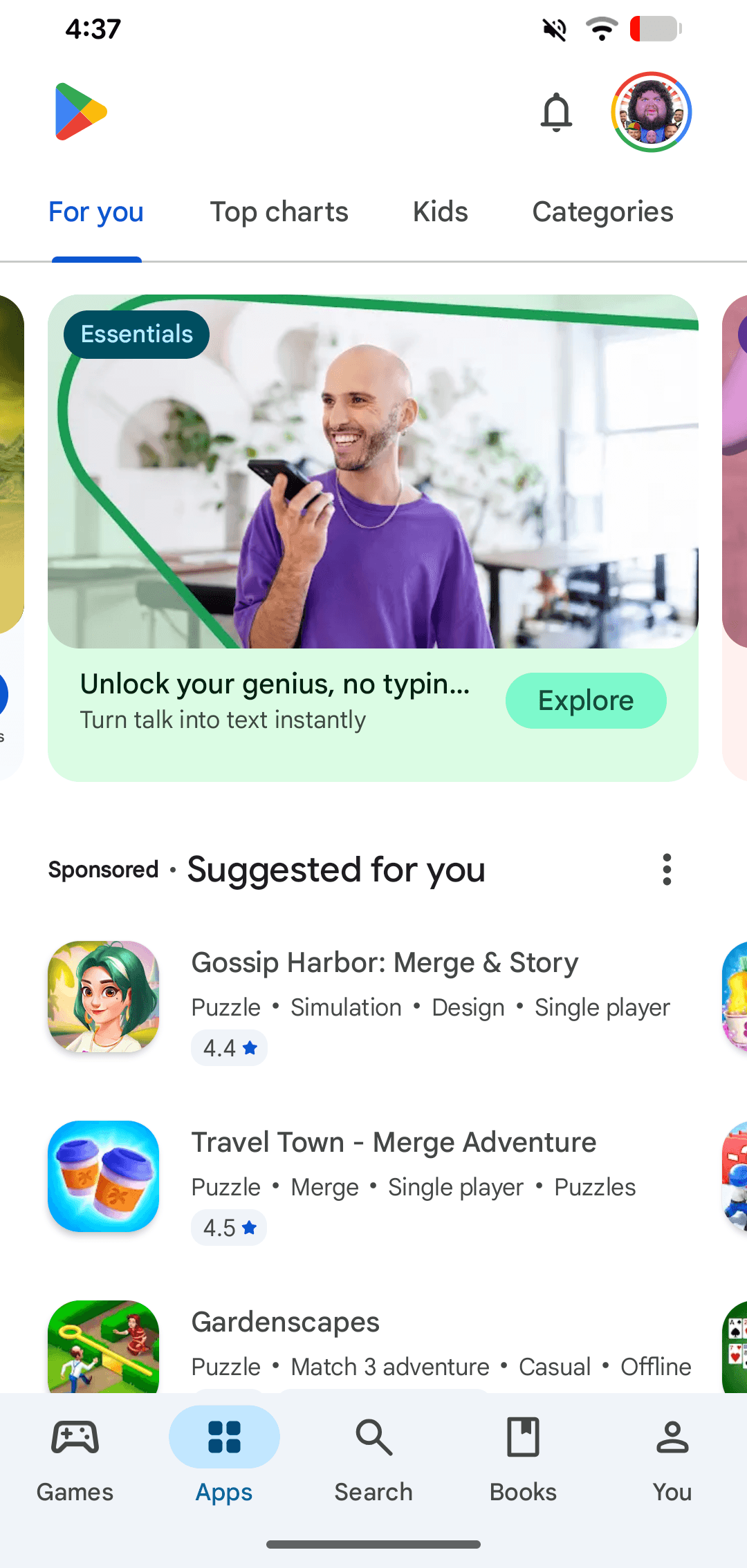
Google Play: The Android App Store
Google Play is the official digital storefront for the Android ecosystem. It's the primary channel where users on certified Android and ChromeOS devices discover and download apps. A common footgun is confusing the store with the developer-facing Play Console.
Flutter Packages: Bridging Dart to Native Features
Think of packages as pre-built bridges to native device features. They let your Dart code access the camera or GPS without you writing the complex, platform-specific code.
Flutter: Requesting Runtime Permissions
Don't assume your app has access to the camera or contacts; you must ask the user for permission at runtime. This is required for features like photo uploads or location tracking. The common footgun is forgetting to declare permissions in native config files.
Dart's Platform Class: Querying the Host Environment
Think of Dart's Platform class as a runtime detective for your app. It answers "where am I running?" by checking the OS, environment variables, and more. Use it to show different UI on iOS vs. Android.
StrictMode: Your Main Thread's Watchdog
StrictMode is a developer tool that acts like a strict supervisor for your app's main thread, catching slow operations like disk or network access. It helps you find performance issues before they cause "Application Not Responding" errors.
Apple Developer: The Official Resource Hub
Think of Apple Developer as the official command center for building on Apple platforms. It's the central website for the tools, APIs, and technical resources you need to write software for iOS, macOS, watchOS, and more.
Memory Leaks: The Silent App Killer
A memory leak is when your app holds onto objects it no longer needs, preventing memory reclamation. This often happens with static references to UI elements or background tasks. The footgun: your app won't crash immediately, but will slow down and die later.
App Store Connect: Your App's Mission Control
Think of App Store Connect as your app's mission control. It’s the web portal for managing your app's lifecycle after coding, from uploading builds and running TestFlight betas to submitting for final review.

Archiving an iOS App for Distribution
Archiving an app bundles your code and assets into a distributable package. It's the final step before sending your app to beta testers on TestFlight or submitting it to the App Store.
App Store Reviews: Your Public Support Channel
Treat App Store reviews as public conversations, not just support tickets. Responding lets you fix your app's narrative, help users with issues, and show potential customers you're engaged. The footgun is writing an emotional or defensive reply.
Unit Testing in Dart: Verify Your Logic in Isolation
A unit test is a microscope for your code. It checks a single function or class in isolation, ensuring it behaves correctly without worrying about the UI or network. Use it for business logic, not for testing rendered widgets or API calls.
Dart's `expect` and Matchers: Writing Better Tests
Dart's expect and Matchers are a grammar for your tests, letting you define complex rules beyond simple equality. Use them to verify values, check for exceptions, and test async Futures/Streams.
Android App Bundles: Ship Less Code to Users
Instead of one giant APK, an Android App Bundle (AAB) lets Google Play build a smaller, custom APK for each user's device. This standard publishing format reduces app size and speeds up installs by delivering only the necessary components.
Deobfuscating Android Crash Stack Traces
Obfuscated crash reports are useless. Deobfuscation uses a mapping file from your build to translate stack traces back into readable code. This is vital for debugging production apps using R8/ProGuard or native C++.
Google Play Content Ratings
Google Play's content rating is a mandatory maturity label for your app, like a movie rating. It's assigned by the IARC based on a questionnaire you fill out, and helps filter your app in certain regions.
Flutter Build Modes: Debug, Profile, and Release
Flutter's build modes trade performance for developer features. Debug mode is for fast iteration with hot reload, while Release is for optimized user builds. You use Debug daily, Profile to hunt for bottlenecks, and Release to ship.
We are hiring for this. Every open role lists the topics its interview covers, so you can prepare for the real thing rather than guessing.
See open roles