Easy everything in Mobile Dev, page 9

What is the purpose of the `remember` function in Compose?
This tests your grasp of recomposition. Explain that remember stores an object in the composition tree, preventing it from being re-initialized on every render. A red flag is confusing it with rememberSaveable, which survives configuration changes.
LinearLayout vs. RelativeLayout vs. FrameLayout: Explain and give use cases
Tests your grasp of classic Android layouts and performance trade-offs. A good answer defines each, gives a clear use case, and mentions layout_weight. A red flag is proposing nested LinearLayouts for complex UIs, ignoring performance.
Started vs. Bound Services: Differences and Use Cases
Tests your grasp of Android component lifecycles. A strong answer defines each by its lifecycle control (who starts/stops it) and communication pattern (fire-and-forget vs. client-server), then gives distinct use cases.
How do you save UI state during screen rotation?
Tests your grasp of the Activity lifecycle and state restoration. A great answer explains the destroy/recreate cycle, notes that EditText handles its own state via its ID, and contrasts the modern ViewModel + SavedStateHandle with the older…
Describe the Android Activity lifecycle when navigating away and back
Tests understanding of resource management via lifecycle callbacks. A good answer traces onPause -> onStop -> onRestart -> onStart -> onResume, explaining what work happens in each.
Explain the res/ directory and resource qualifiers for layouts
Tests your grasp of Android's core resource system. A good answer defines res/ for non-code assets, explains how qualifiers like layout-land match device state, and provides a concrete example.
Project-level vs. module-level build.gradle files
This tests your grasp of Gradle's project/module structure. A good answer defines the project-level file for global settings (repositories, plugins) and the module-level for specifics (SDK versions, dependencies). A red flag is confusing their roles.
Describe the purpose of the AndroidManifest.xml file
This tests if you view the manifest as a contract with the OS. Define its role, then list key elements like components (<activity>), permissions (<uses-permission>), and hardware features. A red flag is just listing tags without explaining their purpose.

Explain Kotlin's five scope functions: let, run, with, apply, also
This tests your grasp of idiomatic Kotlin. A great answer categorizes functions by their context object (this/it) and return value (object/lambda result). Provide a clear use case for apply (object configuration).
What is a Kotlin `suspend` function and how does it work?
Tests your grasp of Kotlin's non-blocking concurrency. A great answer defines a suspend function as pausable, states its two calling rules (from another suspend function or coroutine builder), and mentions the compiler's CPS transformation.
Explain launch vs. async in Kotlin Coroutines
Tests your grasp of structured concurrency, return values, and exceptions. launch is for fire-and-forget tasks (returns Job), while async is for tasks that produce a result (returns Deferred).
Purpose of safe call (`?.`) and Elvis (`?:`) operators
This tests your grasp of Kotlin's idiomatic null safety. Explain the safe call (?.) for chaining on nullables and the Elvis operator (?:) for providing defaults. Combine them in a one-line example. A multi-line if/else is a red flag.
Explain val, var, and null safety in Kotlin
This tests your grasp of immutability and Kotlin's compile-time null safety. Define val (immutable reference) vs. var (mutable), explain nullable types using ?, and state the risk is NullPointerException. A red flag is confusing val with a constant.
Deobfuscating Android Crash Stack Traces
Obfuscated crash reports are useless. Deobfuscation uses a mapping file from your build to translate stack traces back into readable code. This is vital for debugging production apps using R8/ProGuard or native C++.
Kotlin's Control Flow Expressions: `if` and `when`
In Kotlin, if and when are expressions that return a value. This lets you assign their result directly to a variable, replacing Java's ternary operator. The footgun: when used as an expression, you must have an else branch to cover all cases.
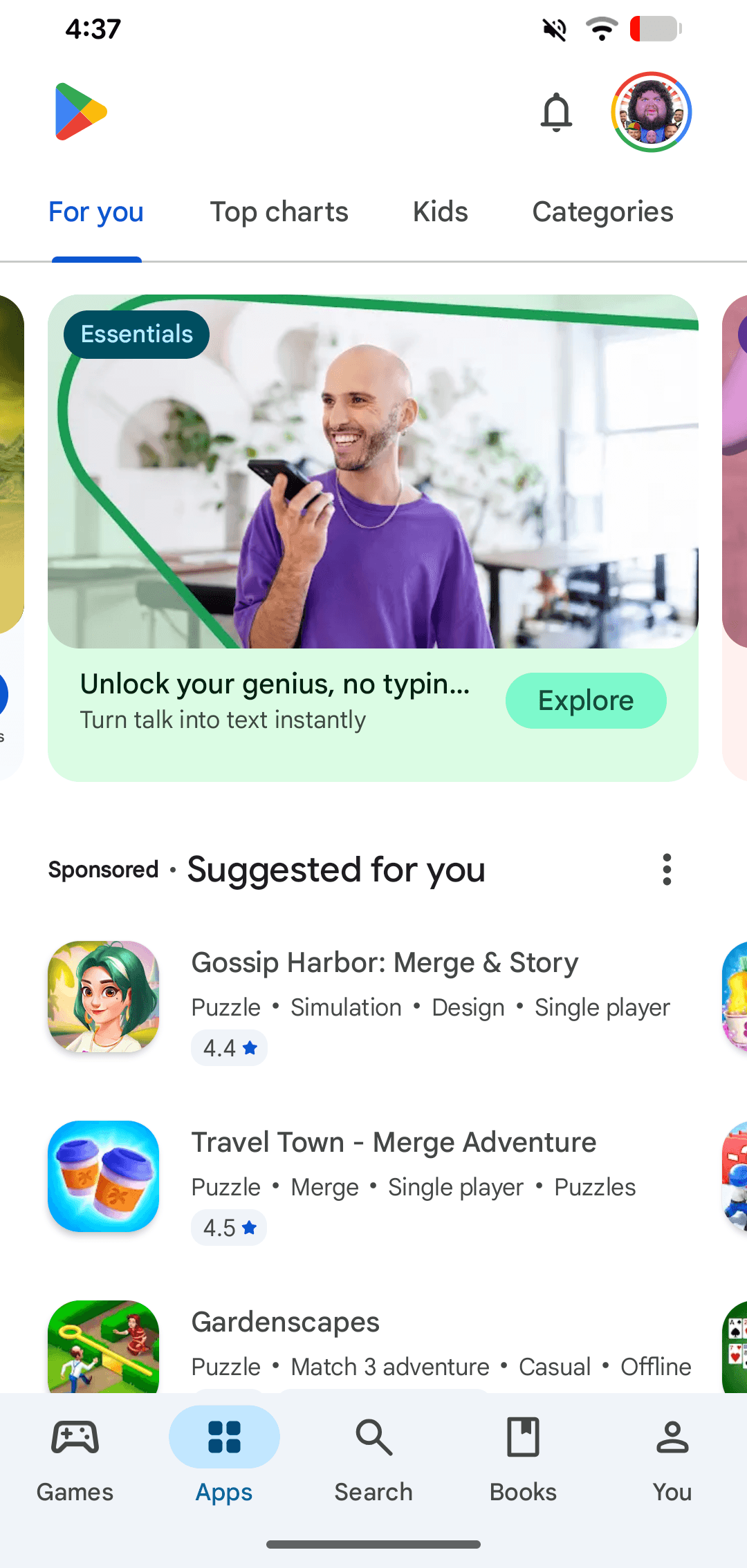
Google Play: The Android App Store
Google Play is the official digital storefront for the Android ecosystem. It's the primary channel where users on certified Android and ChromeOS devices discover and download apps. A common footgun is confusing the store with the developer-facing Play Console.
Archiving a React Native iOS App for Release
Archiving creates a production-ready package for the App Store by bundling your JavaScript and disabling dev menus. This is the final step before submitting to TestFlight or for review.
Unit Testing React Native Components with Jest
Jest tests your React Native components without a device, like checking individual Lego bricks. Use it to verify a button's logic or how a component renders with different props. The footgun is forgetting to mock native APIs, leading to flaky tests.
Flipper: A Desktop Debugger for React Native
Flipper is a desktop debugging platform for React Native, acting like Chrome DevTools for your mobile app. It connects to your local Metro server, letting you inspect component trees, view logs, and trigger reloads. The main footgun: the project is archived.
React Native's Performance Monitor Overlay
Think of it as a quick, in-app speedometer for your app's performance. Toggle it from the Dev Menu for a live overview on your screen. The footgun: it's only a guide, not a precise tool for deep performance analysis.
We are hiring for this. Every open role lists the topics its interview covers, so you can prepare for the real thing rather than guessing.
See open roles