Easy everything in React Native, page 2
ScrollView versus FlatList for long lists
ScrollView mounts all children at once; FlatList virtualizes, rendering only on-screen items plus a buffer. Use ScrollView for small/fixed content, FlatList for long/dynamic data.
Stack Navigator vs Tab Navigator and nesting
A Stack pushes and pops screens for hierarchical drill-down; a Tab switches between parallel top-level sections. Nesting a Stack in each tab gives each tab its own independent push/pop history.
navigate vs push in a Stack Navigator
Navigate goes to an existing instance of the route if present, otherwise pushes; push always adds a new instance onto the stack. Use push to revisit the same screen with new params.
Button vs TouchableOpacity vs Pressable
Button is minimal and platform-styled with limited customization; TouchableOpacity wraps children with an opacity fade; Pressable is the modern, flexible primitive exposing rich press states.
Controlled TextInput with value and onChangeText
Store input text in state, bind value to that state, and update state in onChangeText so React is the single source of truth.
View vs Text and nesting rules
View is a flexbox layout container; Text renders and lays out text with inheritance. Text nests inside Text and inherits style; View inside Text is constrained and discouraged.
Inline styles vs StyleSheet.create
Styles are JS objects passed to the style prop; StyleSheet.create registers styles once for stable references and validation, while inline objects recreate on each render.
Expo managed workflow vs bare React Native
Expo gives fast setup, OTA updates, managed builds, and prebuilt APIs; bare gives full native control and arbitrary native modules.
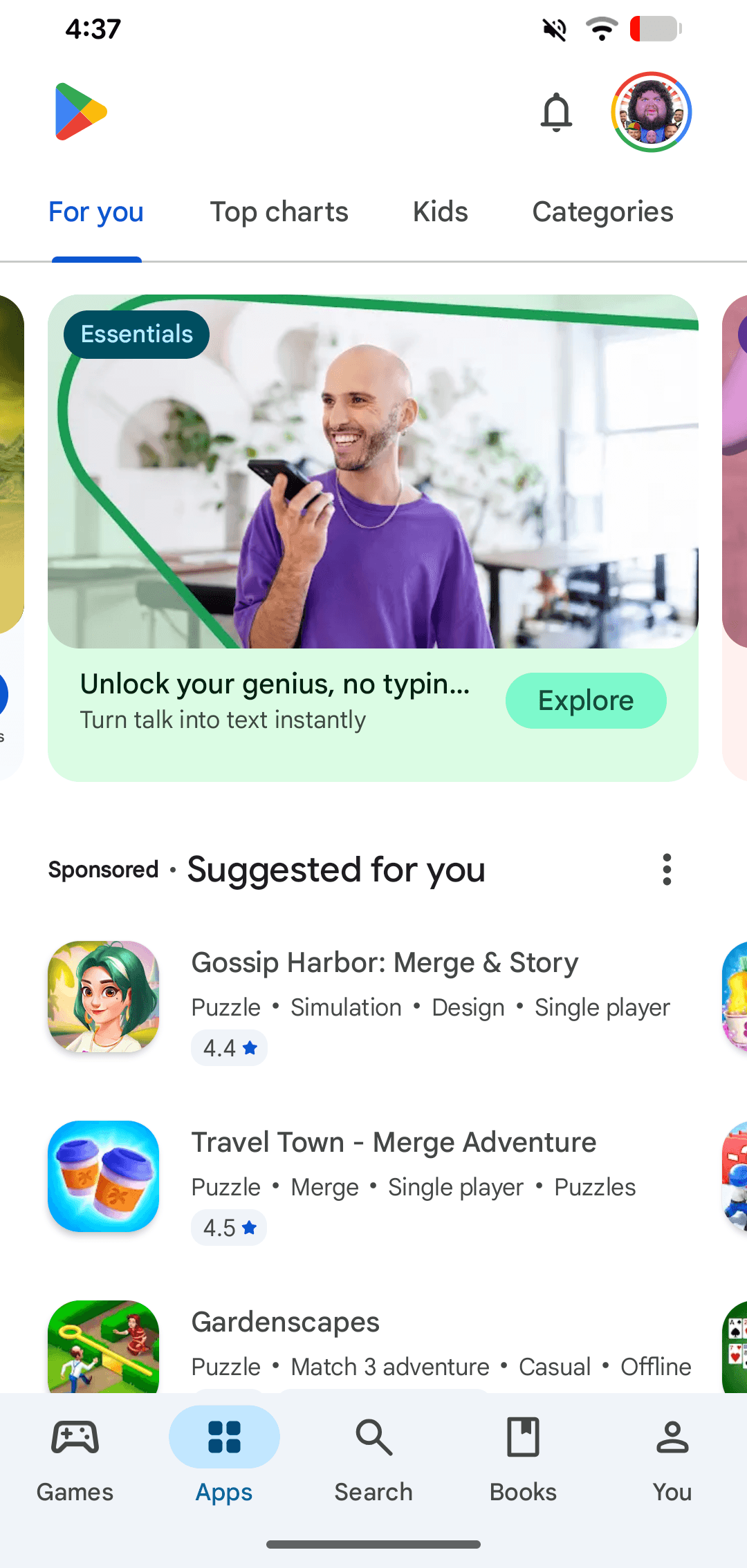
Google Play: The Android App Store
Google Play is the official digital storefront for the Android ecosystem. It's the primary channel where users on certified Android and ChromeOS devices discover and download apps. A common footgun is confusing the store with the developer-facing Play Console.
Archiving a React Native iOS App for Release
Archiving creates a production-ready package for the App Store by bundling your JavaScript and disabling dev menus. This is the final step before submitting to TestFlight or for review.
Unit Testing React Native Components with Jest
Jest tests your React Native components without a device, like checking individual Lego bricks. Use it to verify a button's logic or how a component renders with different props. The footgun is forgetting to mock native APIs, leading to flaky tests.
Flipper: A Desktop Debugger for React Native
Flipper is a desktop debugging platform for React Native, acting like Chrome DevTools for your mobile app. It connects to your local Metro server, letting you inspect component trees, view logs, and trigger reloads. The main footgun: the project is archived.
React Native's Performance Monitor Overlay
Think of it as a quick, in-app speedometer for your app's performance. Toggle it from the Dev Menu for a live overview on your screen. The footgun: it's only a guide, not a precise tool for deep performance analysis.
React Native's Share API: Use the Native Share Sheet
The React Native Share API opens the native OS share sheet, letting users share content like URLs or text. It provides a familiar UI with a single cross-platform method call.
Handling Permissions in React Native
A unified permissions API gives you one way to request device features, avoiding separate logic for iOS and Android. It's essential for apps needing the camera or location. The main footgun is forgetting to configure the native project files.
useNativeDriver: Offload Animations from the JS Thread
useNativeDriver offloads animations from the JavaScript thread to the native UI thread for smoother performance. Use it in Animated API calls to prevent dropped frames.
Animated: Drive Styles with Values, Not Setters
React Native's Animated API lets you drive styles with a value, not manual setters. Use it for performant fades and slides. The biggest footgun is forgetting useNativeDriver: true, which keeps animations smooth by running them off the JS thread.
Animated.Value: The Driver for React Native Animations
Animated.Value is a single number that drives multiple UI properties, like one dimmer switch controlling many lights. Use it to fade, move, or scale components. The main footgun: you cannot read its value synchronously and must use an asynchronous listener.
ActionSheetIOS: Native iOS Action Menus
ActionSheetIOS presents a native iOS menu sliding up from the bottom, offering users contextual choices. It's ideal for simple actions like "Delete" or "Save" and can also trigger the native share sheet.
SafeAreaView: Avoid Notches and Status Bars (Deprecated)
SafeAreaView was a component that automatically padded your UI to avoid device notches and system bars. It was a simple way to keep content visible on iOS, but it is now deprecated. The modern approach is to use the react-native-safe-area-context library.
We are hiring for this. Every open role lists the topics its interview covers, so you can prepare for the real thing rather than guessing.
See open roles