All bites
The whole library, newest first. Filter by what you are here for, or pick a topic if you already know.
8667 bites
Page 412

Navigation Safe Args: Type-Safe Navigation in Android
Navigation Safe Args generates code to prevent runtime crashes when passing data between Android screens. It replaces error-prone Bundle manipulation with type-safe classes. Use it to pass user IDs or item details. The footgun: don't pass large objects.
Deep Linking with Android's Navigation Component
Deep linking with the Navigation Component treats app screens like URL-addressable pages. It's for handling push notifications or web links that go to specific content.
Android's Domain Layer: Your Business Logic's Home
The Domain Layer is an optional buffer between your UI and data layers, housing reusable business logic. Use it for complex logic or simple rules shared by multiple screens, keeping your ViewModels lean. The footgun is overusing it for every simple data fetch.
Repository Pattern: Your App's Single Source of Truth
The Repository Pattern acts as a mediator for your app's data, fetching from sources like a network or database. Use it to separate your UI from data-fetching logic, like caching. The footgun is putting business logic here; it's for data operations only.
Android's UI Layer: Displaying Data, Handling Events
The UI layer is what users see and touch. It displays app data on screen and sends user input like taps to your business logic. It's used in every screen, from login forms to media players.
Compose UI Testing: Find Nodes, Assert State, Perform Actions
Compose UI tests treat your UI as a node tree. You find nodes by properties (like text or a test tag), assert their state (e.g., 'is displayed'), and perform actions like clicks. Use it to verify composables react correctly to state changes or user input.
CompositionLocal: Implicitly Pass Data Down the UI Tree
CompositionLocal is like CSS inheritance for your UI tree, letting you pass data down implicitly without parameter drilling. It's ideal for ambient data like theming or localization. The footgun is overusing it, which makes components harder to test.
Compose Side-Effects: Escaping the Pure Function
Compose functions should be pure, but apps must interact with the world. Side-effect APIs are controlled escape hatches to run non-UI code, like network calls or showing Toasts, from within a composable's lifecycle. The footgun is calling this logic directly.
Using Android Views in Compose (and Vice Versa)
AndroidView and ComposeView are bridges for gradual UI migration. Use them to embed classic Views in Compose screens or vice versa, like for a MapView. The footgun is managing state and lifecycles across the two different UI paradigms, which can lead to bugs.
Navigation in Compose
Navigation in Compose treats screens as state. You define a graph of composables, each with a string 'route', and navigate by changing the current route. It's ideal for single-activity apps.
Theming in Compose: Style from a Single Source
Theming in Compose is like a CSS stylesheet for your app. You define colors, typography, and shapes once in a central Theme composable, and it cascades down. Use it for light/dark modes and brand consistency.
Lazy Layouts: Compose's Answer to Efficient Lists
Lazy layouts in Jetpack Compose render only the list items visible on screen, avoiding memory crashes from large datasets. Use them for long lists like feeds or galleries, but remember to provide a key to prevent UI glitches when data changes.
Recomposition: Smart UI Updates in Compose
Recomposition is how Compose redraws your UI. It intelligently re-runs only the functions whose state has changed, avoiding a full screen refresh. This is triggered automatically when a State object that a composable reads is updated.
State in Jetpack Compose: The UI's Memory
In Compose, state is any value that can change over time. The UI is a direct function of this state; when the state updates, the UI automatically redraws (recomposes) to match. The main footgun is not "hoisting" state, which makes components hard to test.
Jetpack Compose Modifiers: Styling Your UI
Think of Modifiers as a chain of instructions that style and add behavior to your UI components. They're used for everything from setting padding and size to handling clicks.
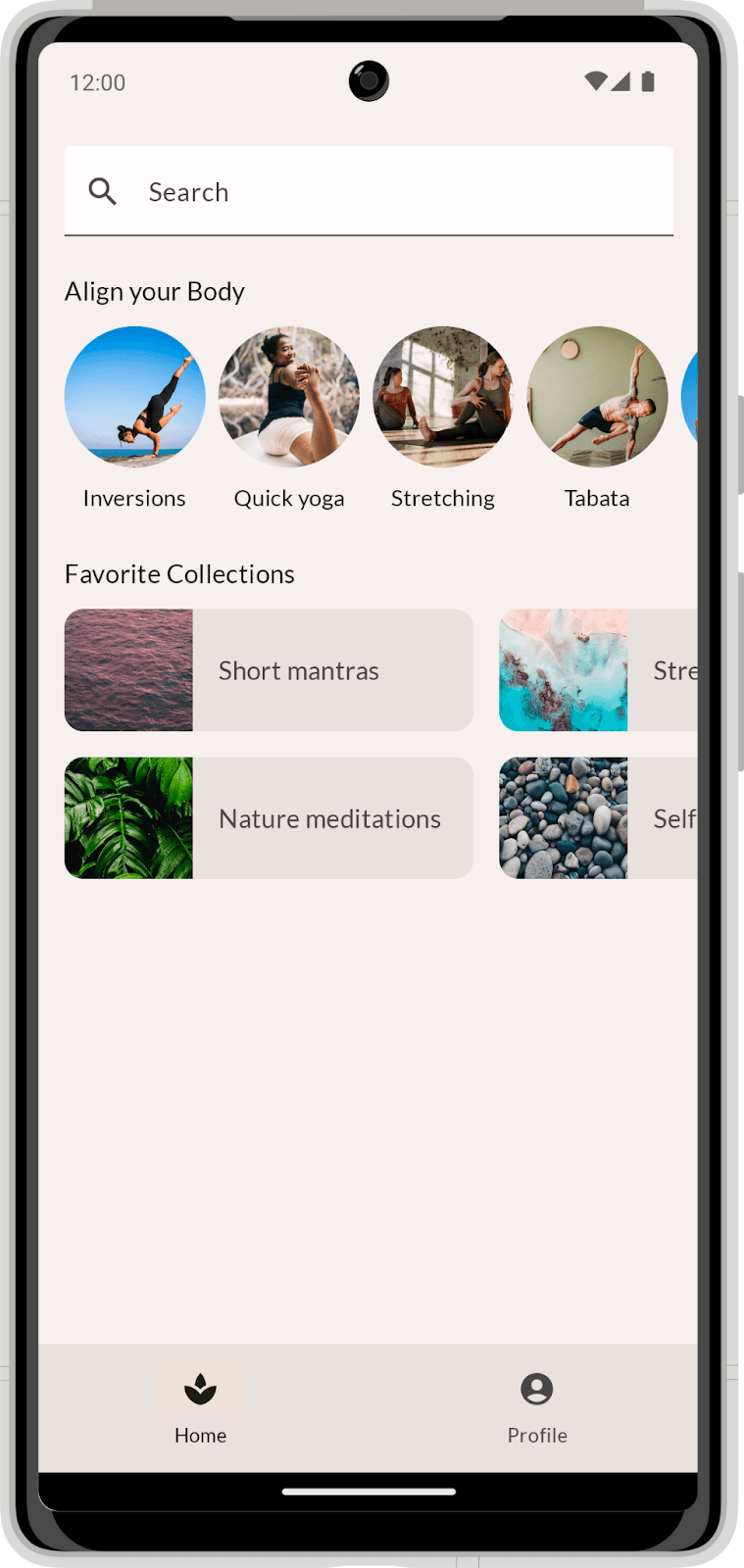
Compose Layouts: Build UI by Describing It
Describe your UI, and Compose draws it. Use Column and Row to position elements, then augment them with modifiers. The footgun is coding before you've broken the visual design into reusable parts, leading to a tangled mess.
Composable Functions: Building UI with Kotlin Functions
Composable functions are Kotlin functions that describe your UI. Instead of creating View objects, you call functions like Text to build a UI tree. They are the core of Jetpack Compose for building Android UIs declaratively.
Android View Animation: A Blueprint for Motion
Think of Android's view-based animations as a pre-written score. You define the animation (the "score") in an XML file, then apply it to a View (the "instrument") in your code. This is used for animating properties like alpha or translation on UI elements.
MotionLayout: Animate Layouts with States, Not Code
MotionLayout animates layouts by describing start and end states in XML, letting the system handle the transition. Use it for complex UI choreography, like a collapsing toolbar, or to link animation progress to a user's swipe.
Data Binding: Link Android UI to Data in XML
Data Binding lets you connect UI components to data sources directly in XML, eliminating manual findViewById calls. It's used to set view properties based on your ViewModel's state.