Design Linting: A Spellchecker for Your Designs
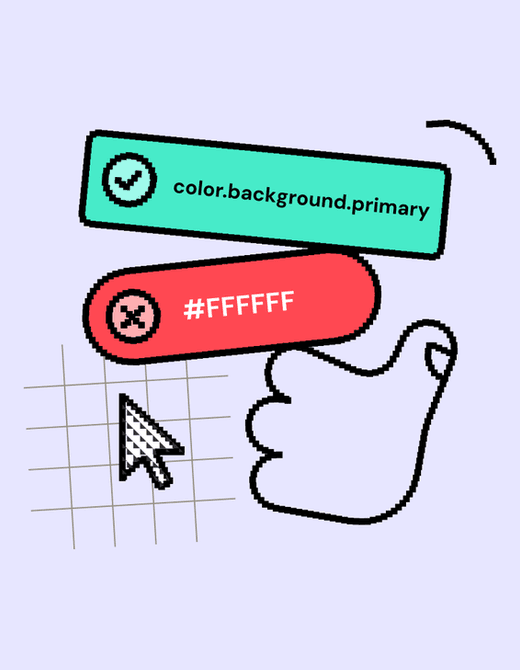
Design linting is like a spellchecker for your design files, automatically flagging inconsistencies against your design system's rules. It helps maintain visual consistency at scale and speeds up design reviews.
Why it exists
Manual design reviews are slow, error-prone, and don't scale. As teams grow, it's impossible to manually check every design for compliance with the design system, leading to inconsistent user experiences and accumulating design debt.
The mental model
Think of a design linter as a spellchecker or code linter, but for design files. It's an automated assistant that scans your work in an app like Figma and points out where you've deviated from the established design system rules, helping you stay consistent.
How it works
A linter is a plugin or script that runs against your design files. It's configured with a set of rules based on your design system's tokens and components. For example, a rule might check that all colors used are from the approved palette, or that spacing follows the 8-point grid. When it finds a violation, it flags the specific layer or element and often provides a suggestion for how to fix it.
When to use it
Use design linting to enforce consistency in large organizations with many designers and products. It's also valuable for automating parts of the design review process and for onboarding new team members by providing immediate, contextual feedback on using the design system correctly.
When not to use it
Avoid enforcing linting during early-stage, exploratory design phases where breaking the rules is part of the creative process. For very small teams where manual oversight is sufficient, the overhead of setting up and maintaining a linter might not be worthwhile.
One canonical example
A designer is working quickly and accidentally types the hex code #FEFEFE for a background instead of using the design system's 'off-white' color token. A design linter would automatically detect this rogue color, flag the element, and prompt the designer to replace it with the correct token, preventing a subtle inconsistency from reaching production. The footgun is blindly accepting all linter suggestions without critical thought; sometimes rules need to be broken for a good reason.
Interview question
For which scenario is design linting most advantageous?
- a.To fully automate all design review processes, eliminating human oversight.
- b.For small design teams prioritizing rapid, unconstrained ideation.
- c.To enforce consistent application of a design system across a large, distributed team.Correct
- d.As a primary tool for generating new, innovative design patterns.
Why? this is the answer
The card explicitly states that design linting is valuable "to enforce consistency in large organizations with many designers and products." Options A and B describe scenarios where linting is either not recommended or would be a misuse, as it's not for early-stage exploration or full automation without human judgment. Option D misrepresents the linter's purpose, which is to enforce existing rules, not create new ones.
Just read this? Test yourself on what you have been reading.
Read the original → zeroheight.com
- #design systems
- #design ops
- #automation
- #figma
Put your scrolling time to good use
Learn one idea, try a quiz and save useful cards for revision. Tezvyn makes it easy to learn and stay current in your tech field, a few minutes at a time.
The iPhone app is on the way
We are building it. Until it lands, nothing here is held back from you: every interview card, your saved cards, streaks and the job board all work in Safari, plus hundreds of free practice quizzes of thirty questions each. Sign in and it all carries over to the app the day it arrives.
Want it as an icon? Tap Share at the bottom of Safari, then Add to Home Screen. It opens full screen and the cards you have read stay available offline.
We are hiring for this. Open roles that interview on design systems — each one lists the topics its interview covers.
See open roles