Design System vs. Style Guide: The Parent and the Child
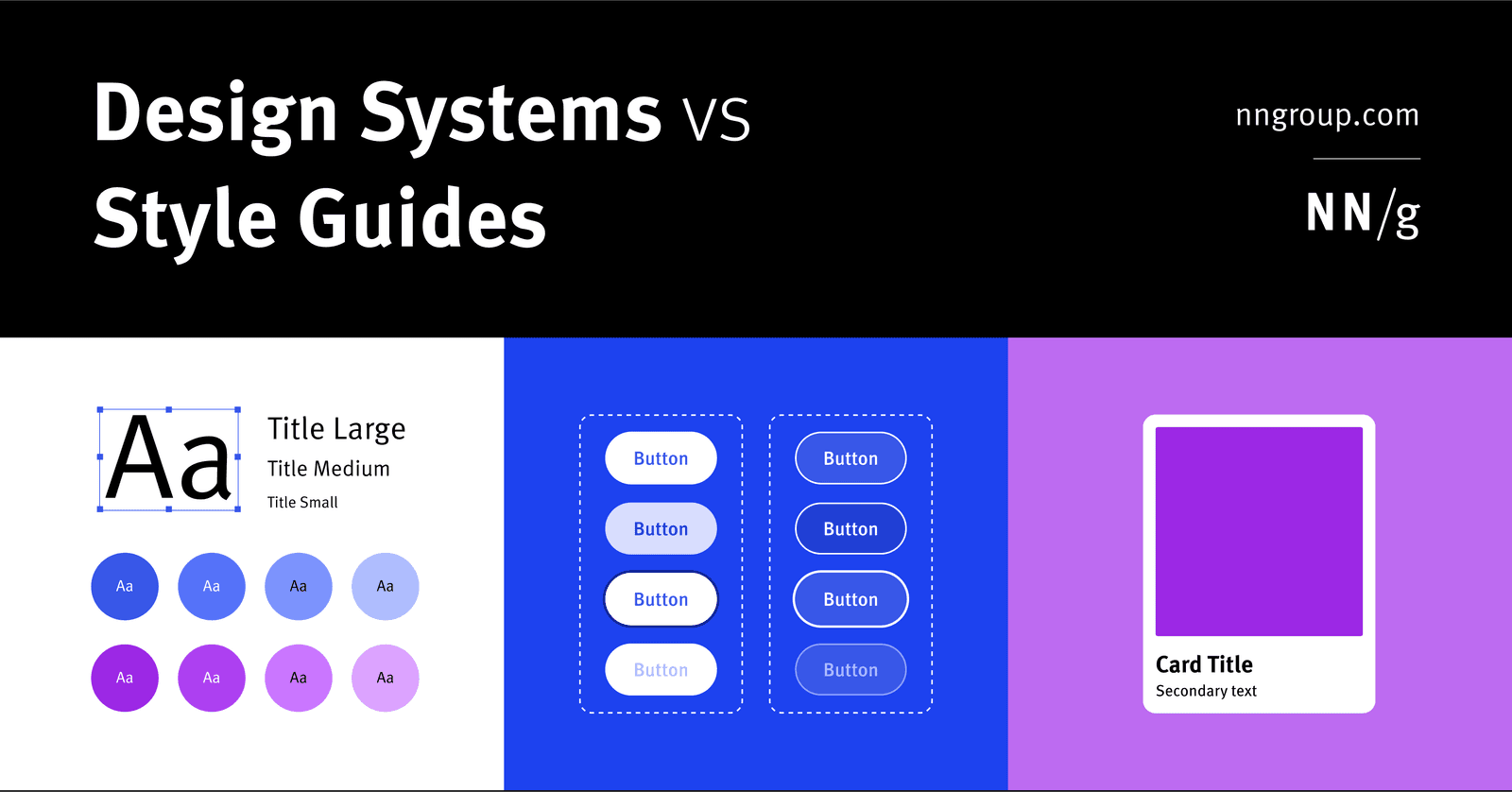
A Design System is the parent; a Style Guide is just one child. The system is a complete toolkit for building products, containing reusable components and code, used by large teams to maintain consistency.
Why it exists
Large organizations need to build consistent UIs across many teams and products. Without a central source of truth, teams waste time reinventing and coding the same elements like buttons or forms, leading to a fragmented user experience and a messy, inconsistent codebase.
The mental model
A Design System is the parent, and a Style Guide is one of its children. The Design System is a comprehensive toolkit for building interfaces. The Style Guide is a rulebook for one specific aspect, like visual branding or writing tone. A design system contains style guides, but is much more than that.
How it works
A Design System is housed in a central repository, usually a website. It contains three key parts. First, one or more Style Guides, which document rules for things like brand colors, typography, or content tone. Second, a Component Library, which provides reusable UI elements like buttons, inputs, and cards, complete with their different states (hover, disabled) and the actual code to implement them. Third, a Pattern Library, which combines components into larger, reusable layouts, like a page header or a login form.
When to use it
Use a Design System to manage design at scale in a large organization. It creates a shared language between designers and developers, ensures consistency across different products or teams, and dramatically speeds up development since engineers can reuse pre-built, pre-vetted code.
When not to use it
A full Design System is often overkill for a very small, early-stage project where rapid iteration is more important than perfect consistency. A simple style guide might suffice initially. The system is for managing complexity that already exists or is anticipated.
One canonical example
Google's Material Design is a complete design system. It includes not just visual and content style guides, but also a massive library of reusable components (like buttons and cards) with their implementation code, and patterns for how to assemble them into coherent user experiences. A team at Google can pull these ready-made elements to build a new app that feels consistent with the entire Google ecosystem.
Interview question
Which statement best characterizes the relationship between a Design System and a Style Guide?
- a.A Style Guide dictates the overall product strategy, while a Design System implements specific UI elements.
- b.A Design System is a comprehensive toolkit that incorporates Style Guides, Component Libraries, and Pattern Libraries.Correct
- c.They are two different names for the same core set of guidelines used to maintain product consistency.
- d.A Style Guide is a standalone document for visual branding, whereas a Design System is primarily for code implementation.
Why? this is the answer
The card explicitly states, "A Design System is the parent, and a Style Guide is one of its children," and that a Design System is a "comprehensive toolkit" containing Style Guides, Component Libraries, and Pattern Libraries. Option D is incorrect because a Style Guide is a component of a Design System, not a separate entity from code, and a Design System encompasses more than just code.
Just read this? Test yourself on what you have been reading.
Read the original → nngroup.com
Put your scrolling time to good use
Learn one idea, try a quiz and save useful cards for revision. Tezvyn makes it easy to learn and stay current in your tech field, a few minutes at a time.
The iPhone app is on the way
We are building it. Until it lands, nothing here is held back from you: every interview card, your saved cards, streaks and the job board all work in Safari, plus hundreds of free practice quizzes of thirty questions each. Sign in and it all carries over to the app the day it arrives.
Want it as an icon? Tap Share at the bottom of Safari, then Add to Home Screen. It opens full screen and the cards you have read stay available offline.
We are hiring for this. Open roles that interview on ui design — each one lists the topics its interview covers.
See open roles