FastAPI: Validate Parameters with Query and Path
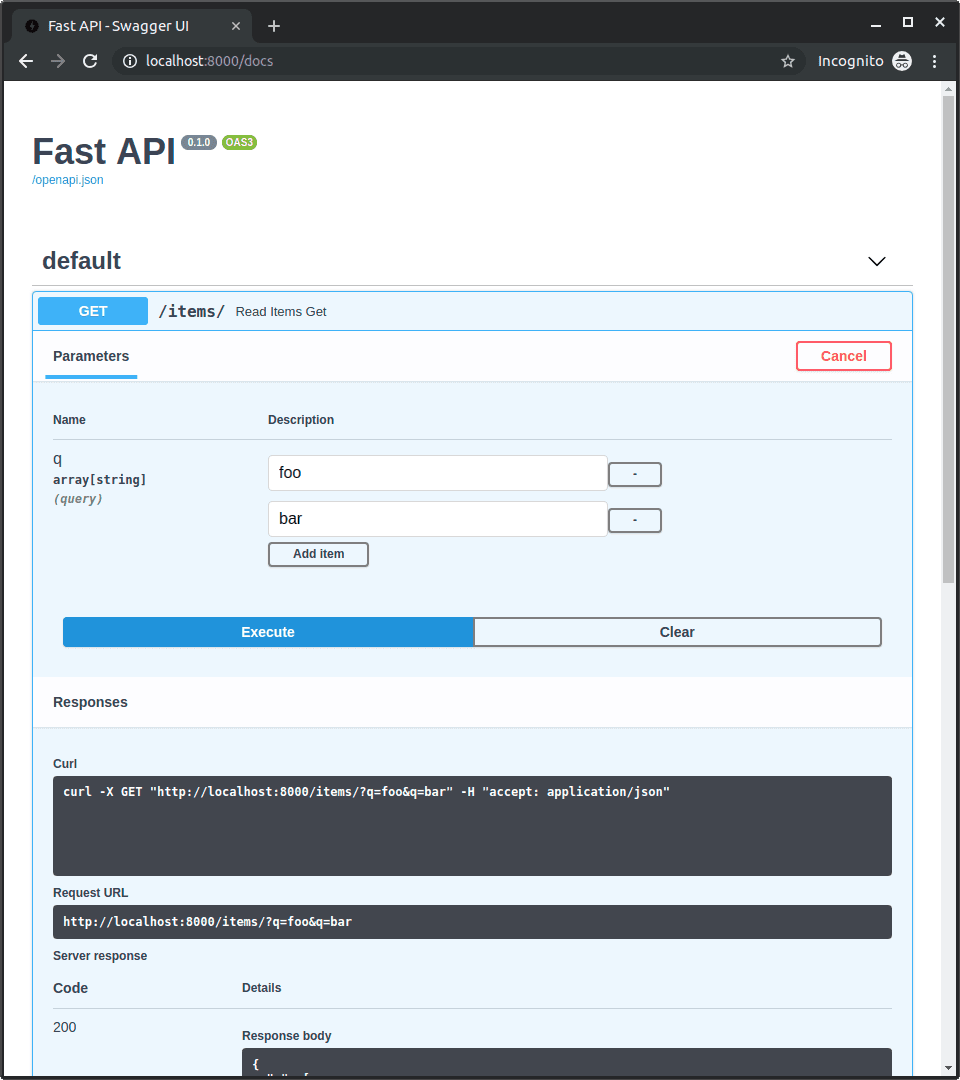
FastAPI's Query and Path objects let you declare rich validation rules directly in your function's signature. Enforce string lengths, regex patterns, or numeric ranges on URL parameters without writing manual checks.
Why it exists
APIs must protect themselves from invalid data. Manually checking every parameter inside every function is repetitive, error-prone, and mixes validation code with business logic. FastAPI provides a declarative way to handle this at the framework level, keeping your endpoint code clean.
The mental model
Think of Query and Path not as types, but as configuration objects you attach to your type hints using Annotated. They are instructions for FastAPI, saying, "This parameter, which has type X, must also meet these additional rules before my function is even called."
How it works
When a request comes in, FastAPI uses the information in Query and Path to automatically validate the incoming URL parameters. If a path parameter item_id is declared with Path(gt=0), FastAPI ensures the value is an integer greater than zero. If a query parameter q is declared with Query(min_length=3), it checks the string length. If validation fails, FastAPI immediately stops processing and returns a descriptive 422 Unprocessable Entity error to the client. Your function code only runs if all validations pass.
When to use it
Use this whenever a URL parameter has constraints beyond its basic type. Three common cases: first, for numeric path parameters like /items/{item_id} to ensure the ID is positive (Path(gt=0, le=1000)). Second, for string query parameters like ?q=search to control length (Query(min_length=3, max_length=50)). Third, to enforce specific formats with regular expressions, like a version string (Query(regex="^v\d+\.\d+$")). You can also define aliases, descriptions, and deprecation status.
When not to use it
For simple parameters that only need type validation (e.g., is_active: bool), adding Query() is unnecessary boilerplate. For complex validation logic that involves multiple fields interacting with each other, a Pydantic model in the request body is often a cleaner and more powerful solution.
One canonical example
An endpoint /users/{user_id}/items validates both a path and a query parameter. The function signature is read_user_items(user_id: Annotated[int, Path(gt=0)], q: Annotated[str | None, Query(max_length=50, min_length=3)] = None). Here, the path parameter user_id must be an integer greater than 0. The optional query parameter q, if provided, must be a string with a length between 3 and 50 characters.
Interview question
When a parameter validated by FastAPI's Query or Path objects fails its defined constraints, what is the immediate outcome?
- a.The parameter is automatically coerced to a valid value if possible, otherwise it defaults to None.
- b.FastAPI stops request processing and returns a 422 Unprocessable Entity error to the client.Correct
- c.The endpoint function is called, but the invalid parameter's value is replaced with an empty string or zero.
- d.An internal server error (500) is raised, requiring the developer to implement custom error handling.
Why? this is the answer
The card states that if validation fails, FastAPI immediately stops processing and returns a 422 Unprocessable Entity error. This prevents invalid data from reaching your function and provides clear feedback to the client, unlike the other options which describe different error handling or value manipulation.
Just read this? Test yourself on what you have been reading.
Read the original → fastapi.tiangolo.com
Put your scrolling time to good use
Learn one idea, try a quiz and save useful cards for revision. Tezvyn makes it easy to learn and stay current in your tech field, a few minutes at a time.
The iPhone app is on the way
We are building it. Until it lands, nothing here is held back from you: every interview card, your saved cards, streaks and the job board all work in Safari, plus hundreds of free practice quizzes of thirty questions each. Sign in and it all carries over to the app the day it arrives.
Want it as an icon? Tap Share at the bottom of Safari, then Add to Home Screen. It opens full screen and the cards you have read stay available offline.
We are hiring for this. Open roles that interview on fastapi — each one lists the topics its interview covers.
See open roles