How do you define a WebSocket endpoint in FastAPI?
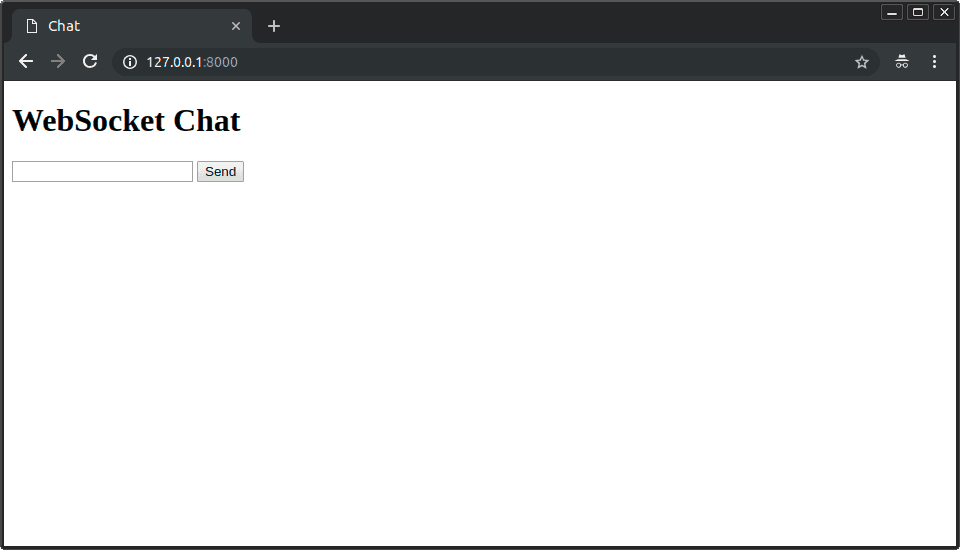
async endpoint wiring and the accept-receive-send lifecycle.
import WebSocket, use @app.websocket, await accept, receive_text, then send_text.
forgetting accept or treating it like a standard HTTP route.
What's really being asked
This question checks if you know the exact FastAPI WebSocket wiring beyond regular HTTP path operations. Interviewers want to see that you understand the handshake is explicit, the endpoint uses a different decorator, and the I/O is fully async. It also surfaces whether you know the correct imports and the basic message flow. At the senior level, they may also probe whether you understand that WebSockets are long-lived and stateful, but for this minimal version they mainly want clean syntax.
The full answer
First, the import: from fastapi import FastAPI, WebSocket. Second, the decorator: @app.websocket("/ws") instead of @app.get or @app.post. Third, the function signature must declare a websocket parameter typed as WebSocket, not Request. Fourth, the lifecycle: await websocket.accept to open the connection, await websocket.receive_text to read one message, and await websocket.send_text to reply. Fifth, mention that you must install the websockets package because FastAPI relies on it as the underlying protocol implementation. A strong candidate will state the steps in order without hesitation.
The mistakes people make
Treating the endpoint like HTTP by using @app.get or injecting Request. Forgetting await websocket.accept, which causes the client to hang because the handshake never completes. Omitting await on receive_text or send_text, which breaks the async flow and raises runtime errors. Using websocket.receive instead of receive_text without explaining the bytes versus text distinction. Writing synchronous blocking code inside the WebSocket handler, such as heavy computation or time.sleep. Importing WebSocket from starlette instead of fastapi is technically functional but is less idiomatic and misses the point of using FastAPI's native abstraction.
What usually comes next
How would you handle multiple messages in a loop? How do you manage disconnections and cleanup with try-finally or WebSocketDisconnect? Can you use Depends inside a WebSocket endpoint, and what are the caveats around authentication? How would you broadcast to multiple connected clients, perhaps using a connection manager? What is the difference between receive_text and receive_bytes, and when would you use each?
A concrete example
from fastapi import FastAPI, WebSocket
app = FastAPI()@app.websocket("/ws")
async def websocket_endpoint(websocket: WebSocket):
await websocket.accept()
data = await websocket.receive_text()
await websocket.send_text(f"Message text was: {data}")
Interview question
Which combination correctly wires a FastAPI WebSocket endpoint so it can receive text from a client?
- a.Use @app.get("/ws"), declare websocket: WebSocket, and call await websocket.receive_text()
- b.Use @app.websocket("/ws"), declare websocket: WebSocket, and call await websocket.accept() then await websocket.receive_text()Correct
- c.Use @app.websocket("/ws"), declare websocket: WebSocket, and call await websocket.receive_text() then await websocket.accept()
- d.Use @app.websocket("/ws"), declare websocket: WebSocket, and call await websocket.accept() then websocket.receive_text()
Why? this is the answer
The correct pattern requires the @app.websocket decorator, a WebSocket parameter, and an explicit await websocket.accept() before any await websocket.receive_text(). Option C is tempting because it uses the right decorator and types, but reversing accept and receive causes the client to hang since the handshake never completes.
Just read this? Test yourself on what you have been reading.
Read the original → fastapi.tiangolo.com
Put your scrolling time to good use
Learn one idea, try a quiz and save useful cards for revision. Tezvyn makes it easy to learn and stay current in your tech field, a few minutes at a time.
The iPhone app is on the way
We are building it. Until it lands, nothing here is held back from you: every interview card, your saved cards, streaks and the job board all work in Safari, plus hundreds of free practice quizzes of thirty questions each. Sign in and it all carries over to the app the day it arrives.
Want it as an icon? Tap Share at the bottom of Safari, then Add to Home Screen. It opens full screen and the cards you have read stay available offline.
We are hiring for this. Open roles that interview on fastapi — each one lists the topics its interview covers.
See open roles