IA: How to Organize Docs So People Use Your Design System
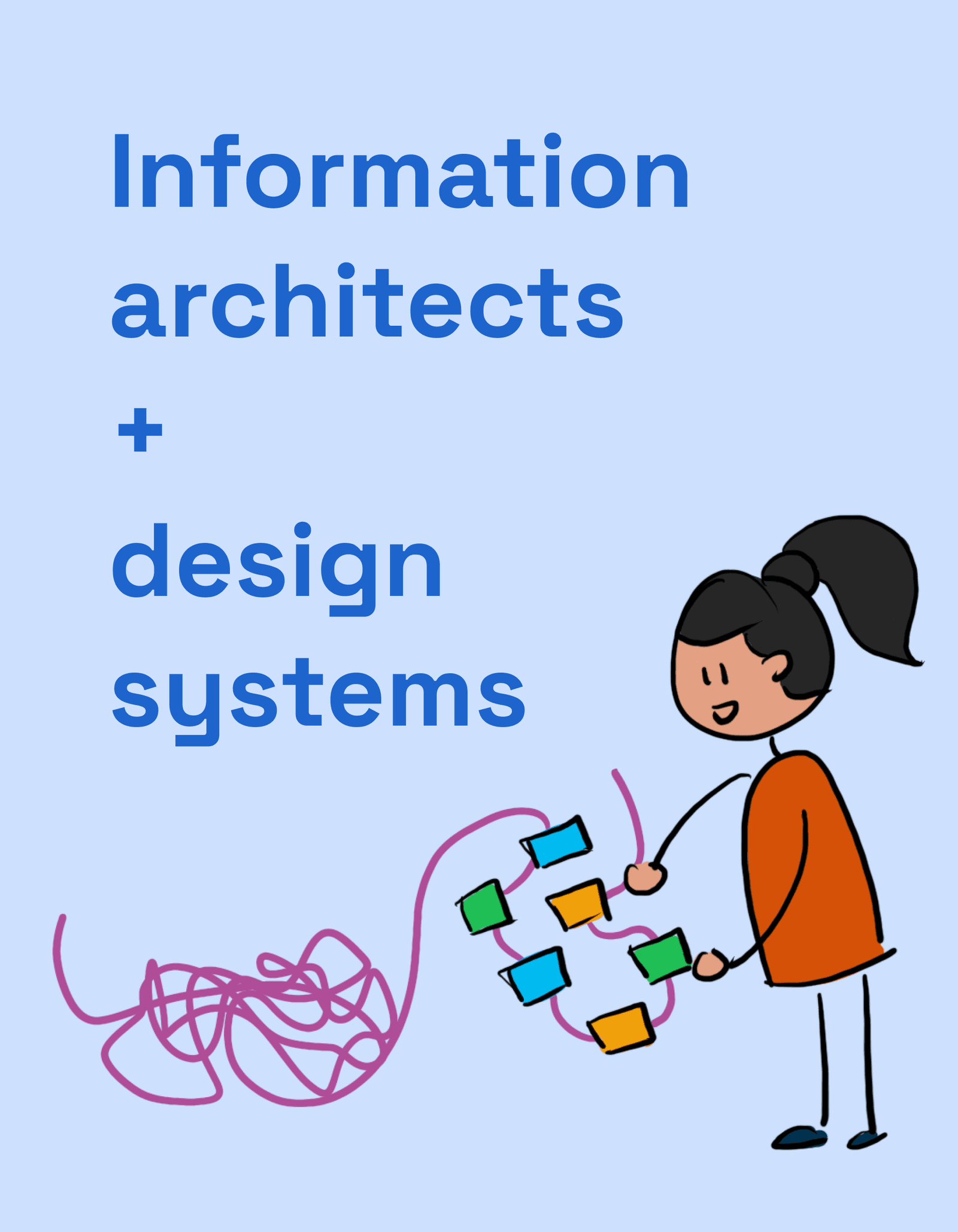
Think of your design system docs like a library. Information Architecture (IA) is the shelving and catalog system that lets users find the right component or guideline. It's crucial for any system where discoverability impacts adoption.
Why it exists
A design system's value isn't in its existence, but its usage. If engineers and designers can't find what they need quickly, they'll build their own one-off solutions, defeating the system's purpose. Information Architecture (IA) exists to make documentation discoverable and intuitive, which directly drives adoption.
The mental model
Treat your design system documentation like a physical library. IA is the practice of deciding how to categorize the books (components, patterns), label the shelves (navigation), and create a card catalog (search). Without a clear system, you just have a pile of books, and finding anything is a matter of luck.
How it works
IA involves creating a logical structure based on user needs, not internal team structures. This typically means grouping content into intuitive categories. Common top-level categories are: Foundations (or Tokens) for core styles like color and typography; Components for individual UI elements like buttons and inputs; and Patterns for multi-component solutions to common problems like a login form. Each page should also cross-link to related items; for example, a "Card" component page should link to the "Image" and "Button" components it might contain.
When to use it
Apply IA principles from the very beginning of documenting a design system. It's especially critical as a system scales beyond 10-15 components or serves multiple product teams. The goal is to create a predictable, consistent structure that users can rely on as the system grows.
When not to use it
There's no scenario where you shouldn't consider IA. However, for a tiny, single-team project with only a few components, a simple, flat list might suffice temporarily. The real footgun is ignoring IA until the documentation is already a sprawling, confusing mess that requires a painful reorganization.
One canonical example
A robust IA might structure documentation as follows: First, a "Getting Started" section for onboarding. Second, "Foundations" covering design tokens for color, typography, and spacing. Third, "Components," the largest section, often broken into sub-categories like "Forms," "Navigation," and "Overlays." Fourth, "Patterns" showing how to combine components into solutions like "Search Results" or "Data Tables." Finally, "Guidelines" for broader topics like accessibility and content strategy.
Interview question
What is the most significant benefit of implementing Information Architecture (IA) for design system documentation?
- a.It primarily serves to categorize content based on the design system team's internal organizational chart.
- b.It ensures users can easily discover and utilize existing components and guidelines.Correct
- c.It streamlines the internal workflow for the design system development team.
- d.It establishes a rigid structure that prevents future changes to the design system's content.
Why? this is the answer
The card states that IA exists to make documentation "discoverable and intuitive," enabling users to "find what they need quickly" and driving adoption. While IA can indirectly aid team workflows, its core purpose is user-centric discoverability, and it explicitly advises against structuring content based on internal team organization.
Just read this? Test yourself on what you have been reading.
Read the original → zeroheight.com
- #design systems
- #documentation
- #information architecture
- #ux
Put your scrolling time to good use
Learn one idea, try a quiz and save useful cards for revision. Tezvyn makes it easy to learn and stay current in your tech field, a few minutes at a time.
The iPhone app is on the way
We are building it. Until it lands, nothing here is held back from you: every interview card, your saved cards, streaks and the job board all work in Safari, plus hundreds of free practice quizzes of thirty questions each. Sign in and it all carries over to the app the day it arrives.
Want it as an icon? Tap Share at the bottom of Safari, then Add to Home Screen. It opens full screen and the cards you have read stay available offline.
We are hiring for this. Open roles that interview on design systems — each one lists the topics its interview covers.
See open roles