Jira adds one-click links to six AI coding agents
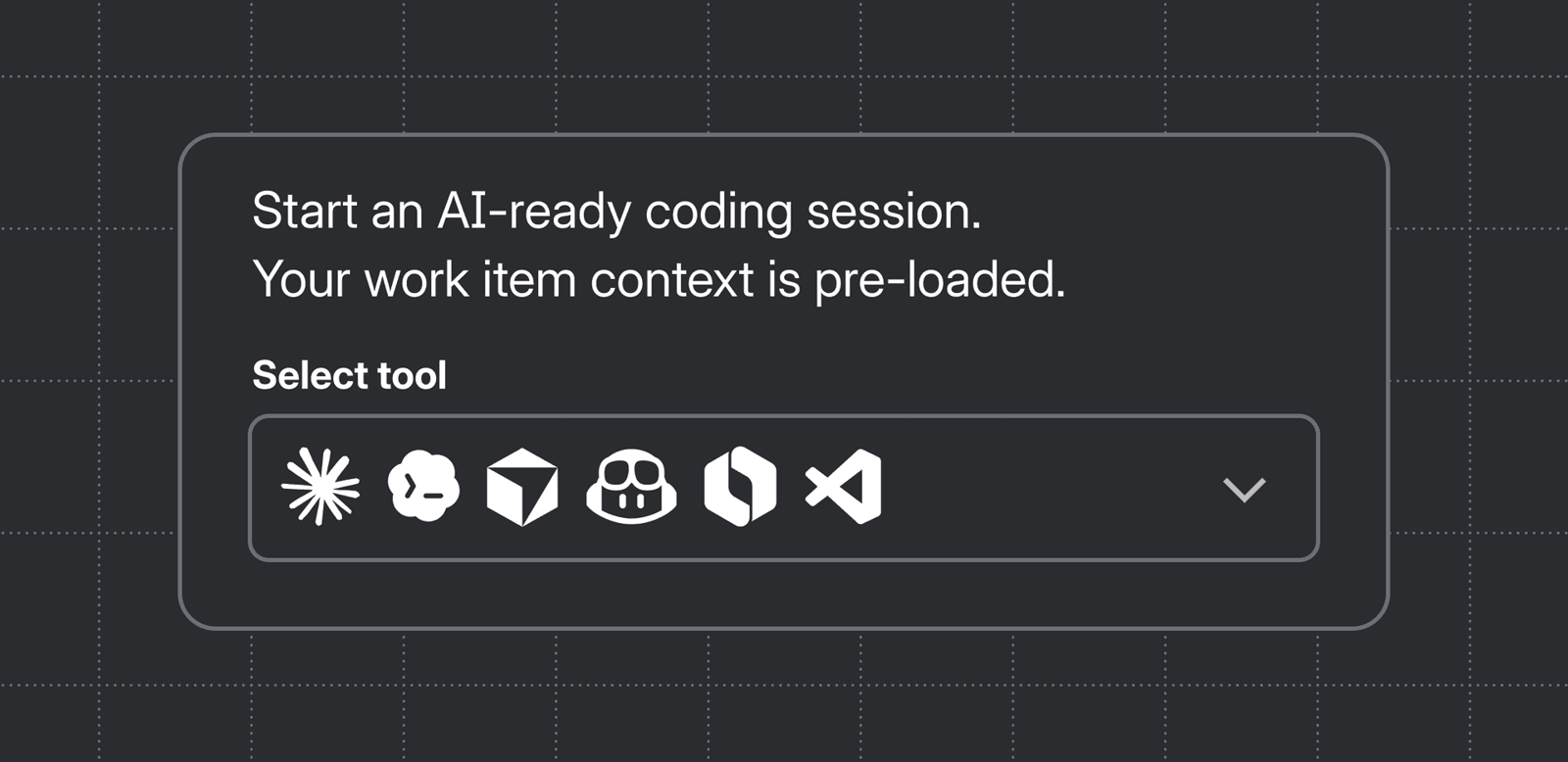
Jira now deep-links to six AI coding agents including Claude Code and Cursor, auto-filling work item context via Atlassian MCP to eliminate copy-paste. This removes the prompt-prep tax on every ticket for teams using Jira. Find it in the Development panel now.
Why it matters
AI coding agents only work well when they have full context. Today, engineers waste time copying ticket summaries, descriptions, and links from Jira into prompts for Claude Code, Cursor, or Copilot. That friction repeats across every sprint and every ticket, creating a hidden tax that slows adoption of agent-assisted development. Removing the copy-paste step means agents start informed and produce useful output on the first pass instead of burning tokens on vague guesses. For teams already paying for these tools, cutting setup time is the fastest way to realize actual velocity gains.
What changed
Atlassian launched deep linking from Jira work items directly to six local AI coding tools: Claude Code, Cursor, GitHub Copilot, OpenAI Codex, Rovo Dev CLI, and VS Code. When you click Open in coding tool from the Development panel, Jira uses Atlassian MCP to package the work item summary, description, comments, and linked resources into a pre-filled prompt. Desktop applications like Cursor and Copilot open automatically with that context loaded. Terminal-based tools like Claude Code and Rovo Dev CLI trigger a modal with the prompt ready to copy in one action. The agent can also pull additional context through MCP as it works, so you do not need to anticipate every question before starting. The feature is available immediately with no additional installation required beyond supported agent versions.
What to watch
If your team runs Jira, test the Development panel on your next ticket to see how much prompt-prep time it saves. Watch whether Atlassian expands this to other tools beyond the initial six or adds bidirectional updates where agents write status comments back to Jira automatically. Also monitor if competitors like Linear or GitHub Issues respond with similar MCP-based context bridging, since prompt assembly is becoming a standard integration point for developer tools. If the integration proves reliable, it could become the default way teams hand off context from project management to code.
Interview question
When opening a Jira ticket in an AI coding agent, what distinguishes desktop applications from terminal-based tools?
- a.Terminal-based agents bypass Atlassian MCP and fetch only the ticket summary via API
- b.Terminal tools open automatically in the background, while desktop apps require a secondary confirmation click to load context
- c.Desktop apps require a browser extension to capture ticket context, while terminal tools rely on native OS notifications
- d.Desktop apps launch automatically with context loaded, while terminal tools show a modal with the prompt ready to copyCorrect
Why? this is the answer
The card states desktop apps like Cursor open automatically with context pre-loaded, whereas terminal tools like Claude Code trigger a modal with the prompt ready to copy. Distractor D reverses this behavior, which is tempting if you misremember which tool type gets the automatic launch.
Just read this? Test yourself on what you have been reading.
Read the original → atlassian.com
- #jira
- #ai-coding-agents
- #mcp
- #developer-tools
- #atlassian
Put your scrolling time to good use
Learn one idea, try a quiz and save useful cards for revision. Tezvyn makes it easy to learn and stay current in your tech field, a few minutes at a time.
The iPhone app is on the way
We are building it. Until it lands, nothing here is held back from you: every interview card, your saved cards, streaks and the job board all work in Safari, plus hundreds of free practice quizzes of thirty questions each. Sign in and it all carries over to the app the day it arrives.
Want it as an icon? Tap Share at the bottom of Safari, then Add to Home Screen. It opens full screen and the cards you have read stay available offline.
We are hiring for this. Every open role lists the topics its interview covers, so you can prepare for the real thing rather than guessing.
See open roles