Tree Testing: Validate Your Site's Navigation Structure
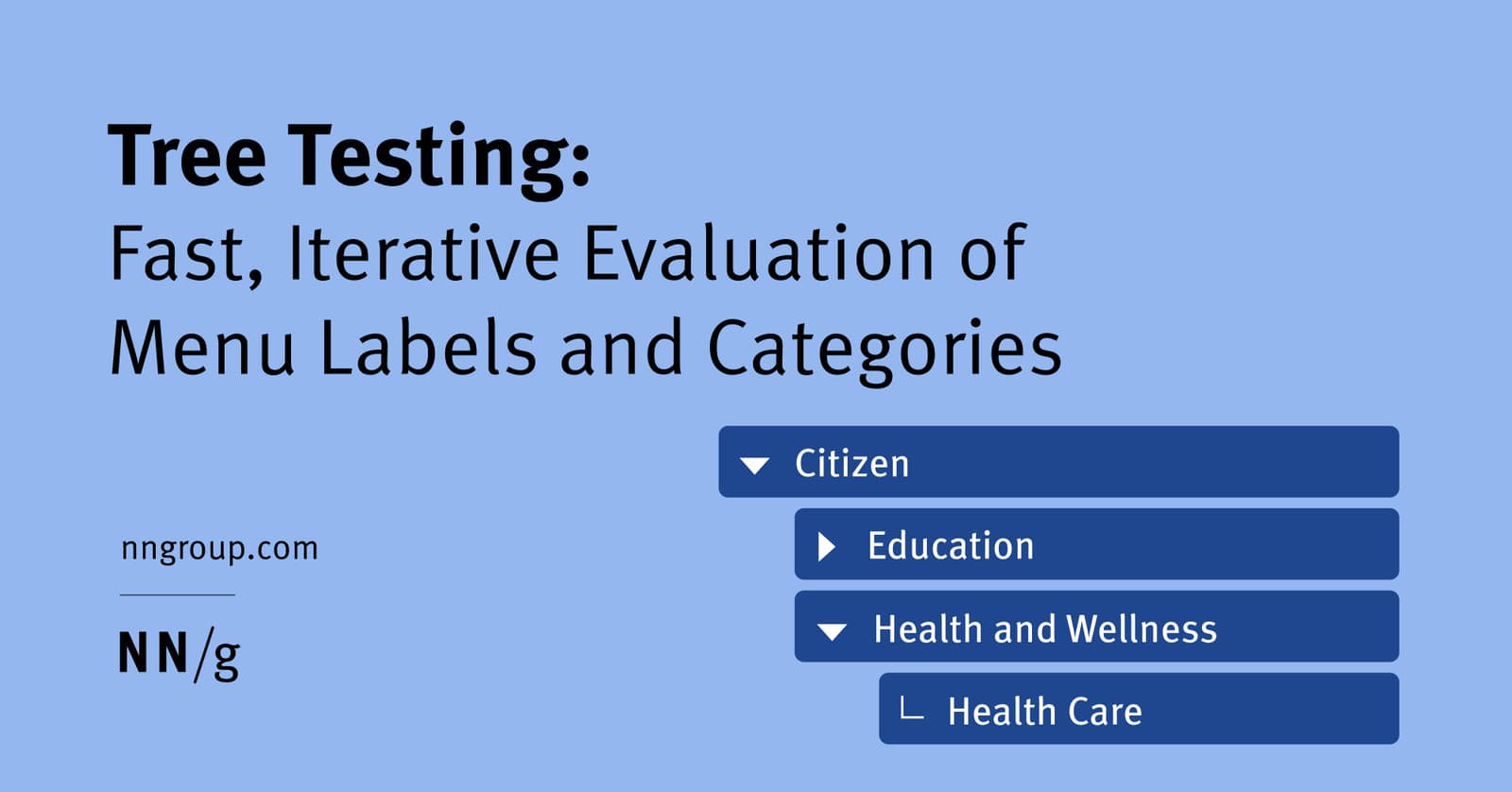
Tree testing validates your site's navigation by asking users to find items in a text-only hierarchy. It's used to test a proposed information architecture before any UI is built. The footgun is confusing it with card sorting, which creates a structure.
Why it exists
An intuitive navigation structure is hard to design. Even when following best practices for information architecture, you cannot be sure that your categorization and labeling choices will make sense to your users. Tree testing was created to validate a proposed hierarchy before investing time and resources in visual design and development.
The mental model
Think of it as testing a library's card catalog without letting users see the book covers or walk the aisles. You give a user a task, like "Find the section for 20th-century poetry," and see if they can navigate the catalog's drawers and cards (your categories and subcategories) to find the right location. It isolates the structure's findability from all other visual or content cues.
How it works
You need two things: the "tree" and the tasks. The tree is your site's complete navigation hierarchy, often organized in a spreadsheet. The tasks are instructions telling participants what to look for. Using a specialized tool like Treejack or UserZoom, this spreadsheet is converted into a clickable, text-only menu. Participants are given a task and click through the categories until they find what they believe is the correct destination. The tool provides quantitative data on success rates, failure points, and the paths users took.
When to use it
Use tree testing after you have a proposed information architecture but before you have built any UI prototypes. It's a fast, iterative method to evaluate the findability and logic of your menu labels and categorization. It is purely for testing the structure itself, in isolation.
When not to use it
Do not use tree testing to generate a new information architecture from scratch; that's what card sorting is for. It is also not a substitute for usability testing of a full prototype, as it deliberately ignores the context of visual design, layout, and content, which also affect navigation.
One canonical example
A state government website team proposes a new navigation structure. To test it, they create a tree: Home > Citizen > Popular Online Services > MVD Online Services. They give a user the task: "Find where you would go to renew your vehicle registration." The user clicks through the text-only menu. If they successfully select "MVD Online Services," the task is a success. If they get lost or choose the wrong path, the team knows that part of the hierarchy is confusing.
Interview question
When is tree testing most appropriately utilized in the product development lifecycle?
- a.After a website has been launched to identify and fix existing navigation issues in a live environment.
- b.To evaluate the findability of a proposed navigation structure before any visual design is implemented.Correct
- c.To conduct a comprehensive usability test on a fully interactive prototype, including visual elements and content.
- d.As the initial technique to generate a new site's information architecture from user input.
Why? this is the answer
Tree testing is specifically designed to validate a proposed information architecture in a text-only format before any UI is built, focusing purely on the findability of the structure. Option D describes card sorting, which is used to generate an IA, not validate it, and Option C describes a full usability test, which includes visual and interactive elements that tree testing deliberately excludes.
Just read this? Test yourself on what you have been reading.
Read the original → nngroup.com
- #ux research
- #information architecture
- #usability
- #navigation
Put your scrolling time to good use
Learn one idea, try a quiz and save useful cards for revision. Tezvyn makes it easy to learn and stay current in your tech field, a few minutes at a time.
The iPhone app is on the way
We are building it. Until it lands, nothing here is held back from you: every interview card, your saved cards, streaks and the job board all work in Safari, plus hundreds of free practice quizzes of thirty questions each. Sign in and it all carries over to the app the day it arrives.
Want it as an icon? Tap Share at the bottom of Safari, then Add to Home Screen. It opens full screen and the cards you have read stay available offline.
We are hiring for this. Open roles that interview on ux research — each one lists the topics its interview covers.
See open roles