Search
Find a bite, explore a topic or look for a role.
Results for “React”
Bites 747
React Native's Text Component: Beyond Displaying Words
The React Native <Text> component creates a special text layout context, not a Flexbox one. Use it for all text, nesting components to style parts of a sentence.
The View Component: React Native's UI Building Block
Think of View as the <div> of React Native. It’s the fundamental container for grouping and styling other components, used everywhere to structure layouts with flexbox. The footgun: Text must be in a <Text> component, not directly in a View.

Expo Application Services (EAS): The Cloud Toolchain for React Native
Expo Application Services (EAS) is the cloud toolchain for production React Native apps. It handles complex native builds, app store submissions, and over-the-air updates. The main footgun is confusing it with the local expo CLI for development.
The React Native Bridge: Why It's Being Replaced
Think of the React Native Bridge as an asynchronous JSON message queue between your JavaScript code and the native UI. This design is the source of its core limitation: communication delays that cause visible UI jank and prevent modern React features.
Hermes: The JS Engine for Faster React Native Apps
Hermes is a JavaScript engine optimized for React Native that prioritizes fast startup and low memory use. It's the default for new apps, pre-compiling JS to bytecode at build time. The footgun: don't just check a global variable; benchmark release builds.
React Native: Platform-Specific Code
React Native lets you write platform-specific logic without ejecting. Use the Platform module for small style tweaks, and file extensions (.ios.js) for swapping entire components. The footgun is overusing Platform.select for complex UI, creating clutter.

Metro: The JavaScript Bundler for React Native
Metro bundles your React Native app's JavaScript, finding all modules, transpiling them for the device, and merging them into one file. It's what powers npx react-native start.
Flexbox: Responsive Layouts in React Native
Flexbox arranges components along a primary axis, creating responsive UIs without manual calculations. It's used for nearly all layout needs, from centering items to building complex grids.
Styling in React Native with StyleSheet
StyleSheet is React Native's answer to CSS, defining styles in JavaScript to separate presentation from logic. Use StyleSheet.create() to define reusable style objects that get static type checking. The footgun is styling inline, which hurts performance.
React Native Core Components: Your UI Building Blocks
Think of Core Components as React Native's built-in LEGO bricks for UIs, translating your code into native Android and iOS views. Use them for layouts (View), text (Text), and lists (FlatList). The footgun: never use ScrollView for long lists.

ReAct: Teaching LLMs to Think, Act, and Observe
ReAct teaches an LLM to solve problems by interleaving thought, action, and observation. This is key for agents that search the web or query APIs to answer questions with external data.
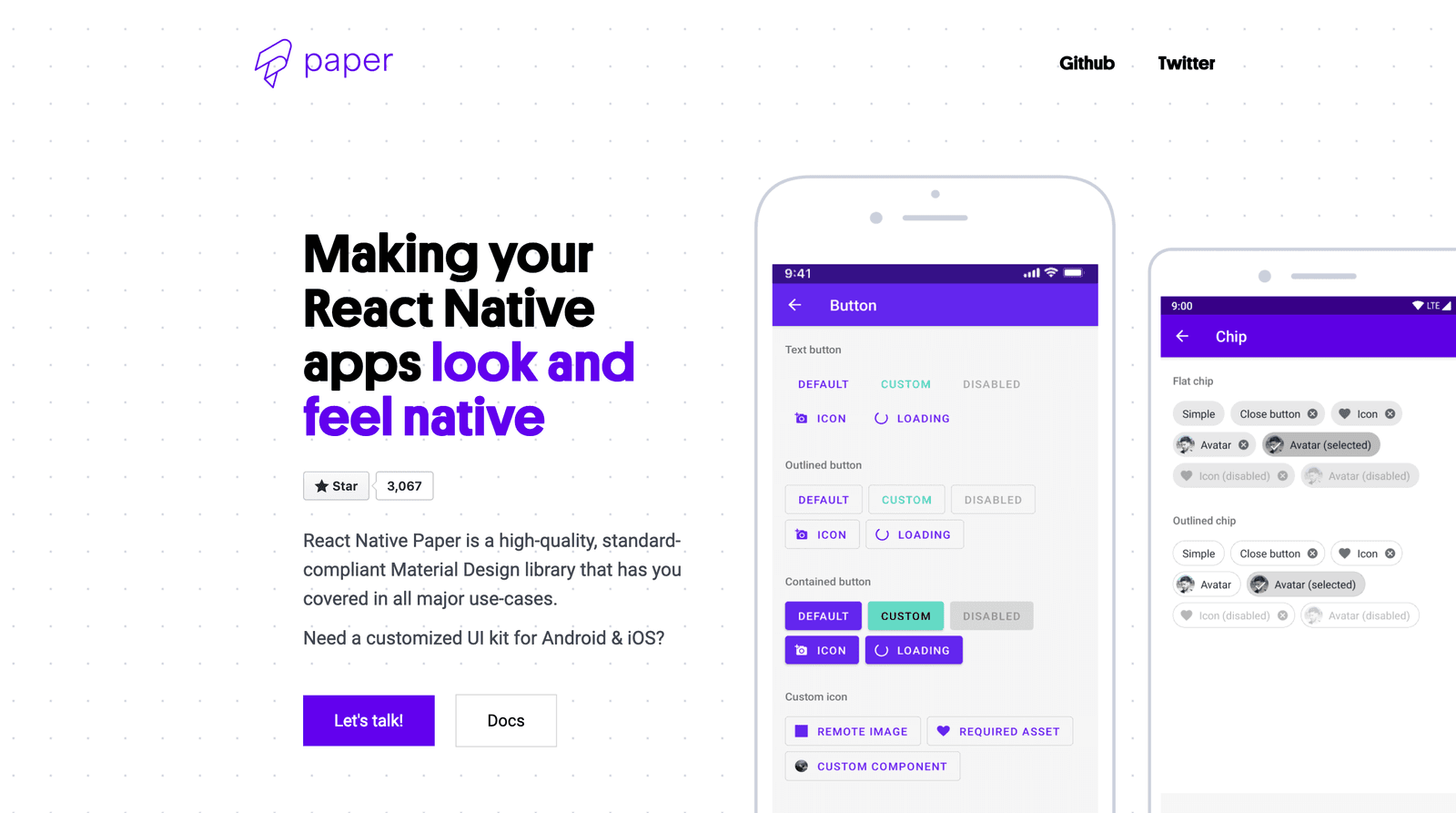
Using Component Libraries in React Native
A component library is a pre-fab UI kit for your app. Instead of building every button from scratch, you get polished, ready-to-use pieces that handle platform-specific animations and accessibility.
ReAct: Teaching LLMs to Think, Then Act
ReAct teaches LLMs to 'think then do,' interleaving reasoning steps with actions like querying a database. Instead of just generating a final answer, the model forms a thought, acts on it, observes the result, and then thinks again. This is crucial for complex question-answering where the model must gather external information to ground its reasoning. The main footgun it avoids is hallucination, where models invent facts instead of looking them up.

React interview cheatsheet: hooks rules in 60 seconds
The rules of hooks exist because React identifies each hook by call order, not by name. Call hooks only at the top level of a component or custom hook, never inside a loop, condition, or nested function, or state attaches to the wrong hook.
Template syntax vs JSX: framework design trade-offs?
Templates (Vue, Angular) are declarative, easier to learn, enable static analysis; JSX (React, Solid) is code-based, flexible, familiar to JavaScript developers.
What is JSX and how does the browser run it?
JSX is XML-like syntax compiled to React.createElement calls; it differs from HTML via className and camelCase; browsers never see JSX, only transpiled JS.
How Fabric Improves Rendering Over the Old UIManager
A C++ shadow tree shared across threads, JSI-based synchronous access, immutable tree commits, and support for concurrent React features.
How do you catch RN performance regressions?
Track TTI, JS and UI thread FPS, and memory; baseline them and gate CI with automated tools like Flashlight, using the React profiler and DevTools to diagnose.
Which two Flipper plugins diagnose an unresponsive UI?
Use the React DevTools profiler to find expensive renders and the Performance/Hermes plugin to spot a blocked JS thread or low FPS.
The JS thread and why it bottlenecks performance
A single thread runs your JS, React reconciliation, and event handling; blocking it delays updates and gestures, and it is separate from the UI thread.