Everything in Design & UX, page 12
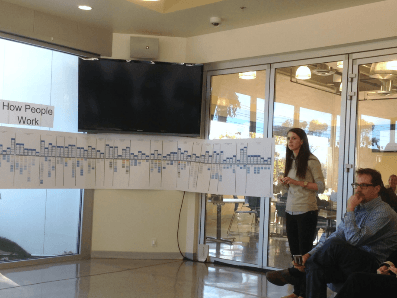
What analytical frameworks structure synthesis beyond thematic analysis?
Tests if you model problems structurally, not just code themes. Strong answers pair mental models to map user goals with JTBD to prioritize unmet needs by importance and satisfaction. Red flag: naming frameworks without explaining how they reshape synthesis.

How do you challenge assumptions and mitigate confirmation bias during synthesis?
Tests structural defenses against confirmation bias, not vague mindfulness. Strong answers name concrete protocols like hypothesis reversal, separate raw evidence from interpretation, and triangulate with logs.

How do you trace data points to journey map stages?
Tests auditable evidence chains for technical buy-in. Answer covers a traceability matrix linking quotes to stages and pain points, plus validation sessions where engineers inspect source data. Red flag: presenting the map as intuition without source docs.
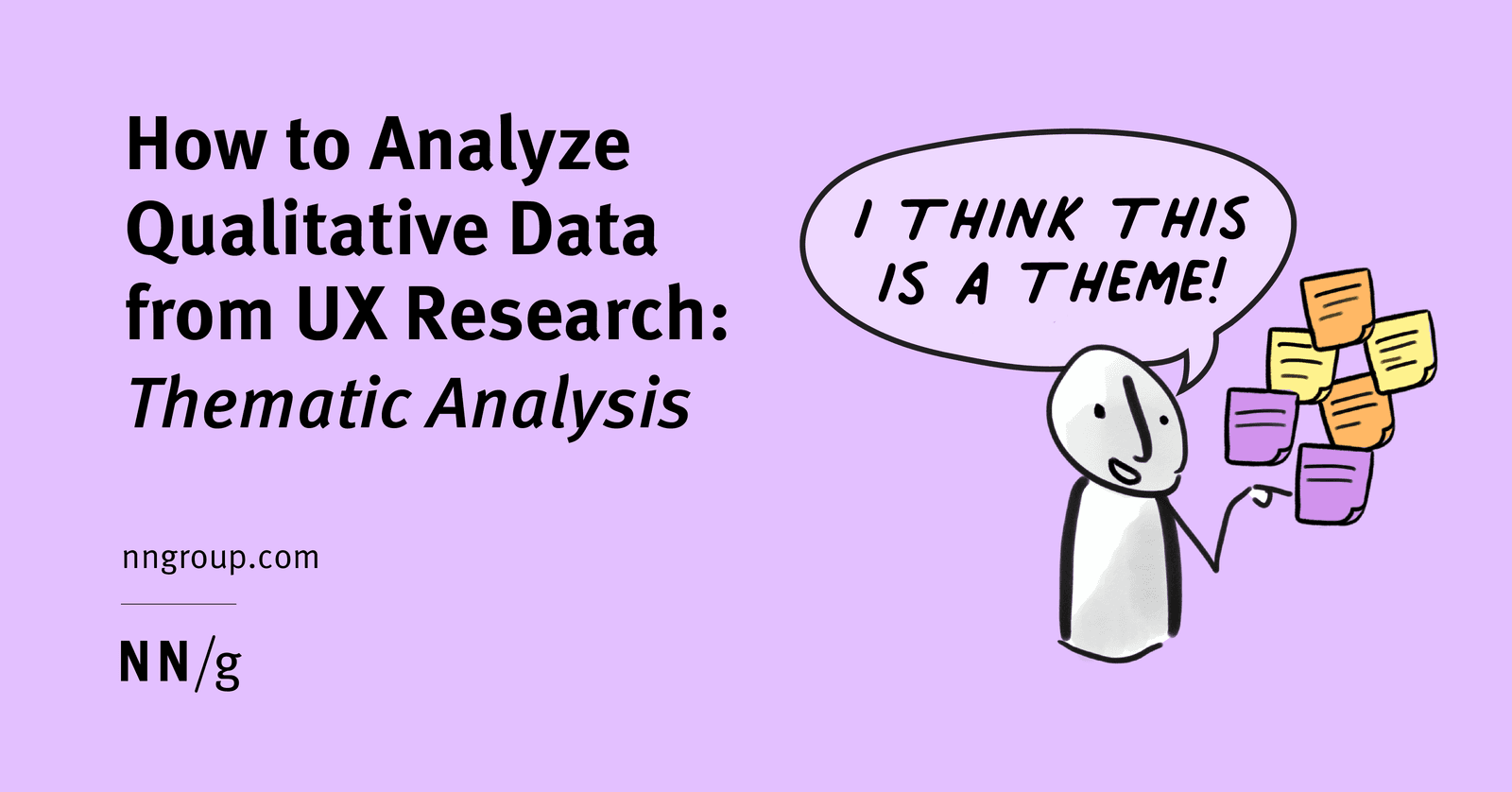
How do you handle a powerful emergent theme outside original research questions?
Validate recurrence and density, weigh timeline and goals, then document separately, expand formally, or park.
How do you determine when you've reached thematic saturation?
This tests operationalizing saturation beyond gut feel. A strong answer cites Guest et al.'s Base Size, Run Length, and New Information Threshold, and flags consecutive interviews adding no new high-level themes.

What is your process for reconciling significant coding differences?
This tests intercoder reliability and systematic reconciliation. Quantify divergence via agreement metrics; convene to refine codebook definitions and edge-case rules; re-code a sample to verify alignment. Red flag: treating coding as pure subjective opinion.
How do you synthesize low-level codes into high-level themes?
Tests systematic thematic analysis. Strong answers cover tagging observations with codes, grouping related findings into themes that emerge across participants, and choosing methods like affinity diagramming based on context.
Explain coding in qualitative analysis and your codebook process
Tests systematic tagging of observations/quotations to discover themes, not ad-hoc skimming. Strong answers mention uploading transcripts to software or affinity diagramming, and stress that themes emerge across multiple participants.
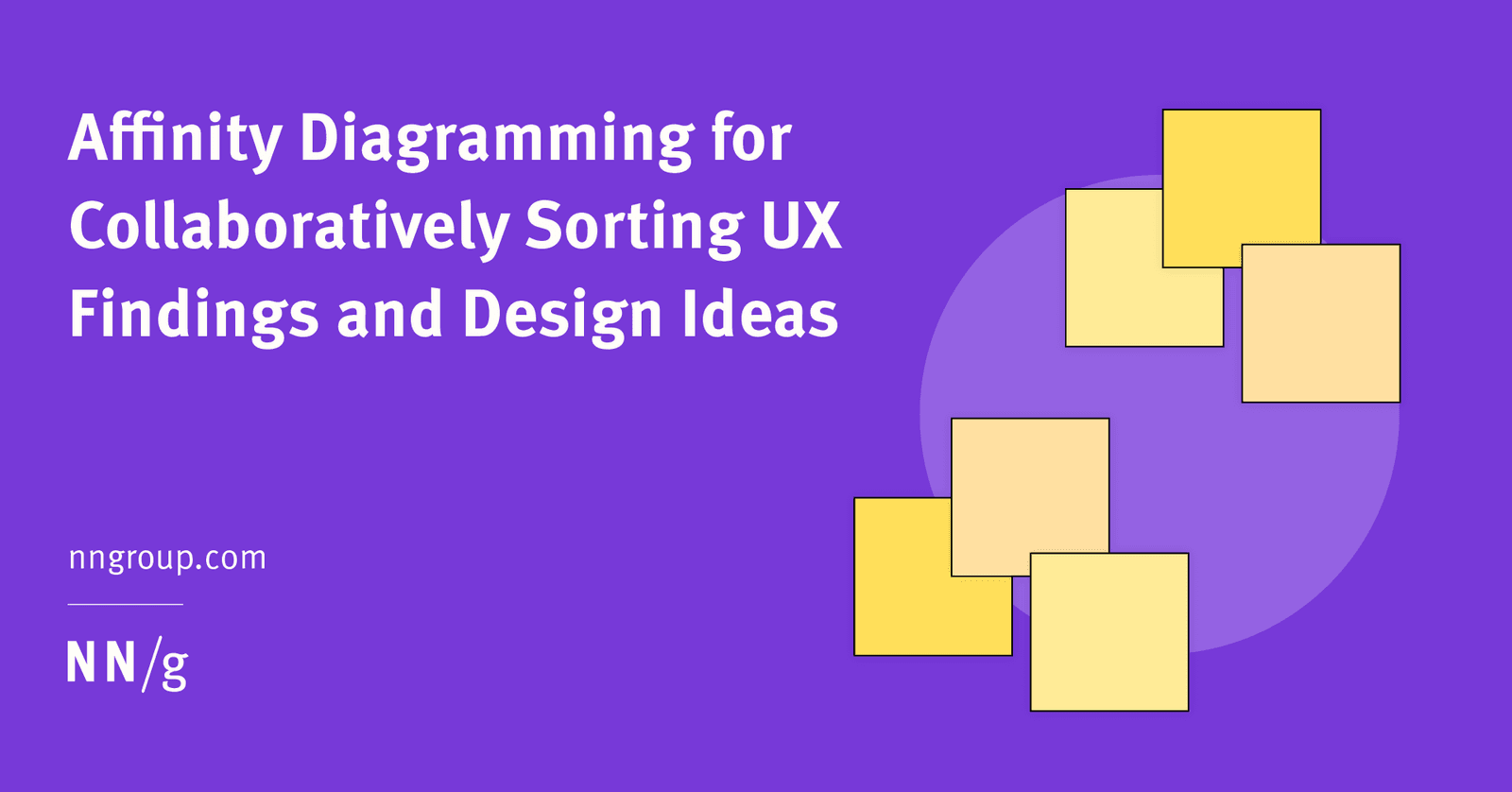
Walk me through your next steps after five user interviews
Extract observations onto sticky notes, cluster into themes as a team, then prioritize for next steps.
Detect a three-action user sequence in real-time at scale
Tests stream processing and stateful pattern matching on unbounded data. A strong design uses a CEP engine with keyed event-time windows, pushes alerts via WebSocket, and trades state-memory for latency.
How would you design an experiment measuring API latency impact on retention?
Randomize users into control and delay groups; track D7 retention and P99 latency; analyze with quantile metrics.

How would you model user events to analyze cancellation paths?
Timestamped events with user and session IDs, separate entity snapshots, and time-range partitioning.

How do you architect an automated performance and accessibility testing pipeline?
This tests operationalizing quality gates via automation, not manual checks. A strong answer covers Lighthouse CI in CI/CD, fail thresholds for CWV and WCAG, and a triage workflow assigning regressions to owners.
How would you triage 50+ UX issues against new features in agile?
Matrix the 50 issues by severity and effort; reserve 15-20% sprint capacity for debt; socialize compound cost.
What usability metrics would you instrument, and how do regressions drive priorities?
Tests operationalizing UX into engineering signals. Strong answers list success rate, time on task, and error rate; triage regressions by criticality; and pair quant drops with qual diagnosis. Red flag: calling every regression P0 or using vanity metrics.
How could you adapt usability testing principles to evaluate two API designs?
Tests holistic API UX beyond static syntax. Strong answers propose observing developers in realistic IDE and doc contexts, noting errors and confusion across both designs.

What user struggles indicate code bugs versus design flaws?
This tests triage judgment in usability testing. Bug signals: crashes, broken interactions, data loss. Design flaws: confused navigation, ignored elements, excessive effort. Red flag: blaming users or labeling every issue a UI problem without checking logs.
Describe heuristic evaluation and two heuristics that guide UI components
Tests if you bridge UX research and frontend decisions. Define heuristic evaluation as expert review against rules of thumb, cite two NN/G heuristics, and map each to a concrete component behavior. Red flag: listing heuristics without code impact.

Usability vs A/B testing: when should engineers advocate for each?
Tests qualitative versus quantitative UX methods. Outline: usability observes why users struggle and finds bugs; A/B compares live variants to optimize conversions. Choose usability for unknown friction, A/B for known tweaks.

How do you adapt contextual inquiry for internal API and tool design?
This tests applying ethnographic methods to API design by observing engineers at work, surfacing invisible habits, and mapping findings to endpoint granularity and docs. A red flag is treating internal users as unlike external customers or using only surveys.
We are hiring for this. Every open role lists the topics its interview covers, so you can prepare for the real thing rather than guessing.
See open roles