Intermediate concepts in Frontend Dev, page 11
Automating Next.js Builds and Deployments with CI/CD
CI/CD for Next.js is an automated assembly line for your app. It builds, tests, and deploys your code on every push, catching errors early. The biggest footgun is not caching build artifacts, resulting in slow, expensive pipelines.

ng generate: Your Project's Code Wizard
ng generate is a command-line wizard for scaffolding new Angular features. It doesn't just create files; it wires them into your app. Use ng g component my-component to create components, services, and more.
HttpOnly Cookies: Keep Secrets from JavaScript
The HttpOnly flag makes cookies inaccessible to client-side JavaScript, preventing theft via XSS attacks. Use it for session tokens the server needs but the UI doesn't.
The Popover API: Native Tooltips and Menus
The Popover API creates tooltips and menus with just HTML, placing them in a top layer above all other content without z-index hacks. Use it for action menus or notifications.

Angular's angular.json: Your Workspace Blueprint
angular.json is the blueprint for your workspace, telling the CLI how to build, serve, and generate code. It defines project paths, build targets, and default prefixes. The footgun: assuming the projects section mirrors the file system.

Modern Bundlers & TypeScript: Transpile, Don't Check
Modern bundlers like Vite prioritize speed by only transpiling TypeScript files, not type-checking them. This enables sub-50ms updates during development. The footgun: your dev server won't report type errors; you must run tsc --noEmit separately.

CSS Scroll Snap: Guiding User Scrolling
CSS Scroll Snap turns a free-scrolling container into a slideshow, guiding users to land perfectly on predefined points. It's ideal for image carousels or full-page sections where partially visible elements look sloppy.

Module Federation: The Multi-Framework "Hydra"
Module Federation can unite micro frontends from different frameworks (e.g., Angular, React) in one app. This is a last resort for migrations or integrating legacy code, not a standard pattern, as it increases complexity and bundle size.
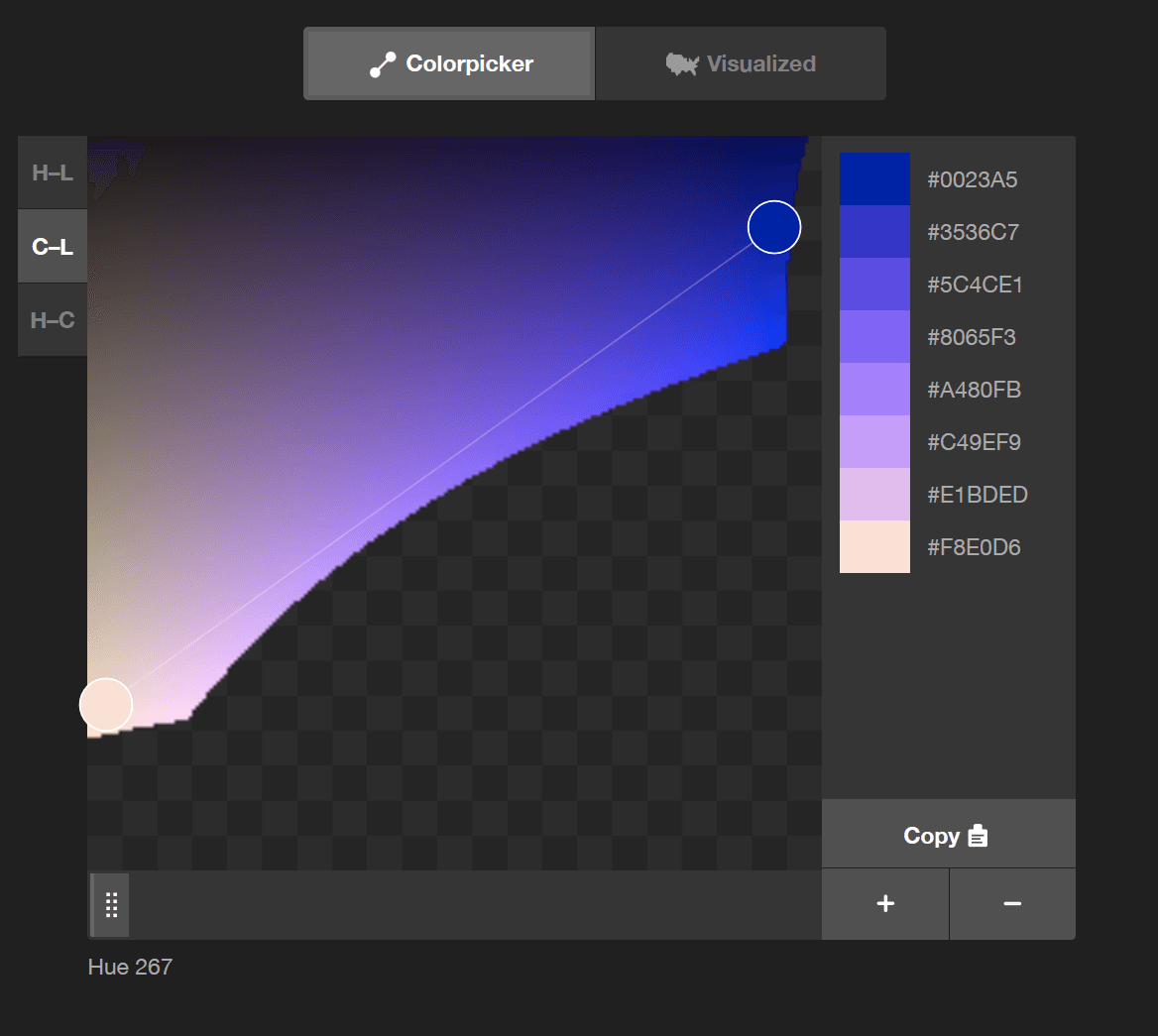
color-mix(): CSS's Native Color Blender
color-mix() lets you blend two colors directly in CSS, like mixing paint. Use it to generate theme variations, like hover states, from a base color. The chosen color space (e.g., srgb, oklch) dramatically changes the result, so always specify it.
Angular Schematics: Automating Code Modification Safely
Think of a schematic as a safe, scriptable code generator. It operates on a virtual copy of your project, applying changes only after verifying the entire operation. Use them to enforce conventions or package library code.
CSS Masking: Using Stencils for Web Elements
CSS masking is like a stencil for your elements. You provide a shape, and only the parts of the element under the stencil's cutout are visible. Use it for non-rectangular shapes, like text cutouts.

Container vs. Presentational: A Component Separation Pattern
Split components into 'smart' containers that handle data and logic, and 'dumb' presentational components that just render UI. This lets you reuse state across different views, like showing a product list in a grid or a table.
Svelte's `bind:`: Two-Way Data Binding Made Simple
Svelte's bind: turns one-way data flow into a two-way street, letting child elements update parent state. It's essential for syncing form inputs without manual event handlers. The footgun: an invalid number input yields undefined, not 0.

React's SyntheticEvent: One Wrapper for All Browsers
React's SyntheticEvent is a browser-agnostic wrapper around native events, ensuring your onClick handlers behave identically everywhere. The main footgun: event objects are pooled for performance, so you can't access their properties in an async callback.
Angular Template Reference Variables: A #handle for Elements
A template reference variable is a handle to a DOM element or component within your template. Use the #varName syntax to grab an input's value or call a child component's method. Its scope is limited to the template where it's defined.
React Error Boundaries: Containing UI Crashes
An Error Boundary is like a try...catch block for React components, preventing a single UI crash from breaking your whole app. Use it to wrap components that might fail, showing a fallback UI instead of a white screen.
<ng-container>: Group Elements Without a DOM Footprint
<ng-container> is an Angular grouping element that doesn't render to the DOM. Use it to apply a structural directive like *ngIf to multiple elements without adding an extra <div> that could break your layout.
Module Augmentation: Adding Types to External Libraries
Module augmentation is like monkey-patching for types, letting you add definitions to external modules. Use it to add a user property to Express's Request object.

React's Concurrent Rendering: Interruptible UI Updates
Concurrent Rendering lets React pause and resume rendering, so a large update won't freeze the UI. It's like a chef pausing a big task to handle a quick order, ensuring the app stays responsive. This is key for features like Suspense.
CSS Combinators: Targeting by Relationship
CSS combinators target elements by their DOM relationship, not just class or ID. They let you select an element inside another (div p) or right next to one (h2 + p). This is key for styling nested menus or spacing adjacent items.
We are hiring for this. Every open role lists the topics its interview covers, so you can prepare for the real thing rather than guessing.
See open roles