Concepts in Frontend Dev, page 25
Auth.js: Full-Stack Authentication for Next.js
Auth.js simplifies full-stack authentication in Next.js, handling social logins and session management. It lets you add providers like GitHub with minimal code, abstracting away OAuth flows.
The `inert` Attribute: Making UI Sections Unreachable
The inert attribute makes a part of the DOM non-interactive and inaccessible. It's like a glass pane over a UI section: you can see it, but can't click, focus, or use a screen reader on it. Use it for off-screen menus or inactive dialogs.

CSS :has(): Query Parents and Previous Siblings
CSS :has() styles an element based on its children or later siblings, like highlighting a section with a featured card. Previously this required JavaScript. If unsupported, the whole selector block fails, so wrap it in :is() or use progressive enhancement.
Svelte's Reactivity: A Compiler, Not a Library
Svelte achieves reactivity at compile time, not runtime. It's a compiler that turns your component files into efficient, imperative JavaScript that updates the DOM directly, skipping the virtual DOM. The footgun: reactivity only triggers on assignment.
Automating Next.js Builds and Deployments with CI/CD
CI/CD for Next.js is an automated assembly line for your app. It builds, tests, and deploys your code on every push, catching errors early. The biggest footgun is not caching build artifacts, resulting in slow, expensive pipelines.

ng generate: Your Project's Code Wizard
ng generate is a command-line wizard for scaffolding new Angular features. It doesn't just create files; it wires them into your app. Use ng g component my-component to create components, services, and more.
HttpOnly Cookies: Keep Secrets from JavaScript
The HttpOnly flag makes cookies inaccessible to client-side JavaScript, preventing theft via XSS attacks. Use it for session tokens the server needs but the UI doesn't.
The Popover API: Native Tooltips and Menus
The Popover API creates tooltips and menus with just HTML, placing them in a top layer above all other content without z-index hacks. Use it for action menus or notifications.

Angular's angular.json: Your Workspace Blueprint
angular.json is the blueprint for your workspace, telling the CLI how to build, serve, and generate code. It defines project paths, build targets, and default prefixes. The footgun: assuming the projects section mirrors the file system.

Modern Bundlers & TypeScript: Transpile, Don't Check
Modern bundlers like Vite prioritize speed by only transpiling TypeScript files, not type-checking them. This enables sub-50ms updates during development. The footgun: your dev server won't report type errors; you must run tsc --noEmit separately.
Password Hashing and Salting: Store Credentials Securely
Never store plaintext passwords. Instead, use a slow, one-way hash combined with a unique salt for each user, making it computationally expensive to reverse. This is essential for any app with user logins.
CSS Scroll Snap: Guiding User Scrolling
CSS Scroll Snap turns a free-scrolling container into a slideshow, guiding users to land perfectly on predefined points. It's ideal for image carousels or full-page sections where partially visible elements look sloppy.

Module Federation: The Multi-Framework "Hydra"
Module Federation can unite micro frontends from different frameworks (e.g., Angular, React) in one app. This is a last resort for migrations or integrating legacy code, not a standard pattern, as it increases complexity and bundle size.
Speed Up Builds with TypeScript Project References
Treat your codebase like a set of independent packages. Project References let you split a large project into smaller, interconnected pieces, dramatically speeding up builds by only recompiling what's changed.
Dockerizing Next.js with Multi-Stage Builds
Use a multi-stage Dockerfile to create lean, production-ready Next.js images. This separates build-time dependencies from the runtime environment, shrinking image size.
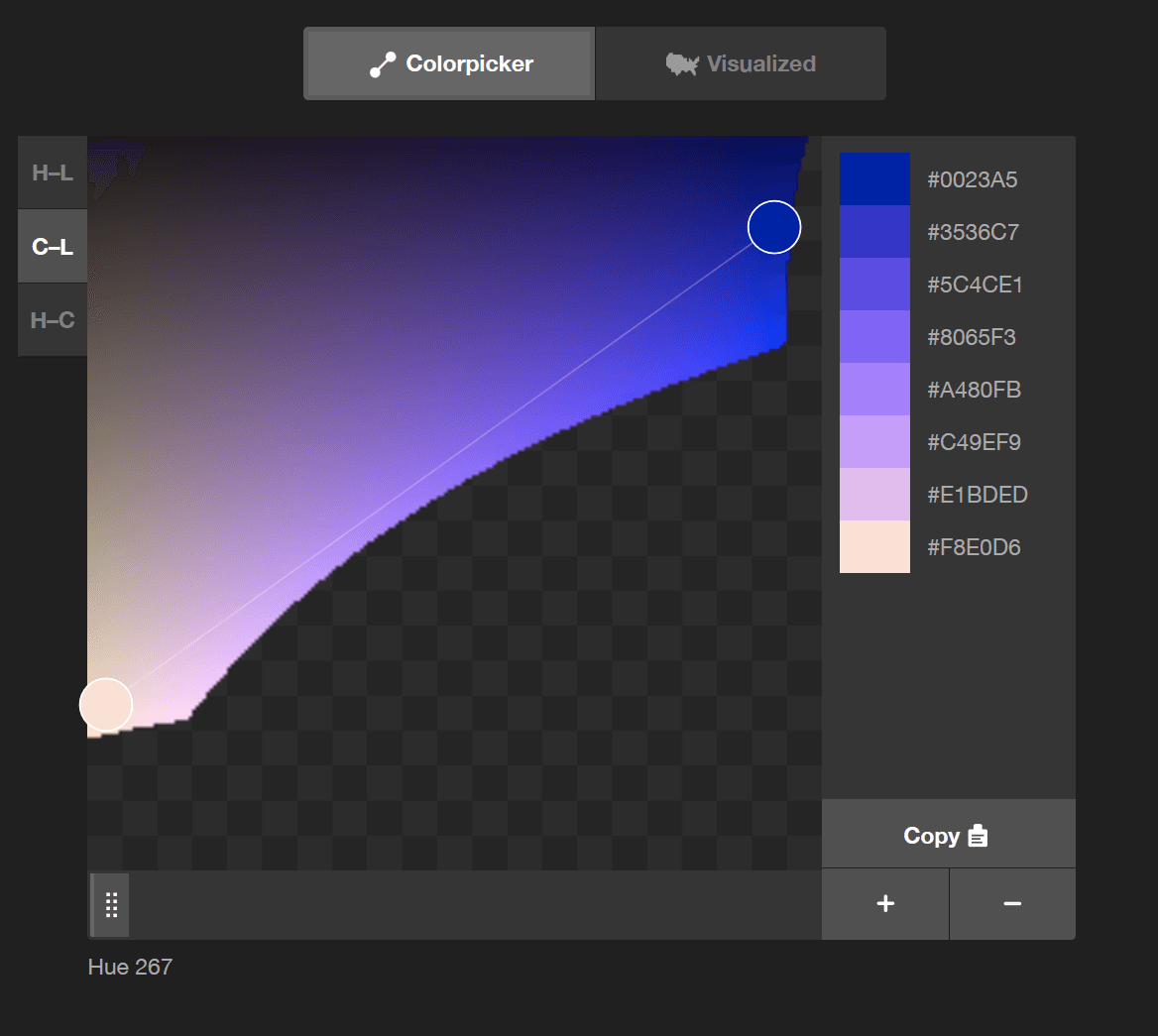
color-mix(): CSS's Native Color Blender
color-mix() lets you blend two colors directly in CSS, like mixing paint. Use it to generate theme variations, like hover states, from a base color. The chosen color space (e.g., srgb, oklch) dramatically changes the result, so always specify it.
Angular Schematics: Automating Code Modification Safely
Think of a schematic as a safe, scriptable code generator. It operates on a virtual copy of your project, applying changes only after verifying the entire operation. Use them to enforce conventions or package library code.
CSS Masking: Using Stencils for Web Elements
CSS masking is like a stencil for your elements. You provide a shape, and only the parts of the element under the stencil's cutout are visible. Use it for non-rectangular shapes, like text cutouts.

Container vs. Presentational: A Component Separation Pattern
Split components into 'smart' containers that handle data and logic, and 'dumb' presentational components that just render UI. This lets you reuse state across different views, like showing a product list in a grid or a table.
TypeScript's `declare`: A Promise to the Compiler
declare promises the TypeScript compiler a value exists, even if it can't see the source. This lets you use untyped JavaScript libraries or browser APIs without errors.
We are hiring for this. Every open role lists the topics its interview covers, so you can prepare for the real thing rather than guessing.
See open roles