Concepts in Mobile Dev, page 23

XCUITest Page Object Model: Tame Your UI Tests
The Page Object Model treats each app screen as an object, separating test logic from UI interaction. In XCUITest, this creates stable tests for complex apps. The biggest footgun is forgetting synchronization—always wait for views to load before interacting.
ClipPath: Clip Widgets to Custom Shapes
ClipPath is a stencil for your widgets. It cuts a child widget to a custom-defined shape, hiding anything outside the lines. Use it for complex shapes like waves or stars, but avoid it for simple rectangles or circles—it's expensive.

Instrumentation Tests: Testing on a Real Android Device
Instrumentation tests are like test-driving your app on a real device or emulator. They verify code that depends on the Android framework, like UI interactions or sensor access.
Snapshot Testing: Catch Unintended UI Changes
Snapshot testing compares your UI to a saved 'golden' image, failing if pixels differ. It's a visual diff for your views, catching unintended regressions in layout or style. The main footgun is forgetting to re-record snapshots after intentional UI changes.
Staggered Animations: Choreographing UI Changes
A staggered animation is a domino effect for your UI. Instead of animating everything at once, you sequence animations with slight delays for a more fluid, polished feel. Use it for list items appearing one by one. The footgun is timing: too long feels slow.
AndroidX Test: The Standard Android Testing Toolkit
AndroidX Test offers a unified API for all Android testing, from local unit tests to on-device UI automation. It's the standard for building robust, testable apps. The footgun: accidentally bundling test-only dependencies into your production APK.
Archiving a React Native iOS App for Release
Archiving creates a production-ready package for the App Store by bundling your JavaScript and disabling dev menus. This is the final step before submitting to TestFlight or for review.
CocoaPods: Managing Dependencies in Apple Projects
CocoaPods manages third-party libraries in your Swift/Objective-C projects. You list dependencies in a Podfile, run pod install, and it handles the rest. The biggest footgun: always open the .xcworkspace, not the .xcodeproj file after installing.
Flutter's Path Class: Drawing Custom Shapes
Flutter's Path is a digital pen for drawing any custom shape. Use it for complex icons, charts, or clipping widgets into non-rectangular forms. The footgun: forgetting moveTo will connect separate parts of your drawing with an unwanted line.
ActivityScenario: Test Your Android Activities in Isolation
ActivityScenario lets you launch and control an Android Activity's lifecycle within an instrumented test. Use it to verify UI behavior during events like screen rotation or process death, isolating the component for reliable testing.
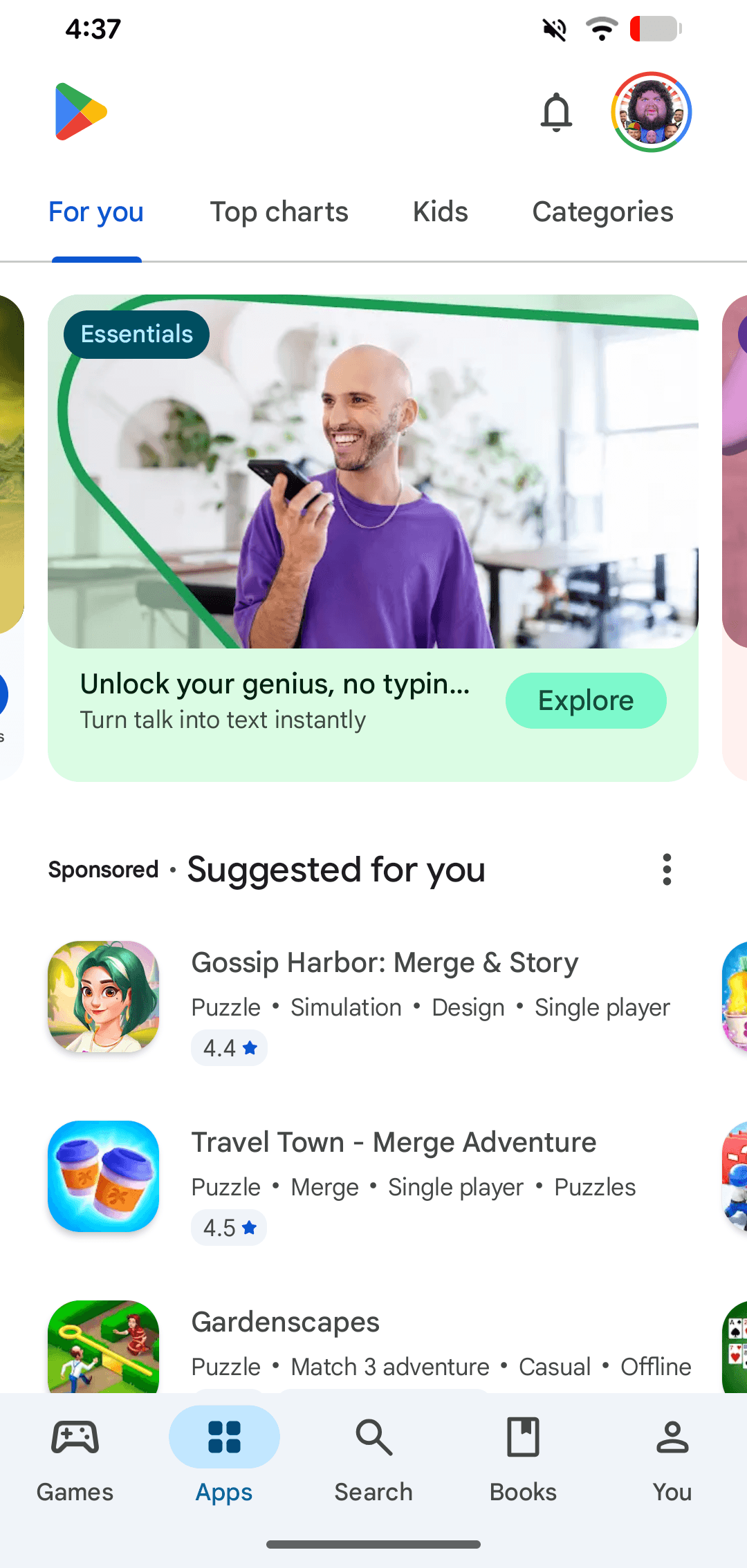
Google Play: The Android App Store
Google Play is the official digital storefront for the Android ecosystem. It's the primary channel where users on certified Android and ChromeOS devices discover and download apps. A common footgun is confusing the store with the developer-facing Play Console.

Xcode Workspaces: Managing Multiple Related Projects
An Xcode Workspace is a container for multiple related projects, letting them share code and resources. Use it when building an app with its own frameworks or when managing dependencies like CocoaPods.
Flutter's Physics Simulations: The Simulation Class
Flutter's Simulation class is the engine for physics-based animations, modeling a 1D object's position and velocity over time. It powers realistic scrolling, springs, and gravity effects.

Robolectric: Run Android Unit Tests on the JVM
Robolectric runs Android unit tests on a regular JVM, not a slow emulator. Use it in CI/TDD to test logic like Activity lifecycles without the minutes-long build-deploy cycle. The footgun is over-mocking; Robolectric tests behavior, not just implementation.
Google Play Testing Tracks: A Funnel for Safer Releases
Google Play testing tracks act as a release funnel, moving from internal QA to public beta to catch bugs early. Use them for initial checks (Internal), private betas (Closed), or public tests on the Play Store (Open).
Framework Target
A Framework target in Xcode builds a reusable bundle of compiled code and public interfaces, separate from an app target, so an app, a widget, or an extension can share the same code without duplicating it.
Canvas Transformations: Moving the Paper, Not the Pen
Think of Flutter's Canvas transformations not as moving your drawing, but as moving the coordinate system itself. This is key for custom painters, like rotating the canvas to draw tick marks on a dial.
Espresso for Android UI Testing
Espresso is an Android framework for automated UI tests. As an instrumented test, it runs on a device or emulator to simulate user interactions, helping you verify app behavior and UI correctness as part of a complete testing strategy.

App Store Review: The Rules of Apple's Walled Garden
Think of App Review as Apple's curation for its "walled garden," prioritizing user safety and a consistent experience. It's the final gate before your app ships. The main footgun is assuming the rules are purely objective; Apple judges subjective quality.
Carthage: A Decentralized iOS Dependency Manager
Carthage is a dependency manager that prioritizes developer control. It compiles dependencies into binary frameworks but leaves final integration to you, avoiding automatic changes to your Xcode project.
We are hiring for this. Every open role lists the topics its interview covers, so you can prepare for the real thing rather than guessing.
See open roles