Everything in React Native, page 10
React Native NetInfo: Know Your Connection State
The NetInfo API is your app's network sensor, telling you if you're online and whether you're on WiFi or cellular. Use it to show an 'offline' banner or defer large downloads. The main footgun: isConnected only confirms a local link, not server reachability.
Reanimated Worklets: Run JS on the UI Thread
A Reanimated worklet is a JS function that runs directly on the UI thread, bypassing the bridge for 60fps animations. They're used in hooks like useAnimatedStyle to compute styles without dropping frames. The footgun: worklets capture their entire closure.
useAnimatedStyle: Link Shared Values to Component Styles
The useAnimatedStyle hook connects a shared value to a component's style, running animations on the UI thread. It's a reactive StyleSheet for dynamic properties like opacity or transform. The footgun: never mutate shared values inside the hook.

useSharedValue: State for High-Performance Animations
The useSharedValue hook creates state that lives on the UI thread, bypassing React's render cycle for animations. Use it with useAnimatedStyle to drive smooth, 60fps animations. The footgun: modifying a shared value won't re-render your component.
Zustand: Lightweight Global State for React
Zustand provides simple global state management for React, feeling like a shared useState hook for your whole app. Use it in small to medium apps where Redux is overkill. The main footgun is its limited ecosystem, making it a risk for large-scale apps.

Bottom Tab Navigator: Core Mobile Navigation
A Bottom Tab Navigator is the classic mobile UI for switching between top-level app sections. It lazily loads screens, mounting them only when first focused to save memory. Use it for primary navigation.
The React Native Gesture Handler State Machine
Think of a gesture handler as a state machine with six states. This lets you react to specific moments in a gesture's lifecycle—like BEGAN or ACTIVE—not just a single event. The footgun: ignoring the CANCELLED state, which can leave your UI broken.
KeyboardAvoidingView: Keep Inputs Visible When Keyboard Appears
KeyboardAvoidingView prevents the on-screen keyboard from hiding your inputs. It's a wrapper that shrinks, slides, or pads its content to keep it in view. Use it for login forms or chat windows. The behavior prop acts differently on iOS vs. Android.
Native Modules: Bridge JS to Native Platform APIs
Native Modules are your bridge from JavaScript to platform-specific APIs, letting your app use features not exposed by default. Use them when you need direct access to Android or iOS SDKs. The main footgun is misconfiguring Codegen in your project.
Expo: The New Default for React Native
Expo is the modern, production-ready default for React Native, not just a tool for prototypes. Use it for new apps to get smoother upgrades, cloud builds, and over-the-air updates out of the box.
CI/CD for React Native: Automating App Releases
CI/CD for React Native is an assembly line for your app, taming the complexity of managing JS, Android, and iOS code. It automates builds on every push and deploys to stores. The main footgun is storing signing keys directly in your repo instead of using.

fastlane for React Native: Automating Native Builds
fastlane automates the native build and release steps for your React Native app. It scripts Xcode and Gradle tasks like code signing and uploading to stores, letting you ship from one command. The footgun: it only automates native toolchains, not JS bundling.
OTA Updates: Ship JS Fixes Without App Store Review
Over-the-Air (OTA) updates let you ship JavaScript, styling, and image changes directly to users, bypassing app store review. Use it to fix JS bugs or tweak UI between releases. The footgun: you can't update native code or change permissions this way.
App Store Review: The Rules of Apple's Walled Garden
Think of App Review as Apple's curation for its "walled garden," prioritizing user safety and a consistent experience. It's the final gate before your app ships. The main footgun is assuming the rules are purely objective; Apple judges subjective quality.
Google Play Testing Tracks: A Funnel for Safer Releases
Google Play testing tracks act as a release funnel, moving from internal QA to public beta to catch bugs early. Use them for initial checks (Internal), private betas (Closed), or public tests on the Play Store (Open).
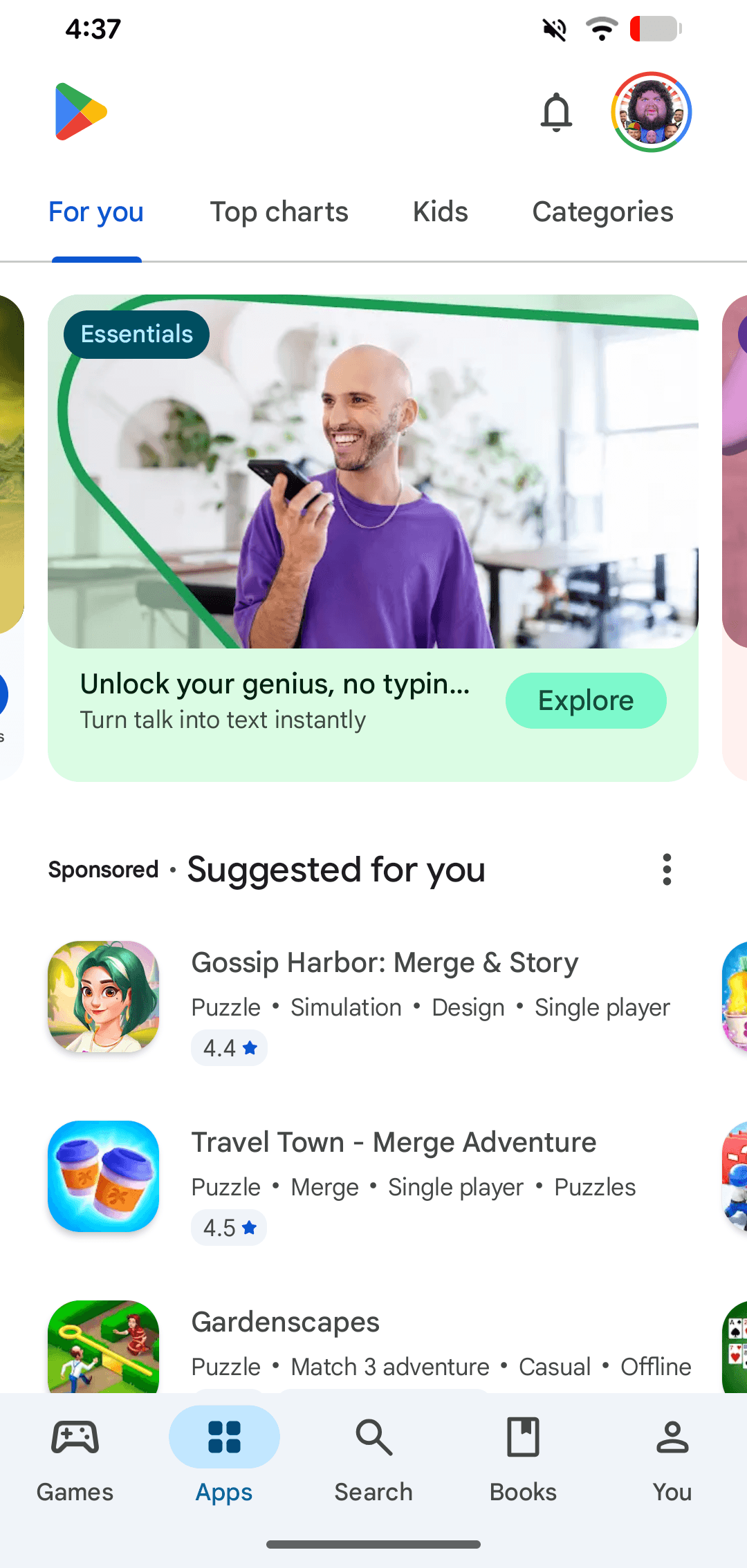
Google Play: The Android App Store
Google Play is the official digital storefront for the Android ecosystem. It's the primary channel where users on certified Android and ChromeOS devices discover and download apps. A common footgun is confusing the store with the developer-facing Play Console.
Archiving a React Native iOS App for Release
Archiving creates a production-ready package for the App Store by bundling your JavaScript and disabling dev menus. This is the final step before submitting to TestFlight or for review.
Detox: Gray-Box E2E Testing for React Native
Detox runs gray-box E2E tests by automatically synchronizing with your React Native app's activity. This eliminates flaky sleep() calls. Write one JavaScript test suite for iOS and Android that runs reliably on CI and real devices.
Testing Custom Hooks with `renderHook`
renderHook isolates a hook for testing by running it inside a tiny, dedicated component. Use it to verify a hook's logic and side effects without rendering a full UI. Footgun: Forgetting to wrap state updates in act() can cause flaky, unpredictable tests.

The `act()` Utility: Syncing Tests with React's Updates
The act() utility ensures your tests wait for React to finish updating the DOM before you make assertions. Use it to wrap component renders and state updates. The footgun is forgetting to use await with an async function, which can lead to flaky tests.
We are hiring for this. Every open role lists the topics its interview covers, so you can prepare for the real thing rather than guessing.
See open roles