Intermediate concepts in UI Design & Figma, page 4
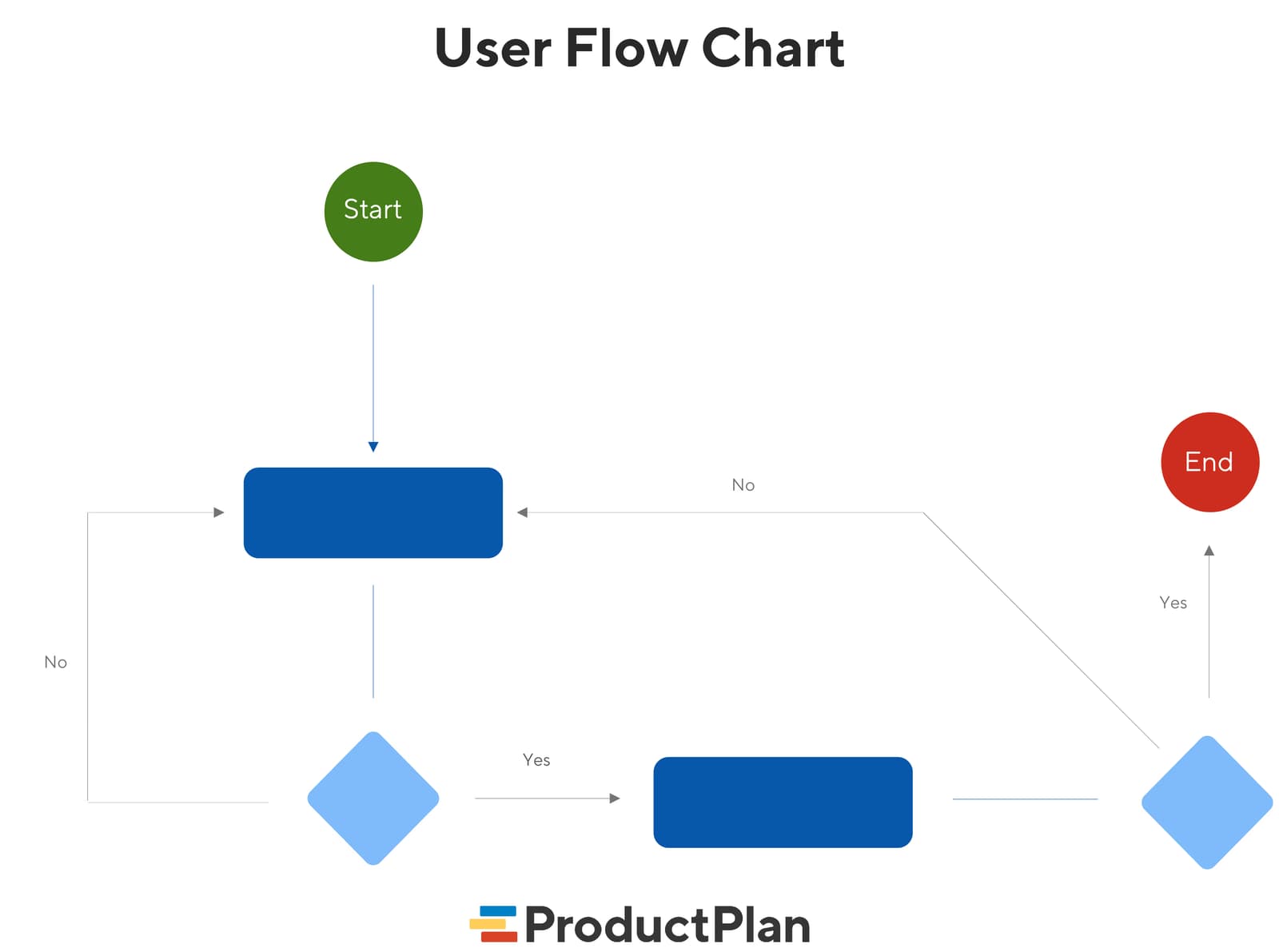
User Flow Diagrams: Mapping the Path to 'Done'
A user flow diagram maps the exact steps a user takes in your app to complete one task. It aligns teams on product goals and gives developers a visual guide, preventing confusion and rework. The footgun: it's not a customer journey, which is far broader.
Font Pairing Is Casting, Not Matchmaking
Font pairing is casting: one lead voice, one supporting role that contrasts without competing. A display headline face plus a neutral body sans guides the eye through a dashboard. Using two fonts with similar weights or x-heights creates noise, not hierarchy.
Alignment: Invisible Lines That Structure Interfaces
Alignment is invisible scaffolding: eyes travel along shared edges instead of hunting anchors. In Figma, left-aligning labels and inputs turns chaos into readable flow. Center-aligning long text is the footgun; ragged invisible edges increase reading friction.
Components: One Master, Many Instances
A component is a master spawning linked copies; edit it and all copies update instantly. Use them for buttons and cards that repeat so one edit flows everywhere. Detach instances or override everything and you kill reusability, forcing manual fixes.
Masking: Hide Pixels Without Deleting Them
A mask is a stencil that hides everything outside its shape without destroying the original image. Use it for circular avatars and rounded photo crops. The hidden portion still exists, so exporting without flattening may bloat the file with invisible pixels.
Component Properties: Levers Without Variants
Component properties are levers that let you swap text, toggle layers, or change icons without detaching. They shine in buttons with optional icons. The footgun is adding so many toggles that the panel becomes harder to use than a tidy variant grid.
Text Resizing in Figma Auto Layout
Text in Auto Layout does not wrap by default. A label set to Auto Width grows forever, while a parent set to Hug follows it. The footgun is leaving text on Auto Width inside a responsive card and expecting it to behave like a paragraph.
Boolean Component Properties in Figma
Boolean properties in Figma are light switches for layers inside a component. They let you toggle an icon or badge on and off without spawning extra variants. The catch is that hiding a layer can break auto-layout if that layer was anchoring spacing.
Prototype Overlays: Layer Without Duplication
Overlays layer modals and menus above your current screen like a transparency sheet, so you never duplicate frames. Use them for dropdowns, dialogs, and toasts. The footgun is fixing them to the screen edge instead of the trigger, which breaks on resize.
Conditional Logic in Figma Prototypes
Conditional logic turns static click-throughs into state-aware flows. Use it to unlock a button only after form fields are valid, or to branch checkout based on payment method. The footgun is building a brittle fake app instead of a focused testable flow.
Handoff Plugins Bridge Figma to Code
Handoff plugins are automated translators between Figma and code, turning visual specs into tokens or components. They speed up design systems where manual inspection is a bottleneck. The footgun is treating generated output as production-ready without review.
Figma File Covers as Status Billboards
A Figma cover page turns your file thumbnail into a status billboard, showing if a design is draft or ready for dev without opening it. Teams with many files use covers as scannable dashboards. Outdated badges send developers hunting for nonexistent specs.
Figma Branch Reviews: Merge Gates for Design
A Figma branch review is a merge gate: reviewers diff changes against main and approve before merge. Use it when designers share a system or a lead must sign off. The footgun is rubber-stamping and missing broken component links that corrupt the main file.
Dynamic Counter: State in Figma
A dynamic counter wires a number variable to a text layer, letting taps change the value. Use it for quantity steppers or pagination in prototypes. The footgun is skipping the text-to-variable binding, so clicks fire but the on-screen number never updates.
Figma Boolean Variables: State Without Variant Sprawl
A boolean variable is a light switch for your component: one true/false value reveals badges or loaders instantly. Use it for binary states like visibility across a system. The trap is wiring too many switches into one component, making debugging a hunt.
Figma Variable Modes for Multi-Context Theming
Variable modes let a single token hold different values for different contexts, like light and dark themes. Apply a mode to a frame and every token inside swaps instantly. The footgun is treating modes as component states, which creates a combinatorial mess.
Simulate Form Validation in Figma
A form prototype is an interactive script, not a picture. You pre-build every state — empty, typing, error, success — and link them so stakeholders feel validation timing before engineers code it. The trap is logic you cannot maintain across design changes.
Gamified Prototypes: Test Loops Before Code
A gamified prototype tests motivation loops without code. In Figma, you simulate points and badges with variants and Smart Animate to validate reward timing before engineers build scoring logic.
Figma Command Palette: A Universal Remote
Figma's Command Palette is a searchable speed dial: press Cmd/Ctrl + P to jump pages, run plugins, or tweak layers without the mouse. It rescues you from nested submenus mid-flow. The footgun is memorizing shortcuts you could simply type to find.
Multi-Edit: Type Once, Update Everywhere
Multi-edit lets you type into several text layers at once, like a keyboard wired to multiple screens. Use it to rename buttons across a flow or update labels before componentizing. It is a one-off bulk edit, not a persistent link, so missed layers stay stale.
We are hiring for this. Every open role lists the topics its interview covers, so you can prepare for the real thing rather than guessing.
See open roles