All bites
The whole library, newest first. Filter by what you are here for, or pick a topic if you already know.
8664 bites
Page 61

Translate Figma Auto Layout padding, direction, and spacing to Flexbox
Tests your ability to bridge design tools and CSS layout mechanics. Match direction to flex-direction, padding to gap or container padding, space-between to justify-content, and hug/fill to flex-grow or flex-shrink.
How would you map Figma Variables to CSS Custom Properties for tokens?
This tests bridging Figma variable collections and modes into maintainable CSS. A strong answer maps collections to semantic CSS custom properties, supports mode switching via data attributes, and mirrors design system naming.
Figma's Slot Pattern: Flexible Components Without Detaching
Think of a slot as a 'bring your own content' area within a Figma component. It lets you customize instances with unique layouts, like in a card or modal, without detaching them from the main component and breaking your design system.
How do Figma variants influence component code structure?
Tests design-to-code translation and component API modeling. Map variant properties to semantic props like size and type; handle interactive states internally via CSS. Prioritize property names over pixel values.
Figma Prototype Scrolling: Simulating Overflow
Think of a frame as a window onto your content. To make it scroll, the content must be larger than the window. Use this for long pages, image carousels, or to fix navbars. The biggest footgun: if content doesn't extend beyond the frame, there's nothing.
How do you identify responsive breakpoints in Figma for CSS?
Tests if you derive CSS logic from Figma structure, not pixels. A strong answer checks auto layout direction changes, wrap toggles, and resizing rules to find behavior shifts, then maps those widths to queries.
Limitations of Figma Dev Mode generated code
Dev Mode output is static, absolute-positioned, non-semantic, and ignores responsiveness, state, and your component system; use it for values and structure, then refactor to semantic, tokenized…
How would you extract Figma Variables via REST API for Style Dictionary?
Tests Figma Variables to Style Dictionary architecture. Outline: paginate REST endpoint, map modes/aliases to W3C draft JSON, then run Style Dictionary in CI from tokens folder. Red flag: raw API payloads without type normalization or alias resolution.
Figma Interactive Components: Prototype Smarter
Interactive Components build prototype logic directly into your component variants. Instead of wiring up hundreds of frames for a form, you define interactions like 'On Click' or 'Hover' once, and every instance inherits them.
How do you restore one component from Figma version history?
Tests whether you know version history is file-level. Answer: open the file name menu, show version history, find the ~1h autosave, duplicate it to a new file, copy the component, paste back. Red flag: restoring the entire old version and losing later work.
Preserve Scroll Position: Seamless Figma Prototypes
Preserve scroll position makes Figma prototypes feel real by remembering where a user scrolled, even after navigating away. It's essential for long lists or maps. The footgun: if scrollable layers aren't identically named and structured, the position resets.
What conflicts occur when two designers edit shared styles simultaneously?
Tests real-time style propagation. Strong answers note Figma instantly updates every linked object, so uncoordinated color edits surprise the second designer. Best practice: agree on ownership and publish via the team library.
Figma Expressions: Dynamic Prototypes with Logic and Math
Figma expressions are like mini-formulas in your prototype, letting you manipulate variables with math and logic. Use them to build shopping carts that calculate totals or progress bars that fill up.
Create a counter where clicking '+' increases the number by one
Tests Figma number variables and Set variable action. Use a number variable on the text, then add an On click trigger on the plus button with Set variable and an expression to add one. Red flag: using duplicate frames instead of a single dynamic variable.
Figma Video: It's a Fill, Not a Layer
Treat video in Figma as just another fill, not a special layer. Apply it to any shape to prototype video players or motion backgrounds. The footgun is forgetting it requires a paid plan to upload and won't play in the Figma mobile app.
How would you conditionally enable Submit after checking a terms checkbox?
Tests Figma advanced prototyping with boolean variables and conditionals. Strong answer: create a boolean for checkbox state, set it on click, then conditionally enable Submit only when true.
Figma: Stacking Multiple Interactions on One Object
Stack multiple interactions on a single Figma object by treating each as a separate event listener, like onClick and onHover. This is essential for components with hover states that also need to navigate.
How do you populate one overlay for three profiles using variables?
Tests Figma variables and advanced prototyping. Use Set variable actions on each profile to update a string variable bound to a single overlay's name, plus instance swap for the avatar, then open that overlay.
Why use button variants instead of separate components per state?
Tests Figma component set organization and scalability. Strong answers cite flexible property mixing, reduced combinatorial bloat, and cleaner dev handoff. Red flag: saying only "it's cleaner" without naming navigability or system integrity.
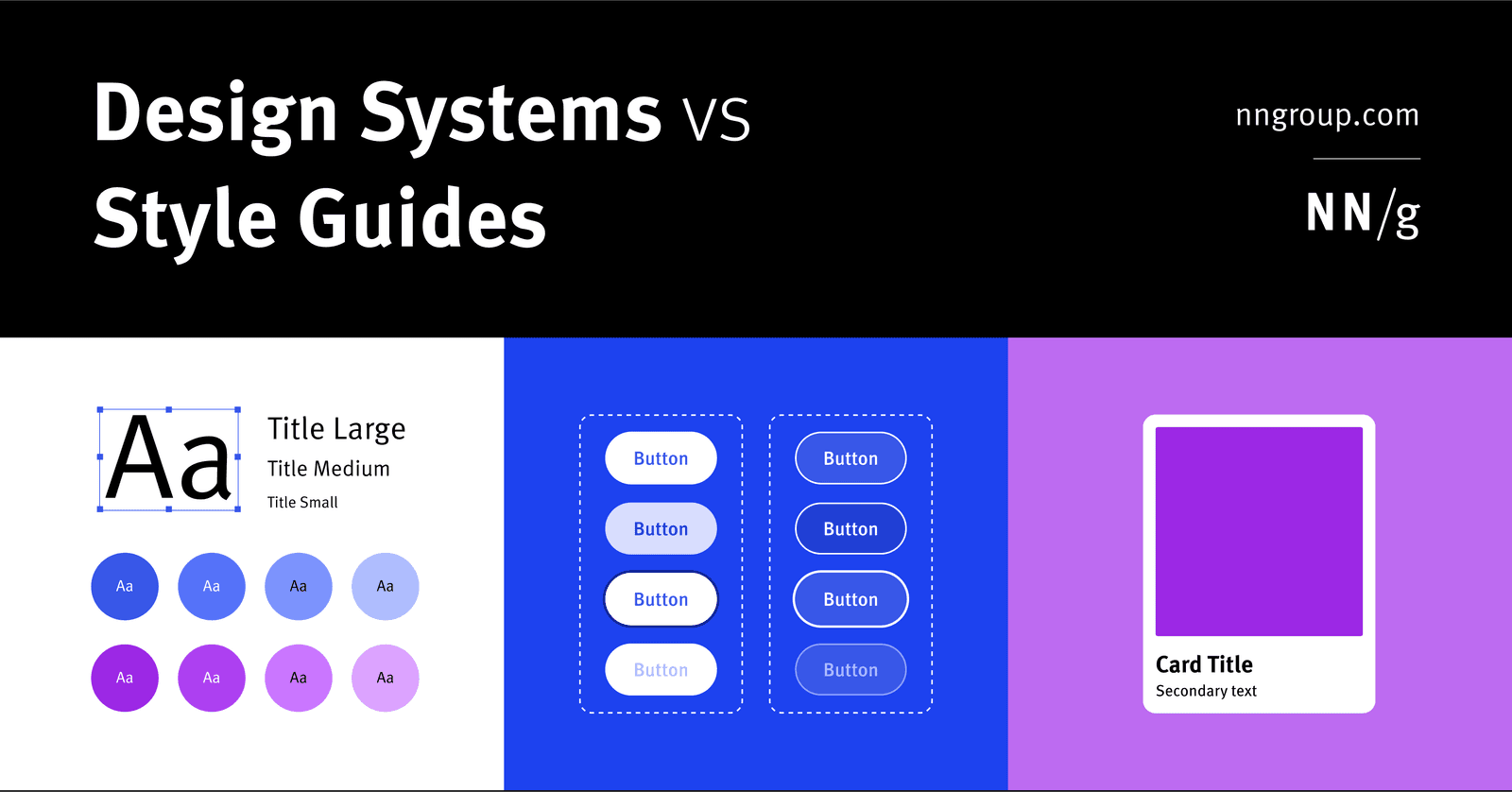
Design System vs. Style Guide: The Parent and the Child
A Design System is the parent; a Style Guide is just one child. The system is a complete toolkit for building products, containing reusable components and code, used by large teams to maintain consistency.