All bites
The whole library, newest first. Filter by what you are here for, or pick a topic if you already know.
8667 bites
Page 278
React Native: Platform-Specific Code
React Native lets you write platform-specific logic without ejecting. Use the Platform module for small style tweaks, and file extensions (.ios.js) for swapping entire components. The footgun is overusing Platform.select for complex UI, creating clutter.
Metro: The JavaScript Bundler for React Native
Metro bundles your React Native app's JavaScript, finding all modules, transpiling them for the device, and merging them into one file. It's what powers npx react-native start.
Flexbox: Responsive Layouts in React Native
Flexbox arranges components along a primary axis, creating responsive UIs without manual calculations. It's used for nearly all layout needs, from centering items to building complex grids.
Styling in React Native with StyleSheet
StyleSheet is React Native's answer to CSS, defining styles in JavaScript to separate presentation from logic. Use StyleSheet.create() to define reusable style objects that get static type checking. The footgun is styling inline, which hurts performance.
React Native Core Components: Your UI Building Blocks
Think of Core Components as React Native's built-in LEGO bricks for UIs, translating your code into native Android and iOS views. Use them for layouts (View), text (Text), and lists (FlatList). The footgun: never use ScrollView for long lists.
ARQ for FastAPI: Async Background Tasks
ARQ lets your FastAPI app offload heavy work to background workers, keeping the API responsive. It's a task queue built for asyncio. Use it for slow tasks like sending emails or processing data. The footgun is using blocking task libraries with async code.

asyncio Streams: High-Level Async Network I/O
asyncio Streams are like async file handles for the network. You get a reader/writer pair to await data, simplifying TCP clients and servers for basic protocols. The footgun: the default buffer limit is small; reading large data will fail unexpectedly.
Layered Architecture: Separating API from Business Logic
A layered architecture separates your API into distinct jobs: routing, controlling, and serving. This keeps code maintainable, like an organized toolbox. It's crucial for growing FastAPI apps.
FastAPI's StreamingResponse: Send Data in Chunks
StreamingResponse sends data piece by piece, like a live broadcast, instead of sending a complete file all at once. This keeps your server's memory low for huge responses like file downloads, video streams, or live data from AI models.

Pydantic: Reusable Validation with Annotated Types
Pydantic's Annotated attaches validation logic directly to a type, making it reusable. Define a custom type like SquareNumber once and apply it to any model field, ensuring consistent validation without repeating code.
FastAPI: Validating Models with Pydantic's Field
Pydantic's Field adds guardrails directly to your data model's attributes. Use it to enforce constraints like string length (max_length=50) or numeric ranges (gt=0), making your models self-validating.

Mangum: Run Python ASGI Apps on Serverless
Mangum is an adapter for running Python ASGI apps (like FastAPI) on serverless platforms like AWS Lambda. It translates serverless events into ASGI requests, letting you deploy existing async web apps without a rewrite.
From Dev Server to Production: Running FastAPI with Workers
Your dev server is a single process. For production, you need a process manager to run multiple Uvicorn worker processes, handling concurrent requests and providing fault tolerance.
Your First Python Dockerfile Blueprint
A Dockerfile is a recipe for building a self-contained environment for your Python app. Use it to ensure your app runs identically everywhere, from your laptop to production. The common footgun is forgetting a .dockerignore file, which bloats your image.
FastAPI's WebSocket State Machine
FastAPI manages WebSockets with a state machine, tracking client and application states separately. You must explicitly accept() a connection before communicating. This is key for chat or notification features.
FastAPI Lifespan: Code Before Startup, After Shutdown
FastAPI's lifespan events are "open for business" and "closing time" routines that run once before startup and after shutdown. Use them to initialize a DB pool or load a model. The footgun is putting request-specific logic here; it runs once only.
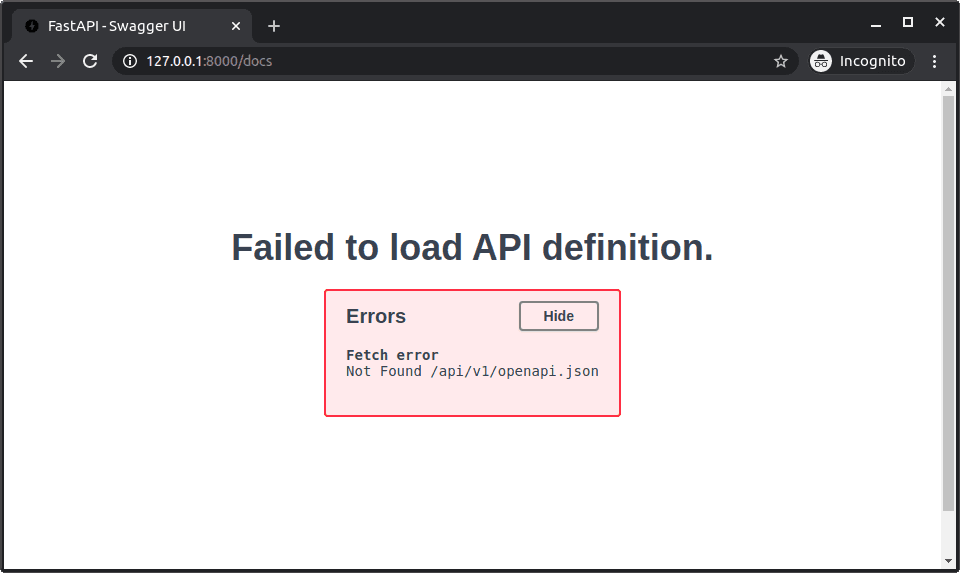
FastAPI Behind a Reverse Proxy: Fixing Docs URLs
A reverse proxy can hide the full URL from your FastAPI app, breaking OpenAPI docs. Tell your app about the proxy's path prefix by setting the root_path during initialization to ensure all generated URLs are correct.
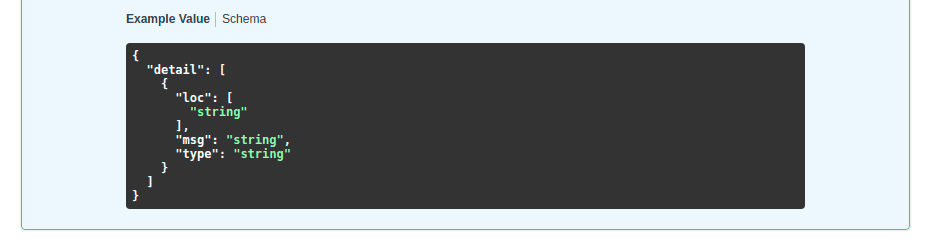
Customizing FastAPI's Swagger UI Behavior
Treat FastAPI's Swagger UI as a configurable frontend, not a static page. You can customize its behavior by passing a dictionary of settings on app startup. This is useful for changing themes or pre-filling auth fields. The footgun: keys must be camelCase.
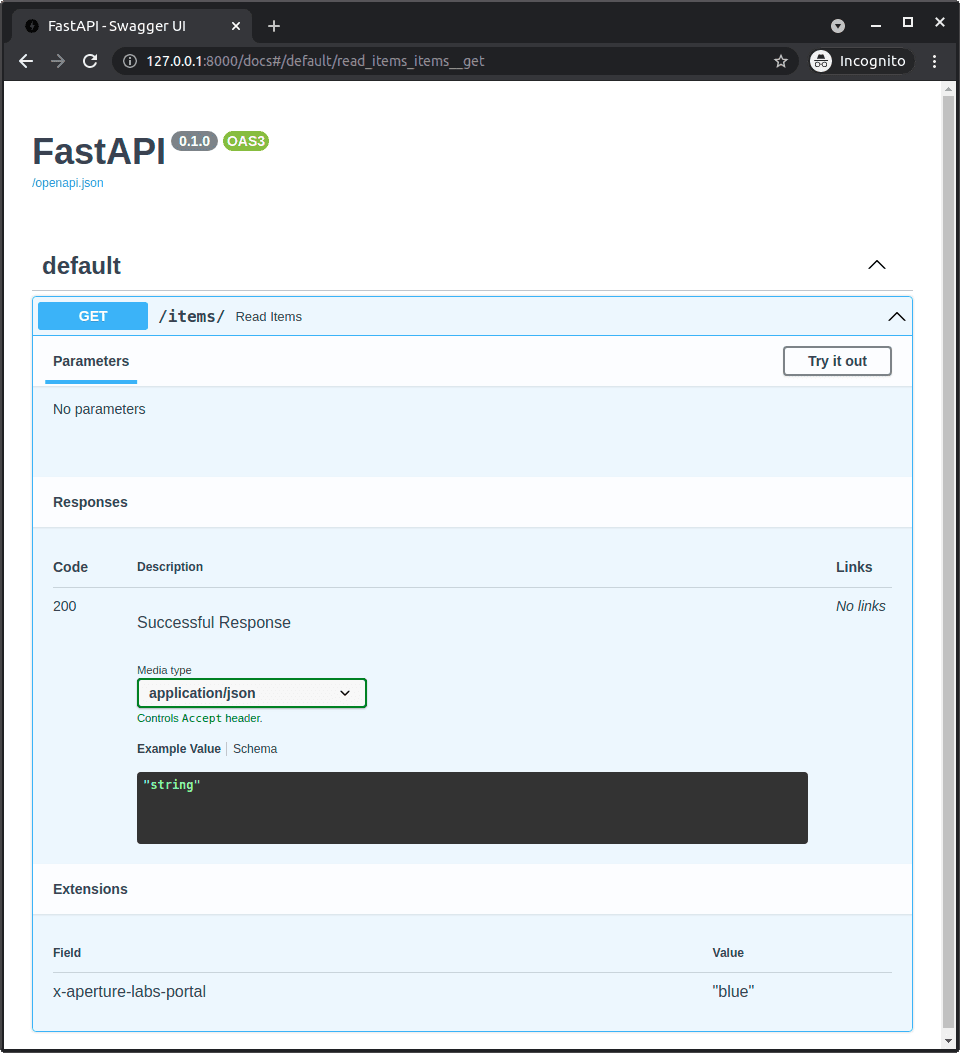
Exclude a FastAPI Endpoint from OpenAPI Docs
Hide an endpoint from your API docs by setting include_in_schema=False. Use this for internal or deprecated endpoints. The footgun: this only hides the endpoint from documentation; it remains fully functional and accessible if the URL is known.
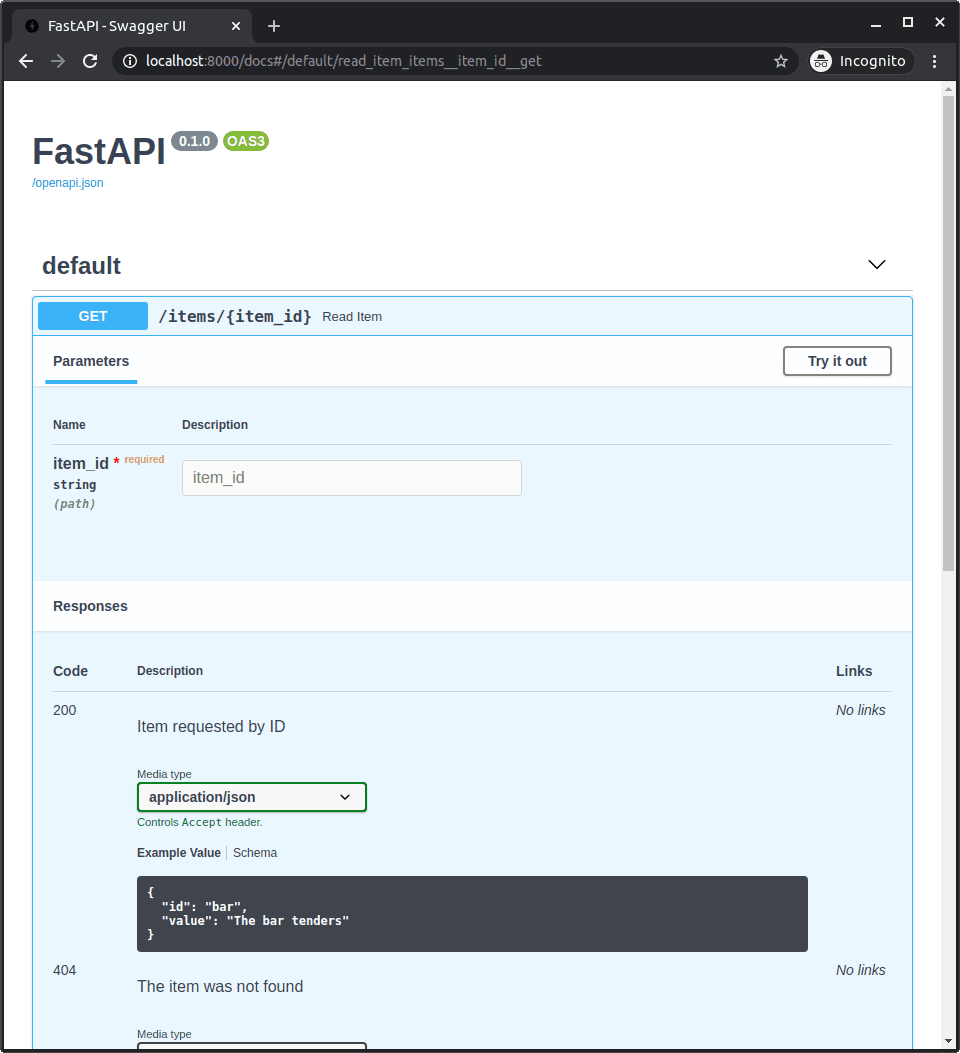
FastAPI: Documenting Additional API Responses
Document every possible API response, not just the happy path. The responses decorator parameter lets you define alternative status codes and schemas, like a 404 error model, making your OpenAPI docs complete.