FastAPI: Returning HTML with HTMLResponse
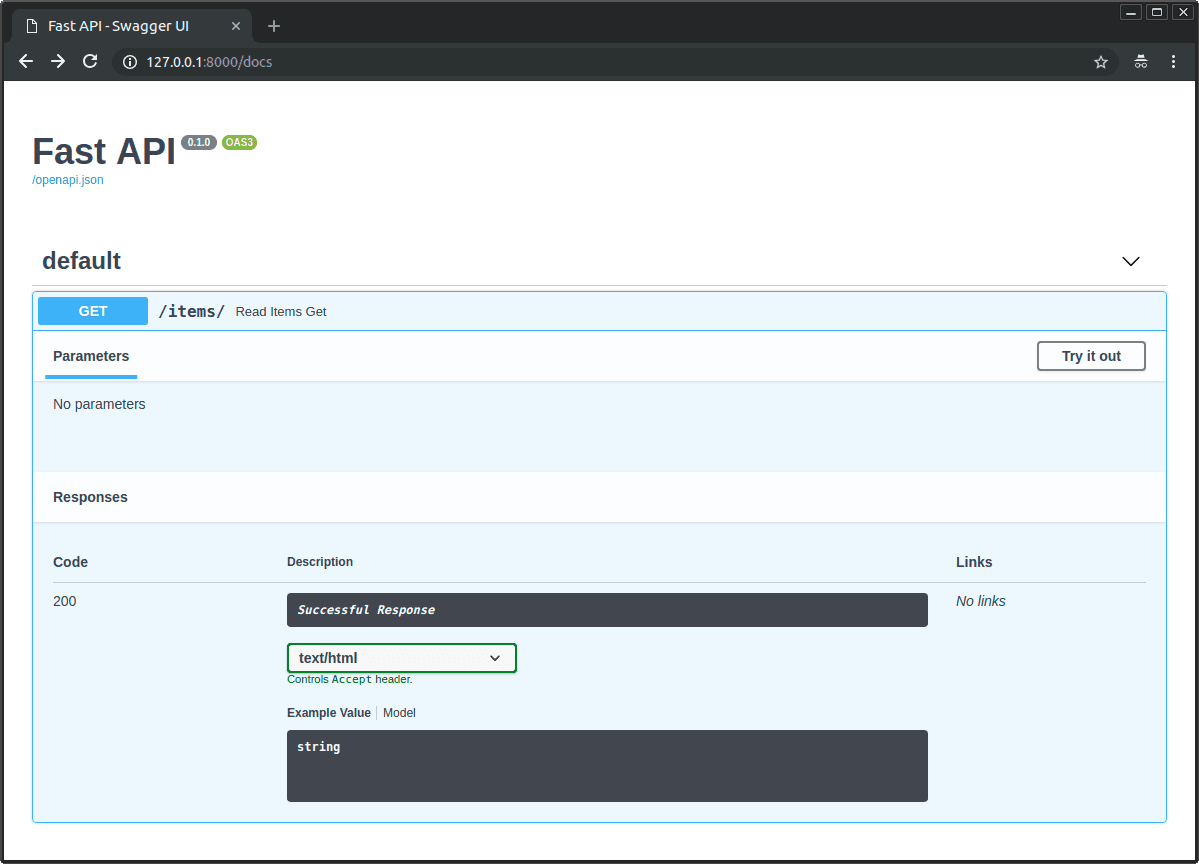
Override FastAPI's default JSON output by using HTMLResponse to return a raw HTML string directly from an endpoint. It's for simple status pages or server-side rendered components.
Why it exists
FastAPI is an API framework, so its natural output is structured data like JSON. However, sometimes a web endpoint needs to return a viewable webpage, not just data. HTMLResponse provides a direct, simple mechanism to do this without adding extra dependencies for a full templating engine.
The mental model
Think of HTMLResponse as a special return type that tells FastAPI two things: first, the content you're providing is a string of HTML, and second, set the HTTP response's Content-Type header to text/html. This instructs the client's browser to render the content as a webpage instead of displaying it as plain text or a JSON object.
How it works
You import HTMLResponse from fastapi.responses. In your path operation function, instead of returning a dictionary or Pydantic model, you return an instance of HTMLResponse. The constructor takes the HTML string as its content argument. For example: return HTMLResponse(content="<h1>Hello World</h1>"). FastAPI handles the rest, sending the correct headers and body.
When to use it
Use HTMLResponse for simple, self-contained HTML. It's perfect for three main scenarios: first, creating basic status or health check pages; second, serving small, dynamic HTML snippets for libraries like HTMX that swap parts of a page; and third, returning very simple, hardcoded HTML documents from an API route.
When not to use it
Avoid HTMLResponse for building complex user interfaces. It mixes your presentation (HTML) directly with your logic (Python code), which becomes hard to maintain. More importantly, it does not automatically escape data. If you construct HTML with user-provided input, you open your application to Cross-Site Scripting (XSS) attacks. For complex or data-driven pages, use a templating engine like Jinja2, which is designed for this and handles escaping.
One canonical example
To serve a simple "Hello World" page, you first import HTMLResponse from fastapi.responses. Then, in your path operation function, you create an HTML string and return it wrapped in an HTMLResponse object. For example, you would define html_content = "<html><body><h1>Hello</h1></body></html>", and the function's return statement would be return HTMLResponse(content=html_content). FastAPI will automatically set the Content-Type header to text/html.
Interview question
What is a primary security risk when using FastAPI's HTMLResponse to display user-provided input?
- a.It does not automatically escape user-provided data, opening the door to Cross-Site Scripting (XSS) attacks.Correct
- b.It can lead to server-side request forgery (SSRF) if external URLs are embedded.
- c.It automatically sanitizes all input, potentially stripping legitimate HTML tags from user content.
- d.It forces the browser to render content as plain text, bypassing security headers.
Why? this is the answer
The card explicitly states that HTMLResponse 'does not automatically escape data' and constructing HTML with user-provided input 'open[s] your application to Cross-Site Scripting (XSS) attacks.' Option C is incorrect because the problem is precisely the *lack* of automatic sanitization.
Just read this? Test yourself on what you have been reading.
Read the original → fastapi.tiangolo.com
Put your scrolling time to good use
Learn one idea, try a quiz and save useful cards for revision. Tezvyn makes it easy to learn and stay current in your tech field, a few minutes at a time.
The iPhone app is on the way
We are building it. Until it lands, nothing here is held back from you: every interview card, your saved cards, streaks and the job board all work in Safari, plus hundreds of free practice quizzes of thirty questions each. Sign in and it all carries over to the app the day it arrives.
Want it as an icon? Tap Share at the bottom of Safari, then Add to Home Screen. It opens full screen and the cards you have read stay available offline.
We are hiring for this. Open roles that interview on fastapi — each one lists the topics its interview covers.
See open roles