Token Studio: Bridge Figma Designs to Production Code
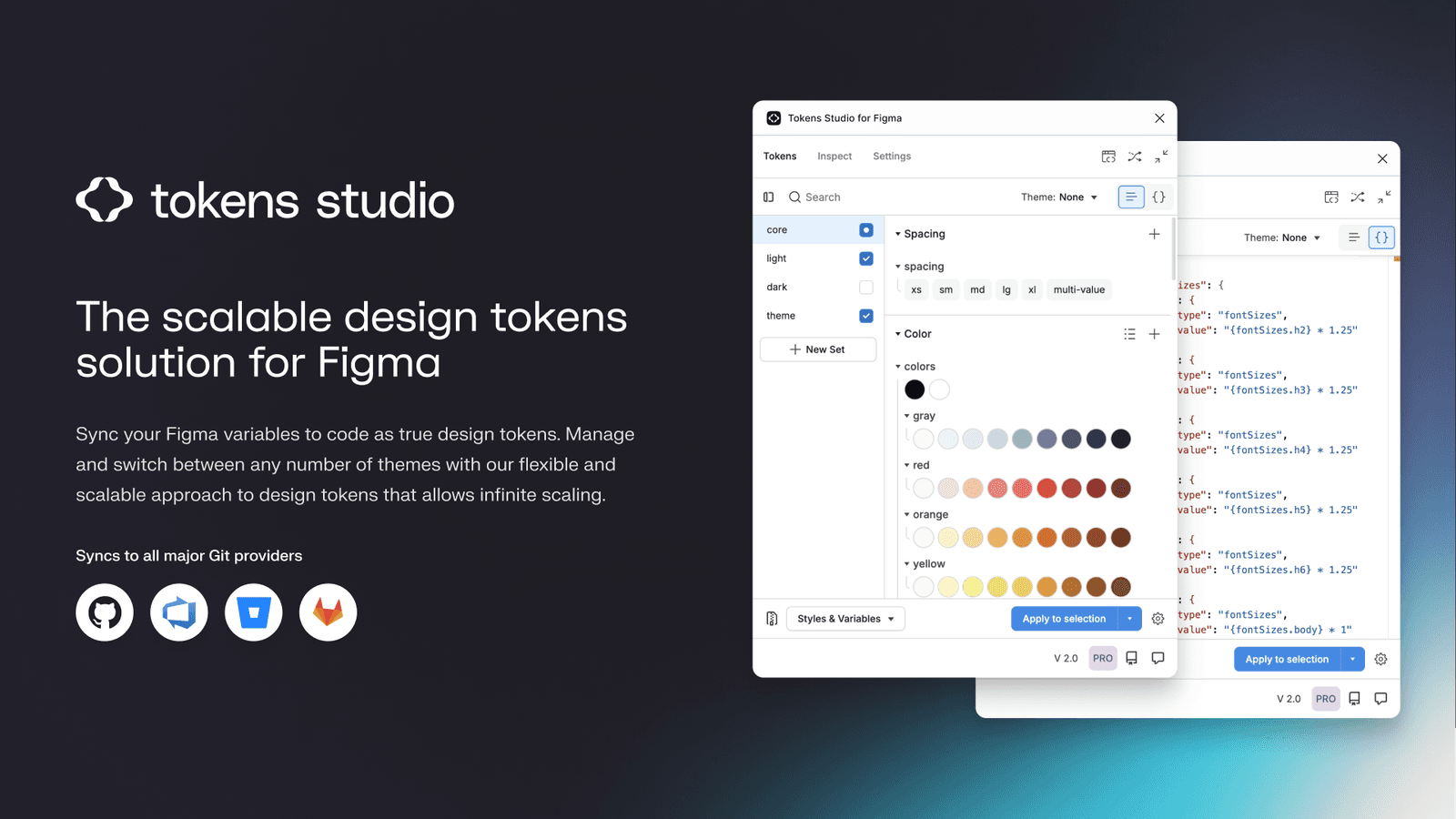
Token Studio is a control panel for your design system's raw values, bridging Figma with production code. Use it to manage themes and sync design decisions to a developer-accessible Git repo. The main footgun is using it only locally for Figma styles.
Why it exists
Figma's native styles and variables are powerful but can be siloed within the design tool. A robust design system requires a single source of truth that both designers and developers can consume. Token Studio was created to be that bridge, managing design primitives in a structured way that can be version-controlled and transformed into code.
The mental model
Treat Token Studio not as a styling tool, but as a database for your design system's atoms. It's a structured key-value store for everything from colors (color.brand.primary: #5A67D8) to spacing (spacing.sm: 8). This database lives in Figma but is designed to be synced externally, typically to a Git repository. Designers manipulate the database through the plugin; developers consume the same database from Git to generate code.
How it works
You define tokens (e.g., color.background.default) in the plugin's UI. These can be raw values or reference other tokens (color.background.subtle: {color.gray.100}). You organize tokens into sets (e.g., global, light-theme, dark-theme) and apply them to Figma layers. The key feature is its ability to sync the entire token set as a JSON file to a remote location like a GitHub, GitLab, or Azure DevOps repository. Developers then pull this JSON and use tools like Style Dictionary to transform it into CSS variables, Swift colors, or Android XML.
When to use it
Use it for any serious design system where consistency between design and code is critical. It's especially powerful for managing multiple brands or themes (light/dark mode), as you can define different token sets for each and switch between them. It's essential when you need to support multiple platforms (web, iOS, Android) from a single set of design decisions.
When not to use it
For small, single-platform projects with no formal design system, Token Studio is likely overkill. If your team has no process for consuming JSON tokens in development, implementing the plugin without the developer-side workflow provides limited value. Figma's native variables may be sufficient for simpler, Figma-only use cases.
One canonical example
A team builds a product with both a light and a dark theme. In Token Studio, they create a global set for base values like color.blue.500: #3B82F6. They then create a light-theme set where color.text.default references {color.gray.900} and a dark-theme set where the same token references {color.gray.100}. All tokens are pushed to a tokens.json file in a GitHub repo. A CI/CD pipeline then runs Style Dictionary to generate CSS variables, creating a new theme file for the web app. The designer and developer are always working from the same source.
Interview question
What is the fundamental mechanism by which Token Studio ensures consistency between design and development teams?
- a.It provides real-time synchronization of design changes directly into a live production environment.
- b.It allows designers to directly apply platform-specific styling (like CSS or Swift) within the Figma interface.
- c.It establishes a centralized, version-controlled database of design tokens that developers consume to generate code.Correct
- d.It automatically converts Figma components into production-ready code for various platforms.
Why? this is the answer
Token Studio's core function is to act as a "database for your design system's atoms" that is "synced externally, typically to a Git repository" for developers to "consume... to generate code," creating a single source of truth. Distractor A is incorrect because Token Studio manages design tokens, not full Figma components, and the code generation is a separate step by developers.
Just read this? Test yourself on what you have been reading.
Read the original → docs.tokens.studio
- #design systems
- #figma
- #design tokens
- #frontend engineering
Put your scrolling time to good use
Learn one idea, try a quiz and save useful cards for revision. Tezvyn makes it easy to learn and stay current in your tech field, a few minutes at a time.
The iPhone app is on the way
We are building it. Until it lands, nothing here is held back from you: every interview card, your saved cards, streaks and the job board all work in Safari, plus hundreds of free practice quizzes of thirty questions each. Sign in and it all carries over to the app the day it arrives.
Want it as an icon? Tap Share at the bottom of Safari, then Add to Home Screen. It opens full screen and the cards you have read stay available offline.
We are hiring for this. Open roles that interview on design systems — each one lists the topics its interview covers.
See open roles