Search
Find a bite, explore a topic or look for a role.
Results for “React”
Bites 747

Vite's Low-Level SSR API
Vite's SSR API lets you run Vite as a middleware inside your own Node.js server, giving you full control over rendering. It's for building custom SSR solutions, often with Express. The footgun: most apps should use a higher-level SSR plugin, not this API.
Vite's Plugin System: Extending Dev and Build
Vite's plugin system extends its dev server and build process, leveraging Rollup's mature ecosystem. Use it to add framework support or handle custom assets. The footgun is forgetting to control execution order with enforce, causing compatibility issues.
Vite Config: The Control Panel for Your Build
Think of vite.config.js as a dynamic script, not a static file. It lets you programmatically change your build based on context, like serving for development versus building for production.
Vite's HMR API: Manually Controlling Hot Reloads
Vite's HMR API lets a module handle code changes without a full reload. While frameworks usually manage this, you can use it for custom tooling. The footgun: forgetting to wrap HMR code in if (import.meta.hot) will crash your production build.
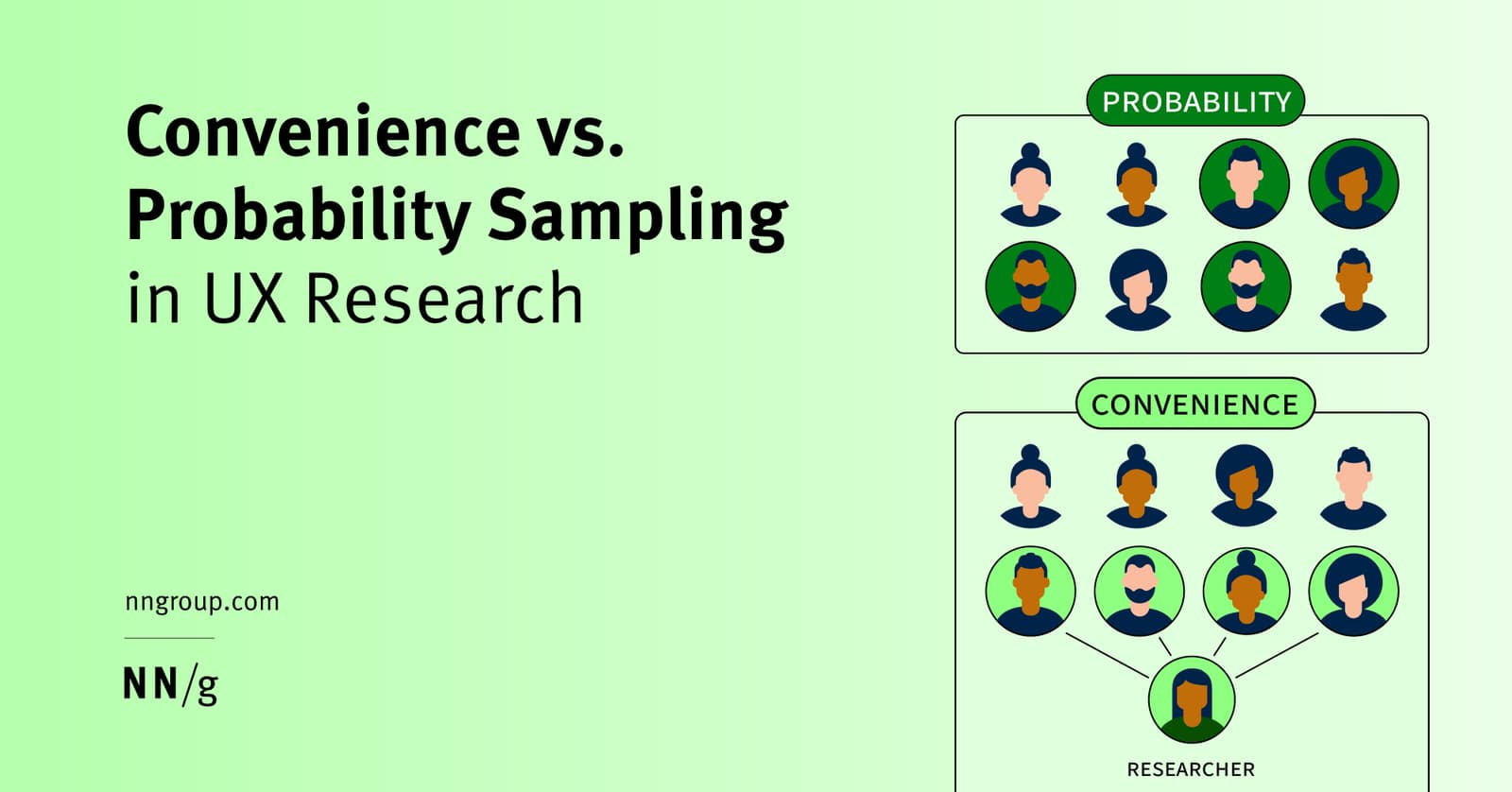
UX Sampling: Convenience vs. Probability
Convenience sampling is fast and cheap—ask whoever is easy to reach. Probability sampling is rigorous—ask a random slice of your population. Use convenience for quick usability tests, but probability for high-stakes decisions.
Figma Widgets: Live Apps on Your Canvas
Figma Widgets are like mini-apps living on your canvas that everyone interacts with at once, unlike single-user plugins. Use them for collaborative tools like live polls or data tables.
Figma Prototypes: Build Interactive Flows, Not Just Screens
Figma prototypes turn static designs into interactive user journeys by connecting frames. Use them to test user flows, present to stakeholders, or get feedback before writing code. The footgun: a single top-level frame can only be one flow's starting point.

Usability Testing: Watch Real Users, Not Just Experts
Usability testing evaluates a product by observing real, first-time users interact with it, revealing flaws that designers often miss. It's used to validate design intuitiveness before launch.
Figma: Stacking Multiple Interactions on One Object
Stack multiple interactions on a single Figma object by treating each as a separate event listener, like onClick and onHover. This is essential for components with hover states that also need to navigate.
Figma Expressions: Dynamic Prototypes with Logic and Math
Figma expressions are like mini-formulas in your prototype, letting you manipulate variables with math and logic. Use them to build shopping carts that calculate totals or progress bars that fill up.
Figma's Slot Pattern: Flexible Components Without Detaching
Think of a slot as a 'bring your own content' area within a Figma component. It lets you customize instances with unique layouts, like in a card or modal, without detaching them from the main component and breaking your design system.
Hick's Law: More Choices, Slower Decisions
Hick's Law states that decision time increases logarithmically with the number of choices. It's why complex menus slow users down, forcing them into analysis paralysis.
TypeScript: Type-Only Imports and Exports
Use import type to tell the compiler an import is only for type-checking and should be erased from the final JavaScript. This prevents tools like Babel from generating unwanted runtime code when compiling files in isolation.
Modern Bundlers & TypeScript: Transpile, Don't Check
Modern bundlers like Vite prioritize speed by only transpiling TypeScript files, not type-checking them. This enables sub-50ms updates during development. The footgun: your dev server won't report type errors; you must run tsc --noEmit separately.

Web Audio API: A Modular Synth for Your Browser
The Web Audio API treats sound as a modular graph. You connect sources (files, oscillators) to effects (filters) and a destination (speakers) for precise, low-latency control. It's ideal for games and music apps.
Manipulate Browser History with pushState and replaceState
Make a single-page app feel like a multi-page site. pushState changes the URL without a full page reload, creating a new browser history entry. This is essential for SPAs to enable shareable links and a working back button.
AbortController: Cancel In-Flight Web Requests
AbortController is a remote kill switch for web requests. You create a controller, pass its signal to a fetch call, and can then call abort() to cancel it. Use it to stop requests when a user navigates away. The footgun is forgetting this signal.
TypeScript `infer`: Create a Self-Typing Fetch Wrapper
Use TypeScript's infer to build one fetch wrapper that automatically knows the correct request/response types for every endpoint. It's essential for type-safe calls to APIs with a defined schema.
TypeScript Classes: Blueprints for Typed Objects
A TypeScript class is a blueprint for creating objects, adding type safety to JavaScript's object-oriented patterns. Use them for core data structures like a User. The main footgun is forgetting to initialize properties, which strict mode flags as an error.
History API: Change URLs Without Page Reloads
The History API lets you manipulate browser session history, enabling single-page app (SPA) routing without full page reloads. It's used to create "virtual" pages by changing the URL and state.