Intermediate concepts in Design & UX, page 4

Content Gap Analysis: Find and Fill Your Content Holes
A content gap analysis is like scouting your competitors' playbook to find winning topics you're not covering. Use it to find keywords they rank for but you don't, helping you capture their traffic.
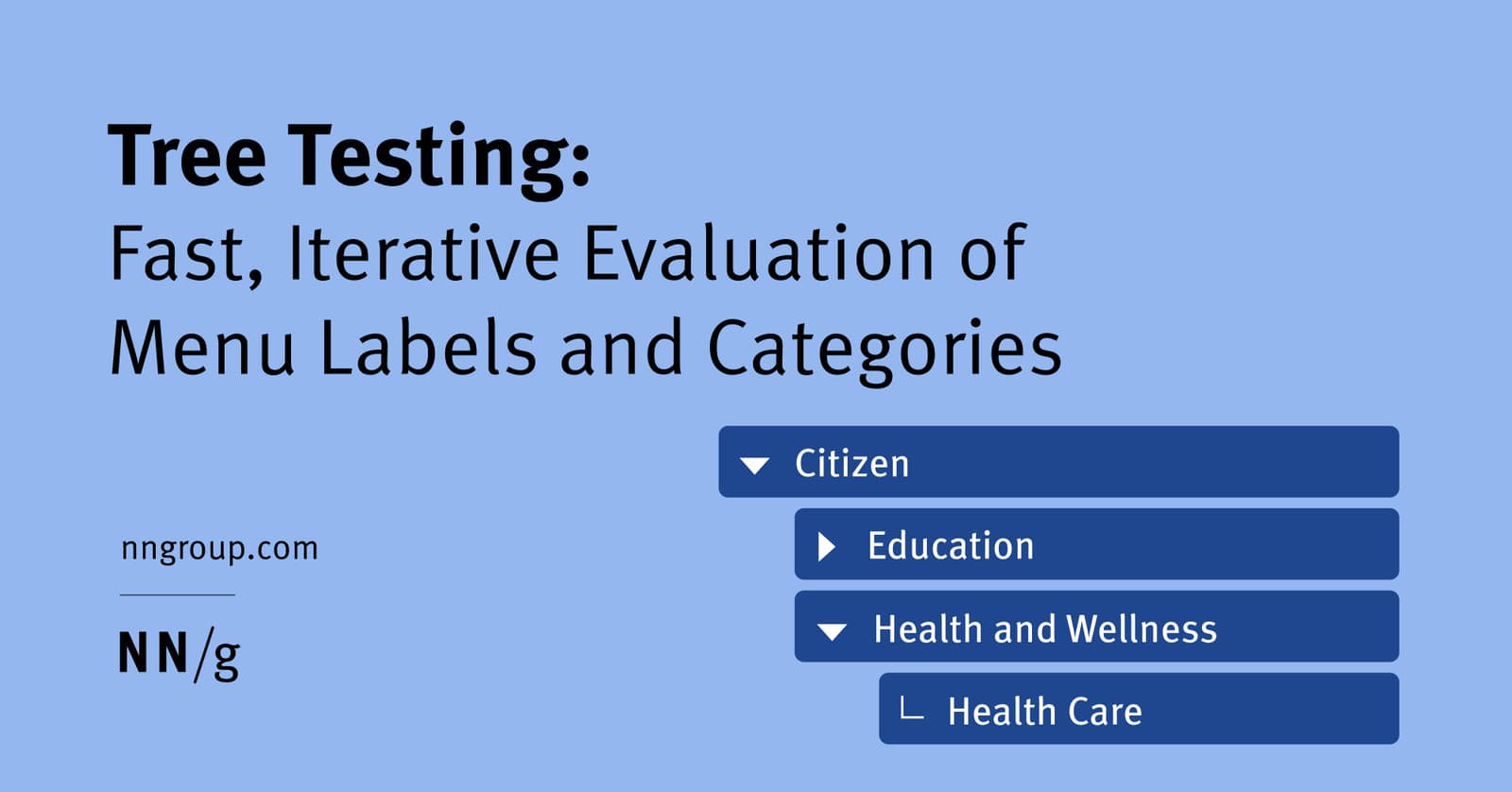
Tree Testing: Validate Your Site's Navigation Structure
Tree testing validates your site's navigation by asking users to find items in a text-only hierarchy. It's used to test a proposed information architecture before any UI is built. The footgun is confusing it with card sorting, which creates a structure.

Content Mapping: Charting the Customer Journey
Content mapping plots your content against the customer journey, ensuring you provide the right information at the right time. It's used to move from random content acts to a strategic plan that answers customer questions at each stage, from awareness to…
Cognitive Walkthrough: See Through a New User's Eyes
A cognitive walkthrough is like role-playing a new user trying a specific task for the first time. It finds usability flaws early by simulating a first-time user's journey. The footgun is confusing it with a holistic review; this method is for specific tasks.
Figma Variables: The Single Source of Truth for Tokens
Figma variables are the central vault for your design tokens, letting you reference a name like color-background instead of a hardcoded value. Use them to build scalable themes and update spacing across an entire app.
Monorepos: A Design System's Single Source of Truth
A monorepo places your design system and its consuming apps in one repo. This enables atomic changes: update a component and all its consumers in a single commit. It's ideal for keeping UI consistent, but requires strict tooling to avoid becoming a monolith.
Nesting Components: Building Systems, Not Just Screens
Nesting components is like building with Lego: you combine small, reusable pieces (icons, buttons) into larger structures (cards). This is key for scalable design systems, where a card might contain nested icon and button instances.
Unit Testing UI Components: Beyond the DOM Mock
Unit tests for UI components verify individual pieces in a mocked browser environment (jsdom). This is standard for checking component logic with Jest or Vitest, but it can't test visual rendering, element sizes, or layout, creating critical blind spots.
Figma Text Properties: Beyond Font and Size
Text properties are your toolkit for precise typographic control, managing readability and hierarchy beyond just font and size. Use them to adjust line height for paragraphs, letter spacing for headings, and alignment for layout consistency.
Figma-to-Code: From Pixels to Production Code?
Figma-to-code tools act as translators, turning visual mockups into code. This speeds up bootstrapping new components or prototypes, but the output is rarely production-ready and often needs heavy refactoring to be performant and maintainable.
Long-Tail Keywords: Winning with Specificity
Long-tail keywords are specific, multi-word search queries. While each has low traffic, they collectively form the majority of search volume. Use them to target niche audiences with high intent, like 'waterproof hiking boots for wide feet' instead of 'boots'.
Instance Swap Properties: Control Nested Components
An instance swap property is like a designated parking spot for a nested component. It tells designers 'you can swap this part out' and provides recommended replacements, like swapping an icon in a button.

Internal Linking: Your Site's GPS for Users and Bots
Think of internal links as a GPS for your website, guiding users and search engines to important content. It's crucial for SEO, helping bots discover pages and keeping users engaged. Neglecting this creates "orphan pages" that search engines may never find.
P-Value: Gauging Surprise, Not Certainty
A p-value measures surprise: it's the probability of seeing your results by chance, assuming your change had no effect. It's used in A/B testing to decide if an effect is noise or significant. A small p-value doesn't prove your hypothesis is true.
Figma Libraries: Your Team's Single Source of Truth
A Figma library is your team's shared toolbox, ensuring everyone uses the same approved components. Use it to distribute your design system across files. The footgun is forgetting to publish updates, leaving teammates with outdated, inconsistent designs.

Topical Authority: Proving Your Expertise to Google
Prove you're an expert on a whole subject, not just a keyword. Google uses this 'topical authority' system to rank news in health or finance, but the principle applies to any site aiming for credibility. The footgun is thinking it's only for news sites.

Customer Effort Score (CES): Measure Task Friction
Customer Effort Score (CES) measures how much work a customer expends to complete a task. It answers 'How easy was it?' right after a support interaction, purchase, or onboarding.
Breaking the Link: Detaching Figma Instances
Detaching an instance in Figma permanently breaks its link to the main component, converting it into a standard frame. Use this to make changes overrides can't handle or to create a new component variation.

Survey Response Bias: When Answers Mislead
Survey answers aren't raw data; they're filtered through human psychology. Response bias describes the predictable ways people answer inaccurately, common in user surveys and market research. The footgun is taking responses at face value, ignoring biases.
Clickstream Analysis: Following the User's Footsteps
Clickstream analysis is like watching a replay of a user's journey through your site, click by click. It's used to optimize conversion funnels and find friction points. The footgun is focusing on the *what* (the path) without asking *why* a user took it.
We are hiring for this. Every open role lists the topics its interview covers, so you can prepare for the real thing rather than guessing.
See open roles