Concepts in Mobile Dev, page 5

Reified Type Parameters: Accessing Generic Types at Runtime
Reified type parameters let you access generic types at runtime, bypassing JVM type erasure. In Kotlin, you use this inside inline functions to check types (obj is T) or get a class reference. The footgun: reified requires inline to work.

Xcode Schemes vs. Build Configurations
Schemes are *what* you build (the target and action), while Configurations are *how* you build (the settings). Use them to manage environments like Debug vs. Release, each with its own API keys. The footgun is putting environment settings directly in a Scheme.
Extension Methods: Add to Classes You Don't Own
Extension methods let you add functionality to existing classes you don't control. Use them to create fluent APIs, like calling '42'.parseInt() instead of int.parse('42').
Kotlin's Type-Safe Builders: Code as Data
Type-safe builders use Kotlin code to create a custom language (DSL) for building complex objects. It's like writing HTML, but the compiler validates your structure. This is common for UI layouts or server configs. The footgun is omitting @DslMarker.
React Native's Basic Button Component
The Button component is React Native's 'easy button' for basic user interactions. It renders a native-looking button with just a title and onPress handler. Its main footgun is its lack of styling options; for custom designs, use Pressable instead.

Auto Layout: Describing Relationships, Not Frames
Auto Layout lets you describe a UI by its relationships, not hardcoded coordinates. You declare "this button is centered and 8 points below the logo," and the system calculates its position.
The `covariant` Keyword: Loosening Type Rules
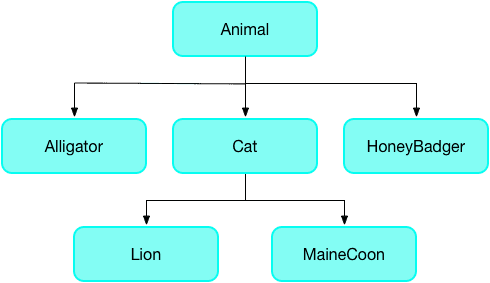
The covariant keyword tells Dart's analyzer to relax its strict rules for method overriding, letting a subclass method accept a more specific parameter type. It's often used in Flutter widgets.
Android Studio: The Official Workshop for Android Apps
Think of Android Studio as the all-in-one workshop for building Android apps. It bundles a code editor, build system, and emulators to write, test, and package software for any Android device. The footgun is underestimating its resource needs.
React Native's Controlled Switch Component
The Switch component is a 'controlled' input; it doesn't manage its own state. You use it for on/off settings by telling it what to display via the value prop and updating that state in the onValueChange callback. The footgun is forgetting this link.
LLDB: Stop Time with Breakpoints
A breakpoint is a red light for your code, pausing execution at a specific line so you can inspect your program's state. In Xcode, use it to freeze your app when a bug occurs, examine variables, and step through code.

The Dart Event Loop: Your App's Task Manager
The event loop is Dart's single-threaded task manager. It processes one event at a time from a queue (like user taps or network responses), preventing the UI from freezing. Use async/await to avoid blocking it with long operations.

Android Project Structure: Your App's Filing Cabinet
Think of an Android project as a standardized filing cabinet. It organizes your code, images, and configuration into specific folders so the build system knows where to find everything. This is the foundation of every Android app you build or inspect.
React Native Slider: Selecting a Value from a Range
A slider is a visual control for selecting a numeric value from a range, like a volume knob. Use it for settings like brightness or price filters. The main footgun is forgetting to capture the slider's value in your app's state on value change.
Xcode View Debugger: Uncover Hidden UI Bugs
The View Debugger is like an X-ray for your UI, showing every view and constraint in a 3D stack. Use it to find clipped labels, missing views, or un-tappable buttons. The common footgun is forgetting that invisible views can still block user input.
Dart Futures: Chaining Async Work with .then()
A Dart Future is a promise for a value that isn't ready yet. Chain actions onto it with .then() for success and .catchError() for failure. This is key for network requests or file I/O. The footgun is forgetting .catchError(), causing silent failures.
AndroidManifest.xml: The Blueprint for Your App
AndroidManifest.xml is the blueprint for your app, telling the OS its components, permissions, and requirements before running any code. A missing declaration here is a common source of runtime crashes, as the OS simply won't see your component.
The Gesture Responder System: Who Gets the Touch?
The Gesture Responder System is React Native's negotiation protocol that decides which component owns a touch. It's how the framework distinguishes a button tap from a scroll. The main footgun is that the deepest component wins the touch by default.
Swift Package Manager: Native Dependency Management
Swift Package Manager (SPM) is Apple's built-in librarian for your project's code dependencies. You use it to add, remove, and update third-party libraries directly in Xcode. The main footgun is that version conflicts between dependencies can break your build.
Android App Development: Core Languages and Tools
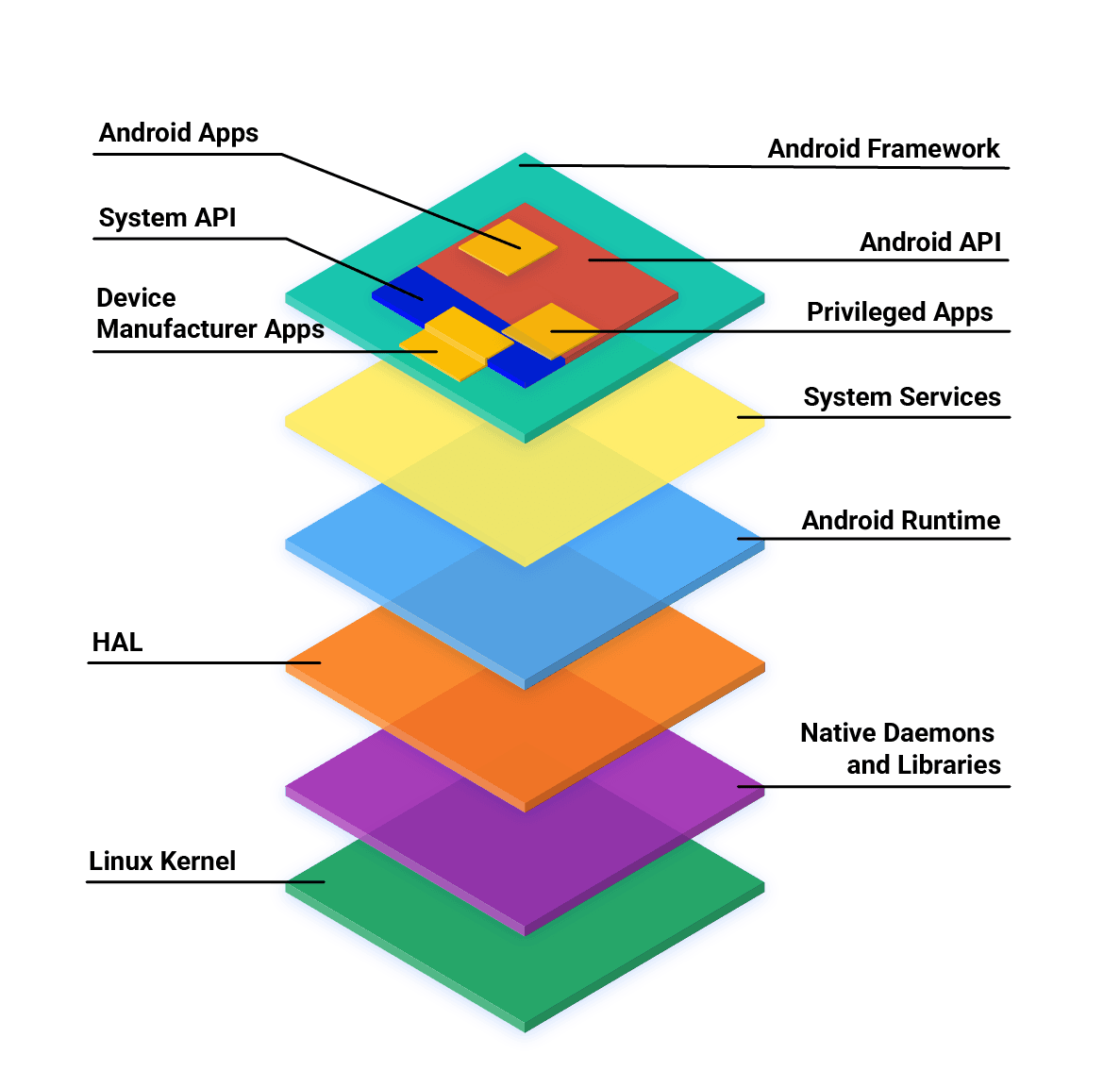
Android apps are primarily built with Kotlin, Java, and C++ using the official SDK. While other languages are possible, they often need 'glue' code to work and may have restricted API access. The main footgun is assuming any language has first-class support.
PanResponder: The Gesture State Machine
PanResponder turns raw touch events into a single, stateful gesture, like dragging an object. It's used to build draggable elements by providing a gestureState object with velocity and distance. The footgun is confusing moveX/Y with dx/dy.
We are hiring for this. Every open role lists the topics its interview covers, so you can prepare for the real thing rather than guessing.
See open roles