Advanced everything in Android & Kotlin, page 5
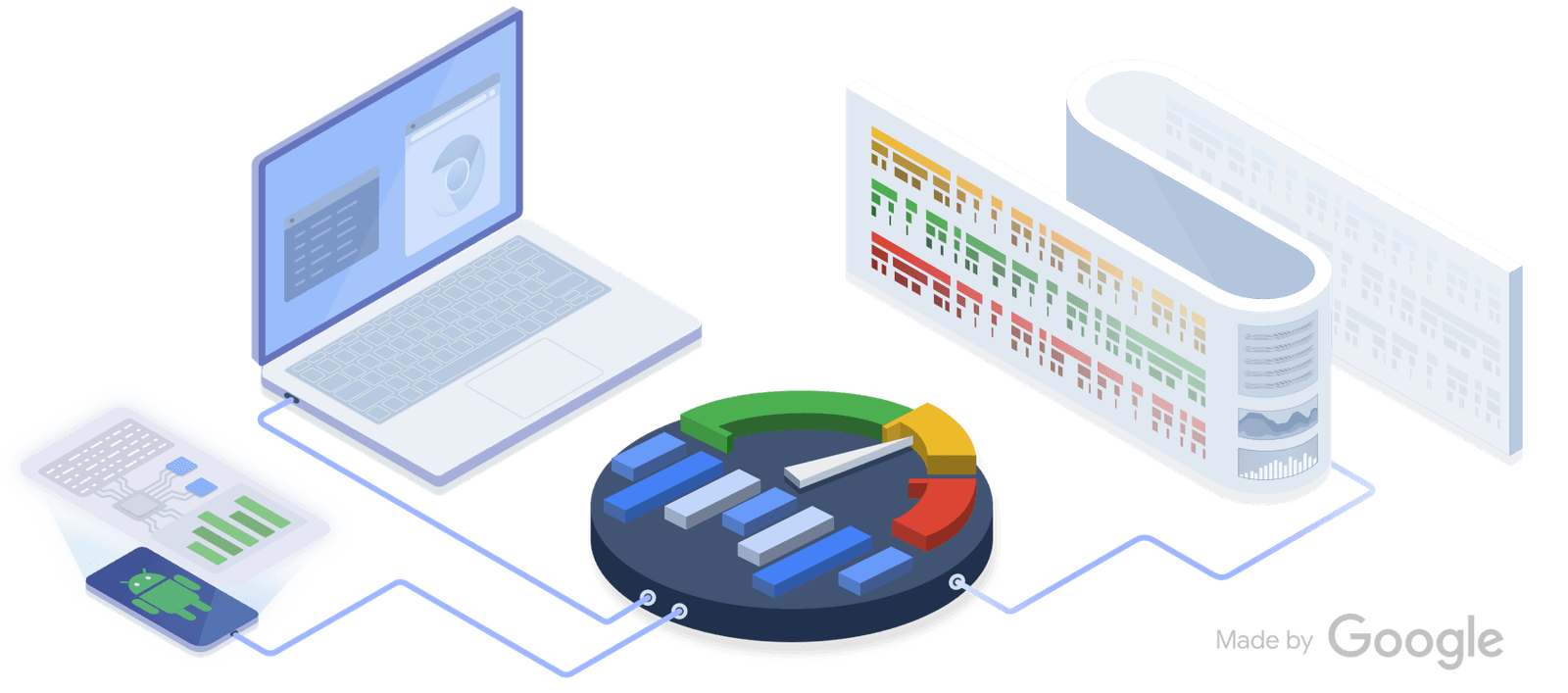
Perfetto: See Your Whole System on One Timeline
Perfetto is a flight recorder for your system, capturing kernel and app events on a single timeline. Use it to diagnose complex issues like jank by correlating app behavior with system activity.

Android Baseline Profiles: Pre-compiling for Speed
A Baseline Profile is a cheat sheet for the Android runtime, telling it which code to pre-compile for faster performance. This speeds up app startup and reduces UI jank in critical flows.
UI Automator: Black-Box UI Testing for Android
Think of UI Automator as a robot that tests your app by looking at the screen, not your code. It's for end-to-end tests that cross app boundaries, like interacting with the system Settings. The footgun: tests are powerful but can be slow and brittle.
Testing Coroutines: Control Time with `runTest`
Test asynchronous coroutine code as if it were synchronous. The kotlinx-coroutines-test library lets you control a virtual clock. Use runTest to wrap tests calling suspend functions, ensuring your test waits for async work before asserting results.
Handler and Looper: Android's Threading Backbone
A Looper is a worker that endlessly processes a queue of tasks for a thread. A Handler is how you give that worker a new task from another thread, like updating the UI. The footgun is blocking the main thread's Looper, which freezes your app.
JobScheduler: Efficient, Deferrable Background Tasks
Think of JobScheduler as Android's smart alarm for tasks. You specify conditions like 'Wi-Fi only' or 'charging,' and the OS runs your job efficiently to save battery. Use it for deferrable work like data syncs. Footgun: It's not for exact timing.
Expedited Work: High-Priority Background Tasks in Android
Expedited work is for important, short tasks that must run quickly. It gets higher priority than regular background work without requiring a persistent notification. Use it for sending messages or saving notes.
Testing with Hilt: Swapping Dependencies for Isolation
Hilt testing swaps real app components for fakes, isolating your code under test without manual setup. It's used in UI and unit tests to replace production dependencies like network clients with test doubles.
OkHttp Caching: Beyond Simple Hits and Misses
OkHttp's cache acts like a browser's, saving network trips by storing responses on disk. It handles not just full hits and misses, but also validates stale data with the server. Use it for repeatable requests.
Certificate Pinning: Trusting Only Your Own Servers
Certificate pinning hardcodes your server's public key hash into your app, rejecting any other certificate. This prevents man-in-the-middle attacks from compromised CAs. The footgun: if the server certificate changes, your app breaks until you update the pin.
FileProvider: Securely Share Files Between Apps
FileProvider is Android's bouncer for files, replacing insecure file:/// URIs with temporary, permission-granted content:// URIs. Use it to send a photo for editing or attach a PDF to an email.
Testing Room Databases: On-Device vs. Local JVM
Test your Room database in two ways: on an Android device for realism, or on your local JVM for speed. This is crucial for verifying DAO queries and preventing data bugs. The footgun is assuming local tests behave identically to on-device tests.
Room: Querying Relational Data Without Manual Joins
Room lets you query related objects without writing raw SQL joins, mapping one-to-many or many-to-many relationships into nested objects. This is key for fetching a user and their posts in one go.
Navigation Safe Args: Type-Safe Navigation in Android
Navigation Safe Args generates code to prevent runtime crashes when passing data between Android screens. It replaces error-prone Bundle manipulation with type-safe classes. Use it to pass user IDs or item details. The footgun: don't pass large objects.
Deep Linking with Android's Navigation Component
Deep linking with the Navigation Component treats app screens like URL-addressable pages. It's for handling push notifications or web links that go to specific content.
Android's Domain Layer: Your Business Logic's Home
The Domain Layer is an optional buffer between your UI and data layers, housing reusable business logic. Use it for complex logic or simple rules shared by multiple screens, keeping your ViewModels lean. The footgun is overusing it for every simple data fetch.
Compose UI Testing: Find Nodes, Assert State, Perform Actions
Compose UI tests treat your UI as a node tree. You find nodes by properties (like text or a test tag), assert their state (e.g., 'is displayed'), and perform actions like clicks. Use it to verify composables react correctly to state changes or user input.
CompositionLocal: Implicitly Pass Data Down the UI Tree
CompositionLocal is like CSS inheritance for your UI tree, letting you pass data down implicitly without parameter drilling. It's ideal for ambient data like theming or localization. The footgun is overusing it, which makes components harder to test.
Compose Side-Effects: Escaping the Pure Function
Compose functions should be pure, but apps must interact with the world. Side-effect APIs are controlled escape hatches to run non-UI code, like network calls or showing Toasts, from within a composable's lifecycle. The footgun is calling this logic directly.
Android View Animation: A Blueprint for Motion
Think of Android's view-based animations as a pre-written score. You define the animation (the "score") in an XML file, then apply it to a View (the "instrument") in your code. This is used for animating properties like alpha or translation on UI elements.
We are hiring for this. Every open role lists the topics its interview covers, so you can prepare for the real thing rather than guessing.
See open roles