Advanced concepts in Design & UX, page 5
Figma Versioning for Clean Developer Handoff
Treat Figma's version history like a Git commit log, not just an undo. Create named versions to give developers a stable, immutable design target for handoff, preventing them from building against a file that's still in flux.
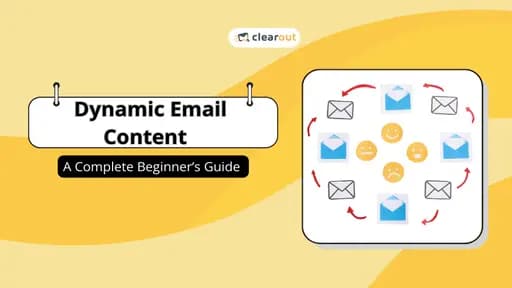
Dynamic Email Content: One Campaign, Many Messages
Dynamic email content swaps out blocks of a single email based on who's reading it, like mail merge on steroids. Use it for local events or product recommendations based on past purchases. The footgun: it fails with bad data, sending nonsensical messages.
Figma Dev Mode: Visually Diff Your UI
Treat UI changes like a code diff. Figma's Dev Mode lets you visually compare component versions side-by-side or as an overlay. This helps you see exactly what changed between handoffs, preventing drift. The footgun is ignoring the code and property diffs.

Email List Hygiene: Quality Over Quantity
Think of list hygiene as pruning a garden: you remove dead contacts so engaged users thrive. This maintains sender reputation with providers like Gmail, ensuring messages land in the inbox.
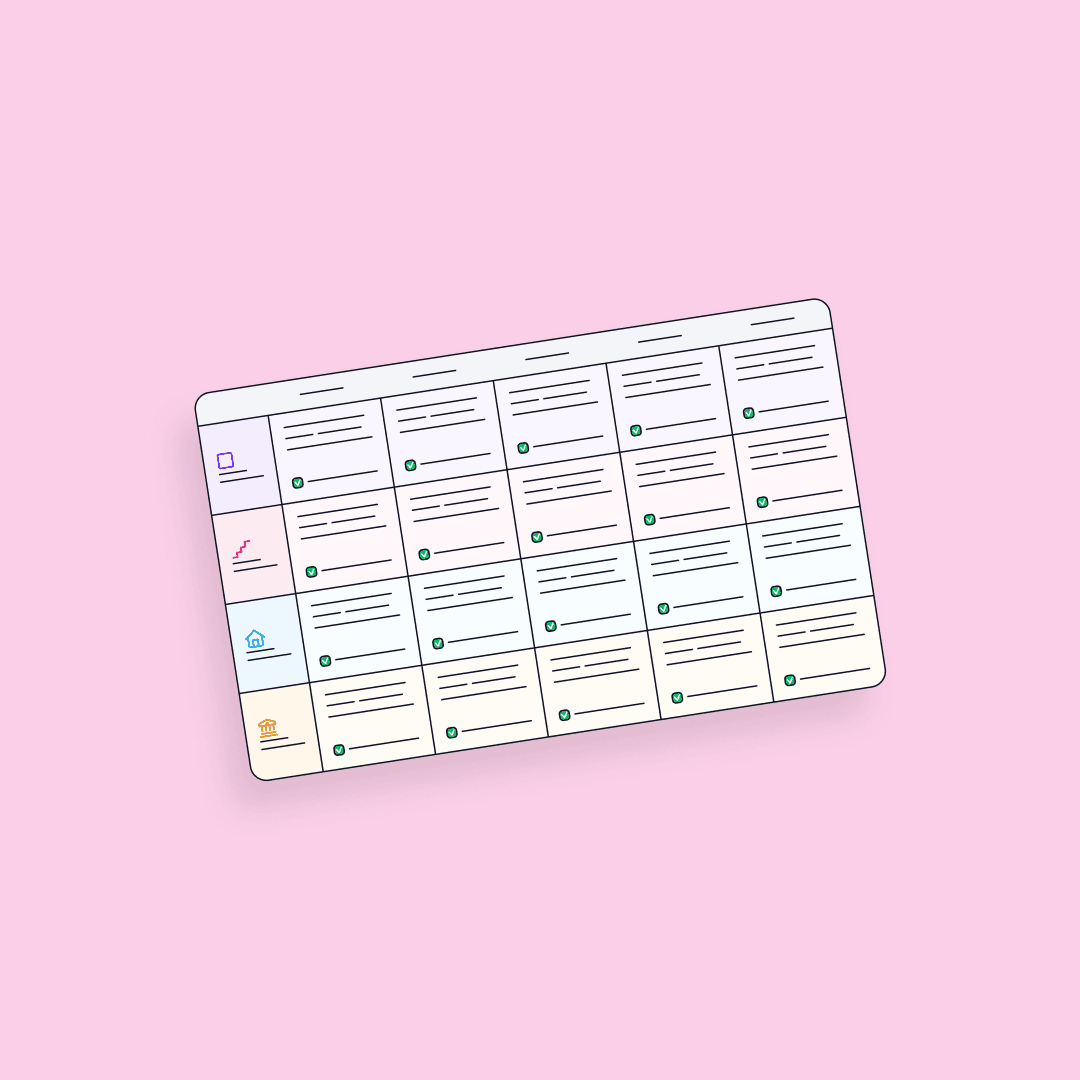
ResearchOps Maturity Matrix: Built for Operations
UX maturity scores insights; ResearchOps maturity scores the factory producing them. Use it to audit governance, participant pipelines, and tooling strategy. The mistake is judging research quality instead of operational infrastructure.
Justifying a Design System with Cost-Benefit Analysis
CBA for a design system isn't a spreadsheet; it's a formal argument weighing upfront costs (dev time) against future benefits (faster shipping). Use it to pitch a new system or justify major components.
Figma's Organization Plan: Structure and Permissions
Think of a Figma Org as a company-wide container for all design work, providing unlimited teams, SSO, and shared libraries. The main footgun: confusing paid seats with permissions. A seat grants product access, but permissions control a user's actions.
Calculating Design System ROI
Frame a design system's value with ROI, not just best practices. This translates abstract benefits like speed and consistency into concrete cost savings, justifying the large upfront investment to management. The footgun is assuming its value is self-evident.
Figma Library Analytics: Measure Your Design System's Impact
Treat your design system like a product by measuring its adoption. Figma's Library Analytics shows which components and styles are actually used, guiding decisions on what to build, improve, or deprecate.

Lead Time for Changes: From Commit to Production
Lead Time for Changes measures the time from a developer's commit to that code running in production. It's a core DORA metric for assessing DevOps velocity. The key footgun is confusing it with 'Lead Time,' which tracks from idea to delivery.
Private Plugins: Internal Tools, Not Public Apps
Private Figma plugins are internal tools, not public apps, built for your team's eyes only. Use them to connect to internal APIs or automate workflows with a private design system. The footgun is building one when a simpler script would suffice.
RITE Method: Rapid Iterative Testing and Evaluation
RITE treats usability as a rapid feedback loop: test, evaluate, iterate. Championed in Microsoft game development, it suits teams shipping interactive products fast.
Figma: Order Matters in Chained Actions
Think of Figma actions as a script running sequentially on one trigger. This lets you build complex logic, like updating a variable and navigating based on its new value. The footgun: order is critical, as actions execute top-to-bottom.

Deprecation Telemetry: Data-Driven Component Removal
Deprecation telemetry turns removal from a guess into a plan. It's about tracking component usage in code and design files to see who's affected before you delete anything. The footgun is assuming a component is unused, only to break a silent consumer.
Dynamic Creative Optimization (DCO)
Dynamic Creative Optimization (DCO) is a technology for programmatic advertising. It allows advertisers to automatically optimize the performance of their creative content using real-time systems, rather than serving a single static ad.
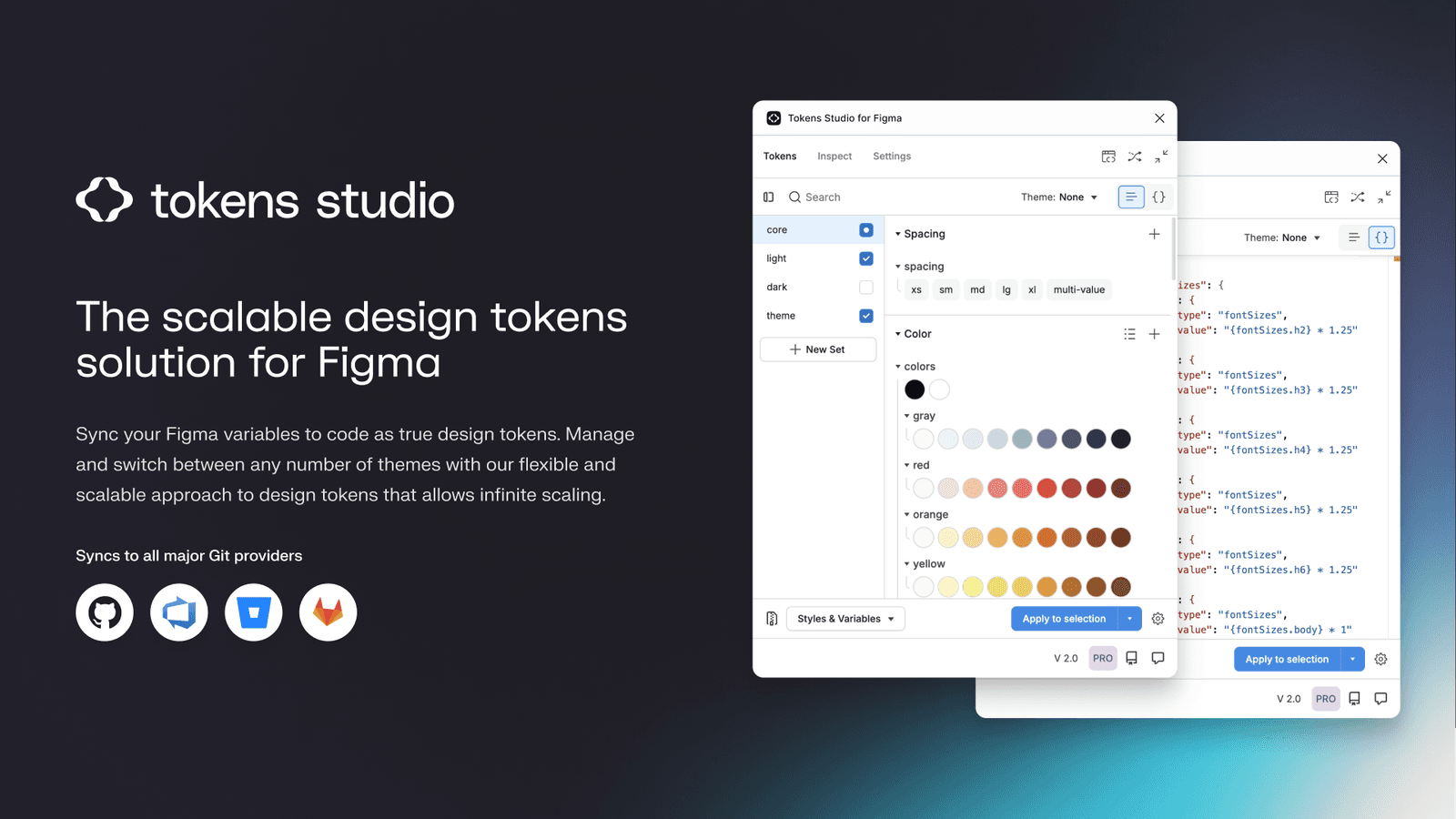
Tokens Studio: Git-Backed Design Tokens in Figma
Tokens Studio treats design tokens like code, using a Git repo as the single source of truth instead of a Figma file. It syncs tokens across files and bridges the gap to developer workflows, enabling a true single source of truth for your design system.
Long-Term Support (LTS): Stability Over New Features
LTS is a promise of stability for a specific software version, trading new features for long-term bug fixes and security patches. It's crucial for production systems like Node.js or Ubuntu. The footgun is assuming all bugs get fixed, not just critical ones.
Target CPA Bidding: Automate Bids to a Target Cost
Target CPA bidding tells Google Ads, "I'm willing to pay this much on average for a customer action." It automates bids to get as many conversions as possible at your target price. The footgun: individual conversions can cost more than your target.
Figma Codegen: Turn Designs into Framework-Specific Code
Figma codegen plugins are custom translators for Dev Mode, turning designs into framework-specific code. Use them to generate React components or extract i18n strings.

Design System Versioning: One Package or Many?
Do you version your design system as one big package or as many small ones? The first ensures consistency, the second offers flexibility. This choice impacts how product teams consume updates.
We are hiring for this. Every open role lists the topics its interview covers, so you can prepare for the real thing rather than guessing.
See open roles