Intermediate concepts in Design & UX, page 5
Accessibility Linters: Automate Compliance in Your Design System
An accessibility linter is like a spellchecker for WCAG compliance, automatically flagging component errors like bad contrast or missing labels. It runs in CI/CD to catch bugs early, preventing them from propagating. The footgun: it can't catch everything.
Figma Interactive Components: Prototype Smarter
Interactive Components build prototype logic directly into your component variants. Instead of wiring up hundreds of frames for a form, you define interactions like 'On Click' or 'Hover' once, and every instance inherits them.
Preserve Scroll Position: Seamless Figma Prototypes
Preserve scroll position makes Figma prototypes feel real by remembering where a user scrolled, even after navigating away. It's essential for long lists or maps. The footgun: if scrollable layers aren't identically named and structured, the position resets.
The Rule of One: One Idea, One Message
Stop listing every feature. The Rule of One focuses your entire message on a single, compelling idea to cut through the noise. Use it for landing pages or ads to be persuasive, not overwhelming.
Content Analysis: Study Texts Without Interference
Content analysis extracts patterns from existing artifacts without disturbing subjects. Social scientists apply it systematically to speeches, photographs, and essays. The common footgun is treating it as writing-only and ignoring visual or spoken media.

Risk Reversal: Making the 'Yes' Easy for Customers
Risk reversal shifts the perceived risk of a purchase from the buyer to the seller, making the 'yes' easier. This shows up as money-back guarantees, free trials, or performance promises. The footgun is a mismatched guarantee that can be easily exploited.
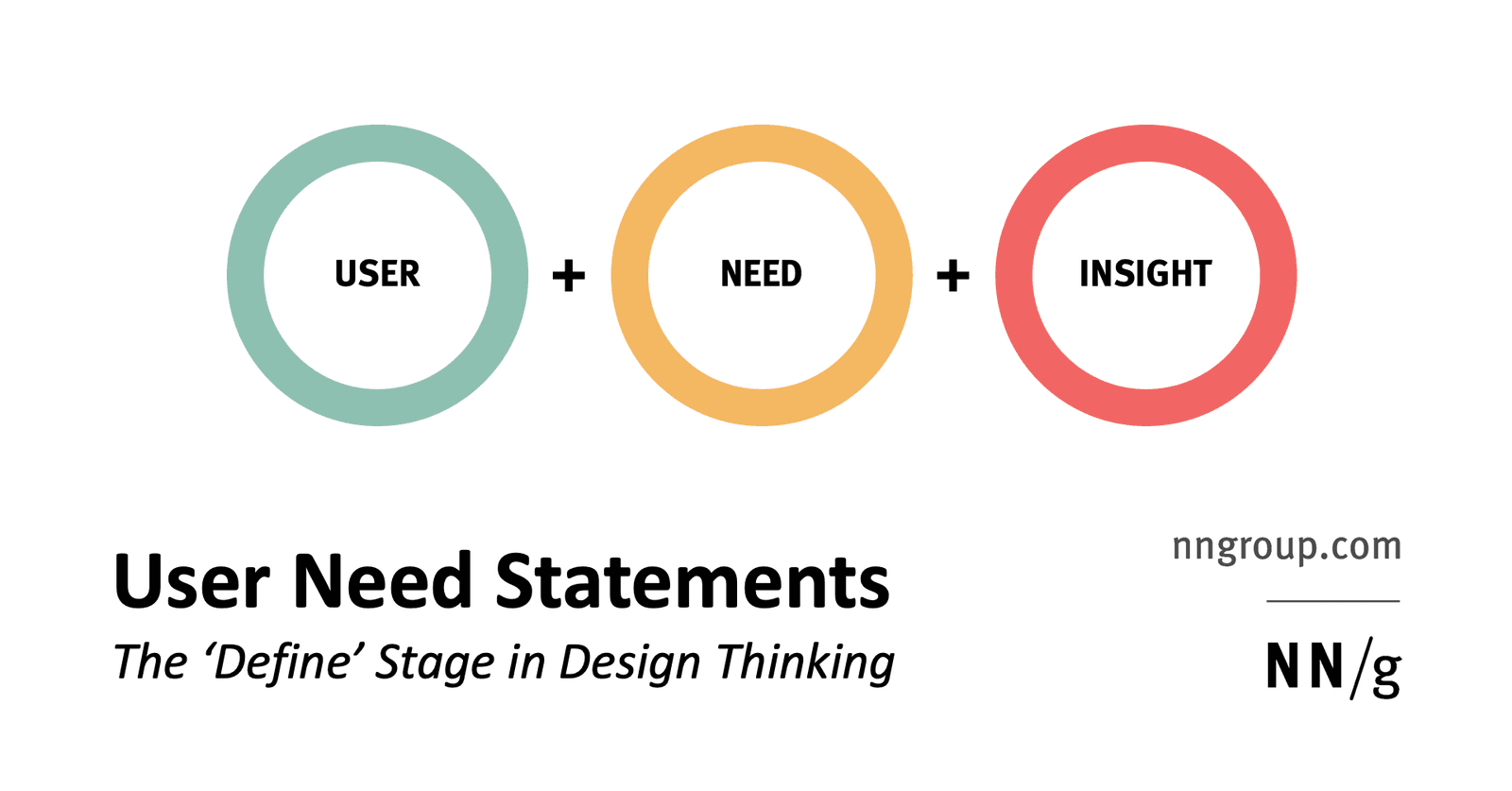
Insight Statements: Frame Problems, Not Solutions
Insight statements frame what users must achieve, not how. Teams use them in design thinking's define stage to align on the right problem before ideating. The footgun is writing solutions like 'needs a dashboard' instead of goals like 'needs to compare'.

The Design System PM: Treating Internal Tools as Products
A Design System Product Manager treats the system as a product, not a project. They define the roadmap and prioritize components for their internal engineering and design "customers."
FUD: Weaponizing Fear, Uncertainty, and Doubt
FUD is a sales tactic that weaponizes fear and doubt to make a competitor's product seem risky. It's used to slow adoption of new tech by spreading negative, often false, information. The footgun is mislabeling any valid technical criticism as FUD.
Mental Model Diagram
A mental model diagram aligns what users think and do, gathered from research, against what a product actually offers, exposing gaps where features are missing or unused so teams build for real behavior rather than assumptions.

Design System Intake Process: The Gatekeeper for Quality
A design system intake process is the formal "front door" for new components, defining how they get proposed, built, and approved. It's crucial for coordinating contributions across teams.
Narrative Analysis: How People Build Meaning
Narrative analysis treats life as an edited story; it reads journals and interviews for the meaning a person constructs, not raw facts. Use it when you need to understand why a belief formed. Never lift a quote from its story; context is the entire signal.
Who Can Change the Button? Design System Contribution Models
A contribution model defines who can change the design system, balancing consistency with evolution. It dictates whether you can fix a typo or must lobby for a new component.
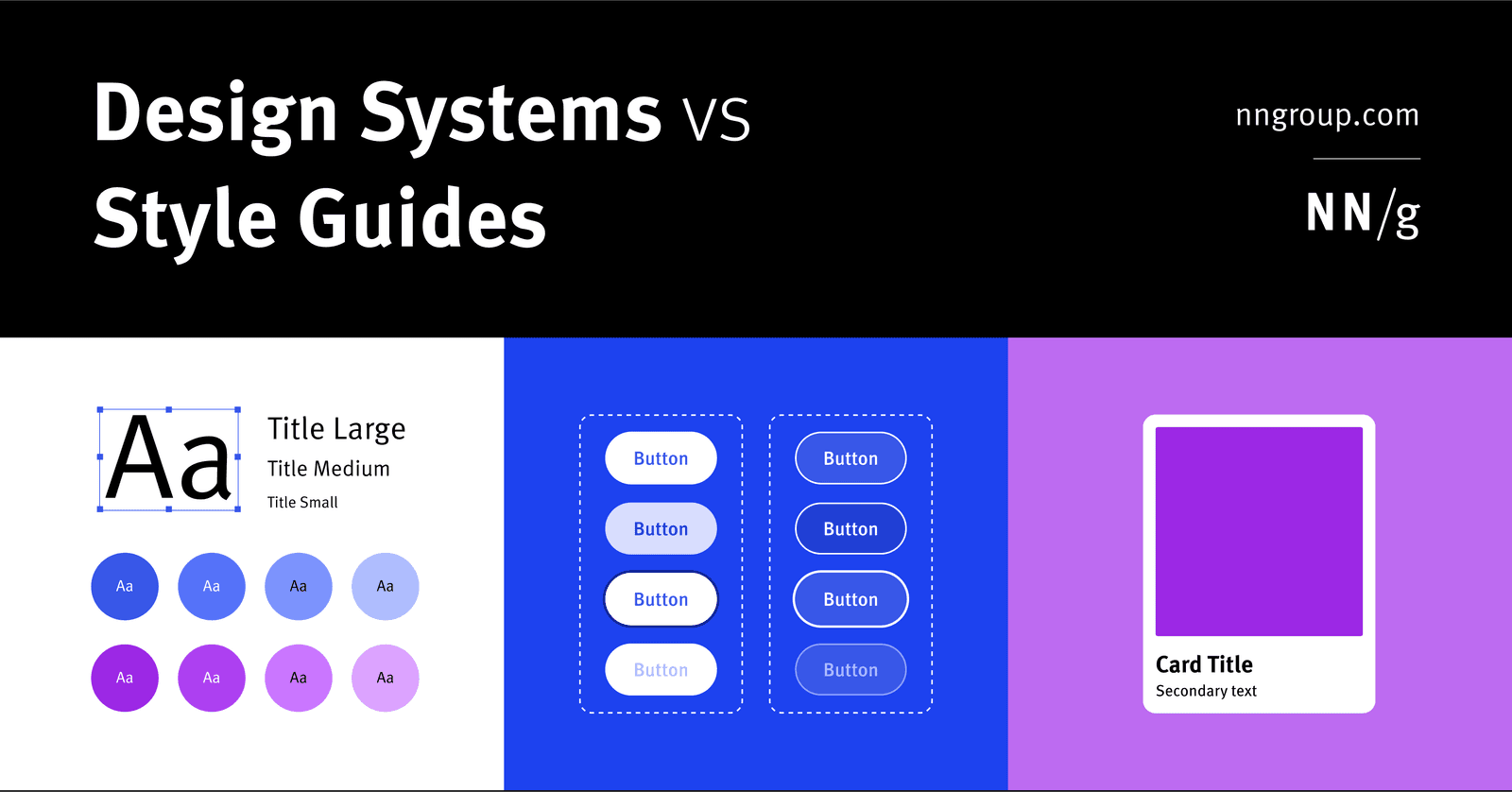
Design System vs. Style Guide: The Parent and the Child
A Design System is the parent; a Style Guide is just one child. The system is a complete toolkit for building products, containing reusable components and code, used by large teams to maintain consistency.
White Papers: Explaining Complexity to Drive Decisions
A white paper is a persuasive essay disguised as a technical report. It educates readers on a complex problem to lead them toward the author's preferred solution. Use it to introduce new tech or establish thought leadership.
Focus Order: The Keyboard's Path Through Your UI
Focus order is the path a user takes through your UI using only a keyboard. It's crucial for accessibility, letting users navigate forms and menus without a mouse.
Breaking Change Policy: Managing API Evolution
A breaking change policy is a contract with your users, ensuring disruptive API changes are predictable, not chaotic. It governs how you alter shared libraries or design systems, like removing a prop, to prevent downstream failures and maintain trust.

Content Brief: The Blueprint for Your Content
A content brief is a short blueprint for a piece of content, ensuring the writer knows exactly what to create. It's essential when working with freelancers or team members to align on goals and format before work begins. Skipping it invites costly rewrites.

Semantic HTML: Use the Right Element for the Job
Think of HTML tags as pre-built components, not just style containers. Using <button> instead of a styled <div> gives you keyboard navigation and screen reader support for free. The biggest mistake is using generic <div>s for interactive elements.

Cornerstone Content: Your Site's SEO Foundation
Think of cornerstone content as your site's SEO pillar: your single most comprehensive article on a competitive topic. It helps you rank for high-value keywords by consolidating authority from related posts.
We are hiring for this. Every open role lists the topics its interview covers, so you can prepare for the real thing rather than guessing.
See open roles