Easy concepts in Design & UX, page 3
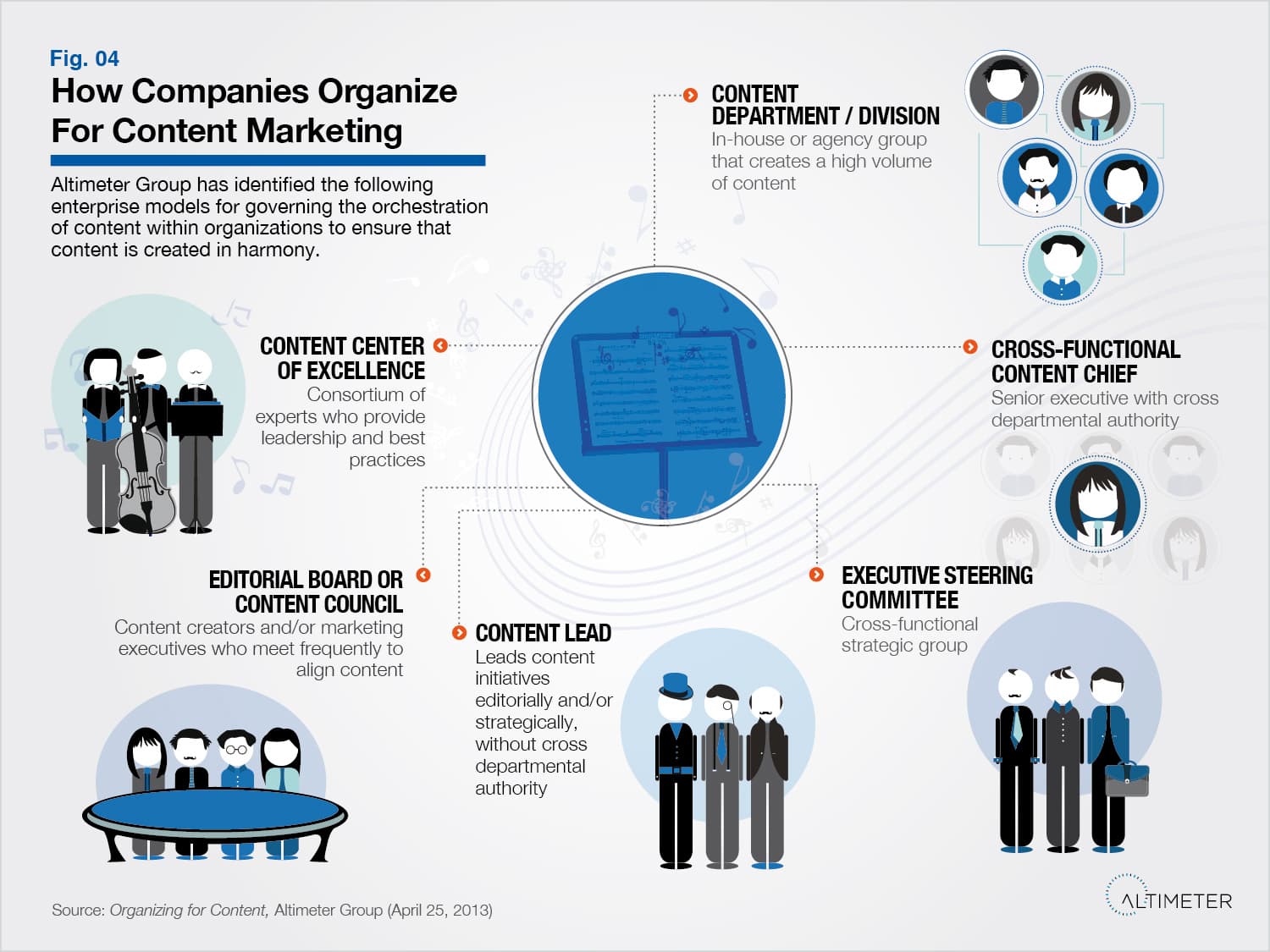
Content Distribution: Getting Your Content Seen
Creating great content is pointless if no one sees it. Distribution is the engine that delivers your work to a target audience, used to attract leads and build brand loyalty. The biggest mistake is treating distribution as an afterthought to creation.
Think Aloud Protocol: Hear Your User's Inner Monologue
See your product through a user's eyes by having them narrate their thoughts live during a task. It's used in usability testing to uncover confusion, mismatched expectations, and the "why" behind clicks.
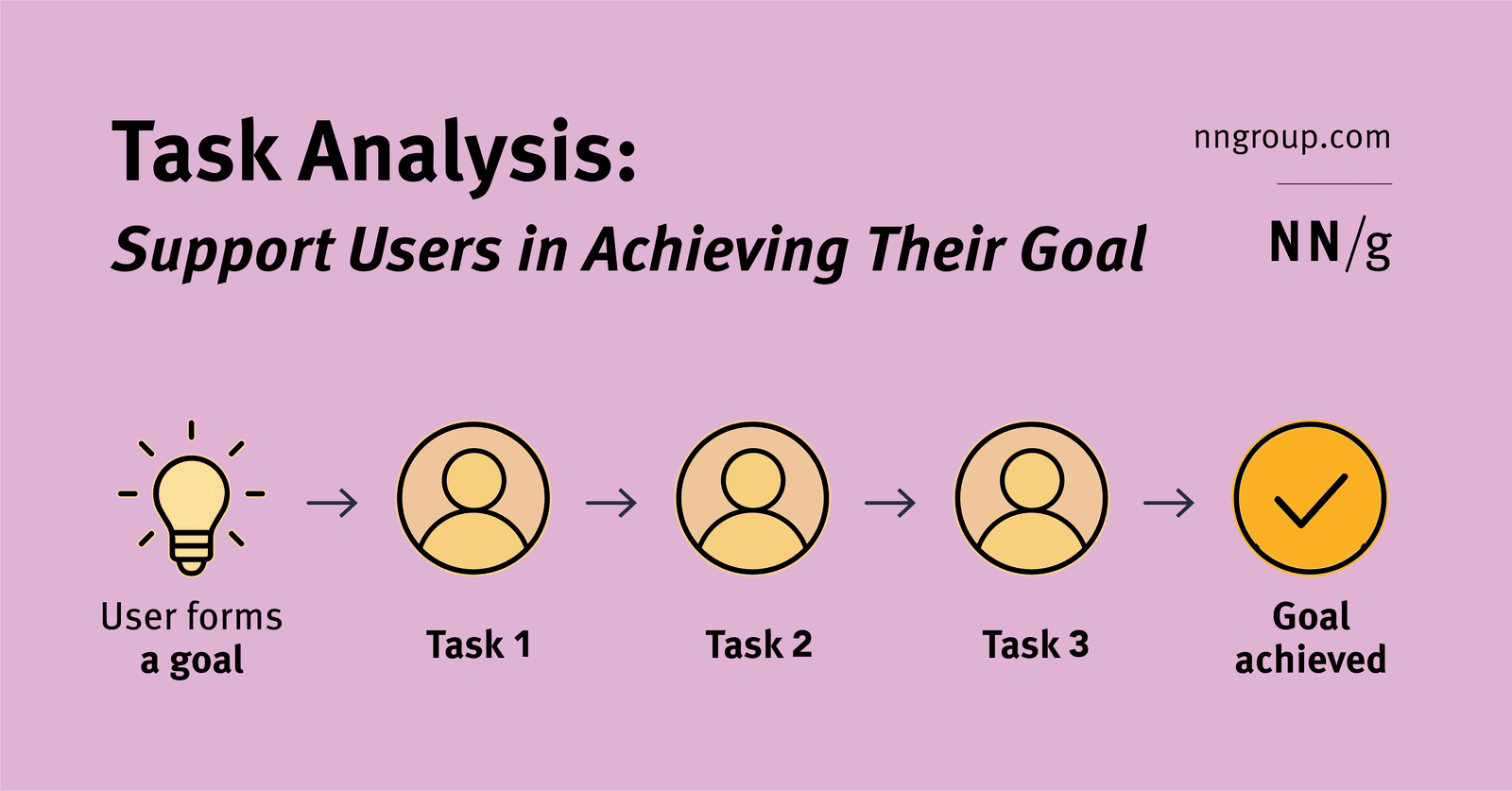
Task Analysis: Mapping User Goals to Actions
Task analysis maps the specific actions (tasks) a user takes to achieve their larger objective (goal). It's used to ensure a product actually helps users, not just creates busywork. The key mistake is designing for the task instead of the user's true goal.
Figma Team Libraries: A Single Source of Truth
Think of a Figma Library as a shared box of official LEGOs for your team. It ensures everyone uses the same approved components, styles, and variables, keeping designs consistent. The biggest footgun is forgetting to publish changes to the main components.

Storybook: A Workshop for Isolated UI Components
Storybook is a workshop for building UI components in isolation, separate from your app's business logic. It's ideal for developing edge cases and documenting a design system.

Package Publishing: Sharing Your Code with the World
Publishing a package is like adding a book to a public library, making your code reusable with one command. It's essential for sharing design system components or utilities. The footgun: accidentally publishing secrets or making a private package public.
Search Intent: What a User Really Wants
Search intent is the 'why' behind a search query, not just the 'what'. It's essential for SEO and conversion optimization, revealing if a user wants to buy, learn, or navigate. The footgun is matching keywords but ignoring the user's actual goal.

Title Tags: Your Page's Clickable Headline on Google
A title tag is your webpage's clickable headline in search results, acting as its first impression. It appears on SERPs, browser tabs, and social media, helping users and search engines understand your content and boosting click-through rates.
Figma Components: Main vs. Instance
Think of a main component as a cookie cutter and instances as the cookies. The main component defines the master design (e.g., a button's shape). Instances are linked copies you use everywhere.

Meta Description: Your Sales Pitch on Google
A meta description is the ~155-character sales pitch for your webpage in search results. It's your chance to convince a user to click your link over others. The footgun: Google may ignore it and show a different snippet if it better matches the query.

Likert Scale: A Ruler for Opinions
A Likert scale turns subjective feelings into data by asking users to rate their agreement with a statement on a balanced scale. It's used in UX surveys to gauge attitudes.

HTML Header Tags: More Than Just Big Text
Header tags (<h1>-<h6>) are your page's skeleton, creating a navigable outline for users and search engines. Use a single <h1> for the main title, then nest <h2>, <h3>, etc., for sections.
CSAT: Measuring If You Met Customer Expectations
CSAT measures if your product met a customer's expectations for a specific interaction. It's used to evaluate experiences like a support call or purchase, giving a direct pulse check on service quality.
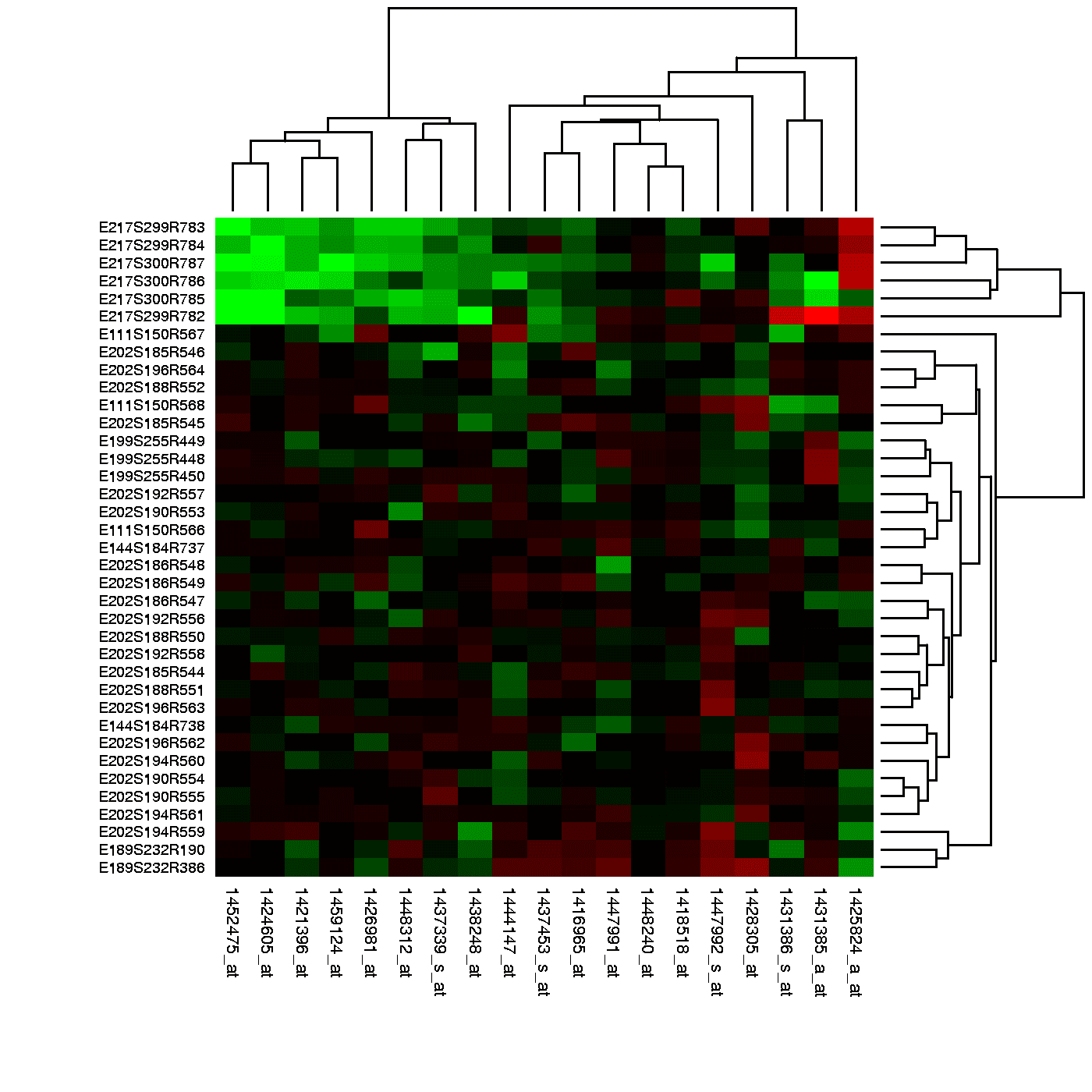
Heatmaps: Visualizing User Attention
Think of a heatmap as a weather map for your app, showing 'hot' spots of user clicks and 'cold' spots they ignore. It reveals if users are clicking key buttons or getting distracted. The footgun: a hot spot can mean rage-clicks, not just engagement.
WCAG Conformance Levels: A, AA, and AAA
WCAG levels are a tiered rating for web accessibility. Level A is the minimum, AA is the widely accepted standard, and AAA is the highest. This helps teams set clear, testable goals. The footgun: don't require AAA for an entire site, as it's often impossible.
Keyboard Focus Order: Navigating by Tab
Keyboard focus order is the path a user takes through your UI using only the Tab key. It must follow a logical sequence that preserves meaning, especially in forms and modals. The footgun is when CSS creates a visual layout that diverges from the HTML.

Image Alt Text: What Screen Readers Say About Pictures
Alt text tells screen readers what to say when an image can't be seen. For a photo, describe the scene. For a button, describe its action ("Submit form"). For pure decoration, use an empty alt="" to tell screen readers to skip it.
Figma Prototype Scrolling: Simulating Overflow
Think of a frame as a window onto your content. To make it scroll, the content must be larger than the window. Use this for long pages, image carousels, or to fix navbars. The biggest footgun: if content doesn't extend beyond the frame, there's nothing.
The Lede: Hook Your Reader in the First Paragraph
The lede is your opening paragraph's promise, telling the reader what the piece is about and why they should care. It's crucial for delivering the main idea upfront in articles or docs. The biggest mistake is 'burying the lede'—hiding the key takeaway.
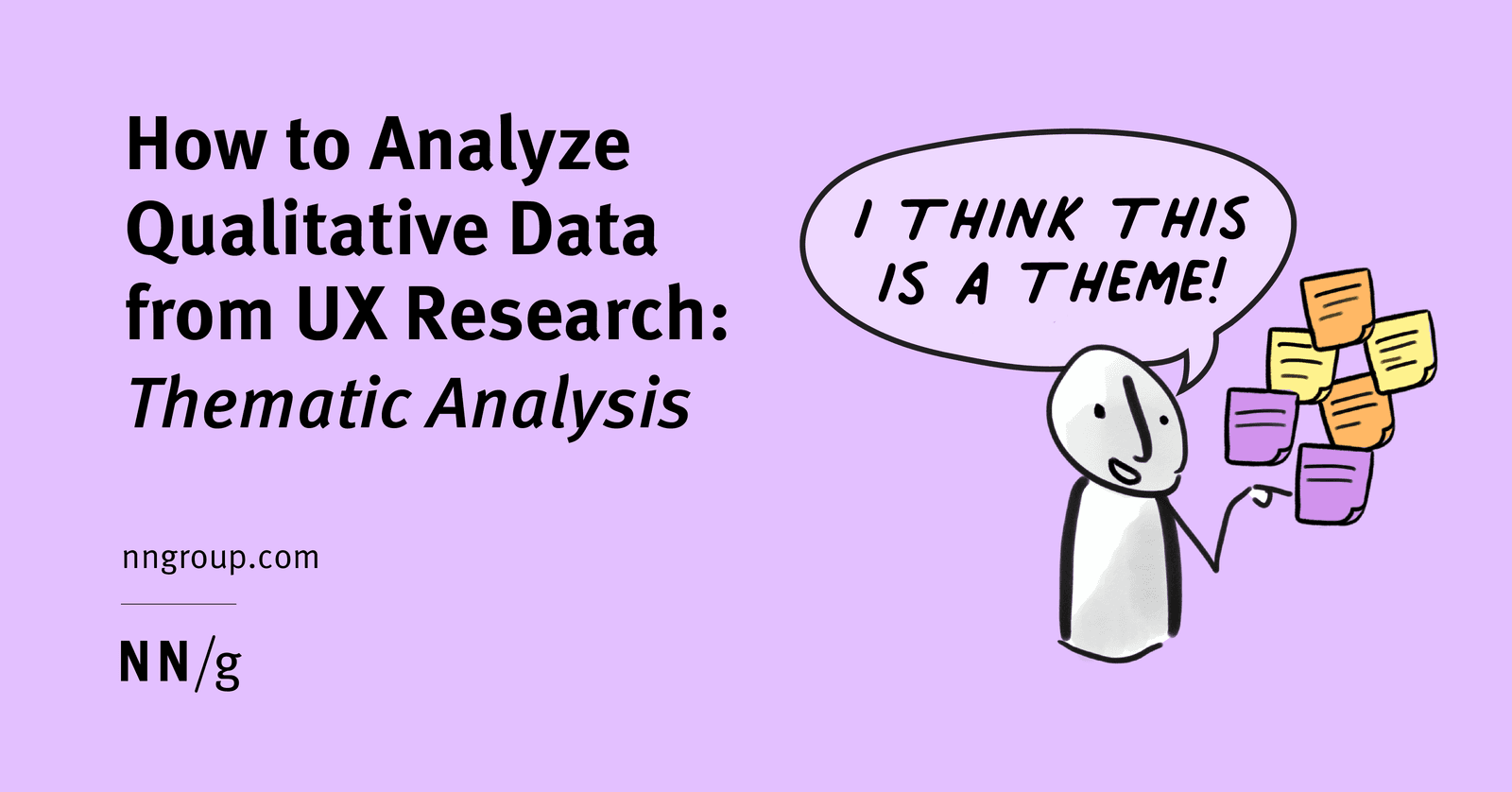
Qualitative Coding: Turning User Chatter into Actionable Themes
Think of thematic analysis as creating a tag cloud for user interviews. It groups raw feedback into meaningful patterns, turning noise into signal. Used after interviews to make sense of transcripts, the biggest mistake is just describing what users said.
We are hiring for this. Every open role lists the topics its interview covers, so you can prepare for the real thing rather than guessing.
See open roles